Making short videos to promote music is honestly exhausting. If you make beats, write songs, or run an aesthetic anime page on TikTok, you know exactly what I mean. You finish a track, you're super hyped about it, and then you realize: Oh wait, now I have to make a dozen clips for this or the algorithm won't even show it to my friends.
I spent almost a whole night last week looking for a decent free lyric video maker because I was absolutely not about to open Premiere Pro at 2 AM just to drag text layers around a timeline.
The problem is, most tools you encounter when searching for a lyric video generator ai free option can be a bit frustrating. They often rely on generic, cookie-cutter templates that slap your words over a random, blurry background of stock footage—like a highway at night or rain on a window. People on social media swipe past that in half a second.
So, I started looking into tools that actually let you build visual concepts around the actual words you wrote. Here is how an ai music video generator from lyrics actually works when you're trying to build a solid storyboard that doesn't look cheap.
What Happens When You Just Dump Text Into the Engine?
Normally, if you use standard AI video tools, they don't really get the narrative flow of a song. You give it a single prompt, it gives you a cool 4-second clip, but it has no continuity, and your character looks completely different in the next shot.
I was messing around with SoulVid because the workflow there is pretty straightforward—it moves in a clean line from asset setup to storyboard editing, so you don't have to constantly jump between multiple tabs.
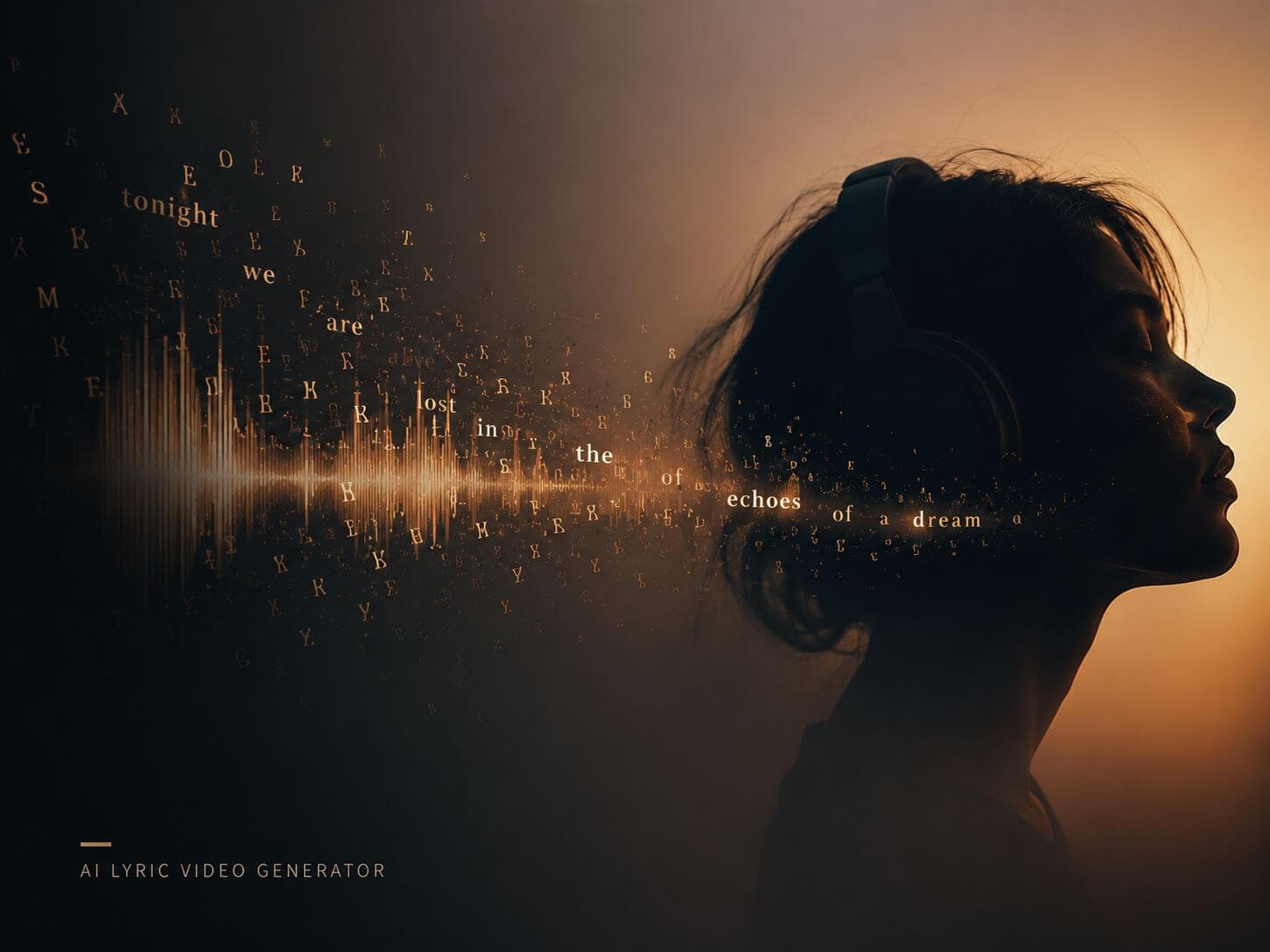
The way it handles text is actually pretty smart. Instead of making you write a million different prompts for every single scene, you paste your lyrics directly into the box. The tool analyzes the lines and generates a visual storyboard based on the mood and themes of your words.

When your lyrics shift themes or move from a verse into a heavy chorus, the system helps you break down the narrative into separate visual blocks. It maps everything out visually into scene cards before you even hit render.
If you have sections with no words—like an instrumental bridge or a guitar intro—you can easily manage those gaps so the visual flow stays consistent. It's a lot easier than manually cutting clips to match a waveform, which usually gives me a headache after an hour.
Keeping the Characters from Glitching Out
If you've messed around with AI video at all, you already know the biggest pain point: character consistency. You generate one scene, and you get an anime girl in a school uniform. You generate the next scene, and suddenly her outfit changed, her hair is a different color, or the art style completely shifts. It instantly breaks the immersion.
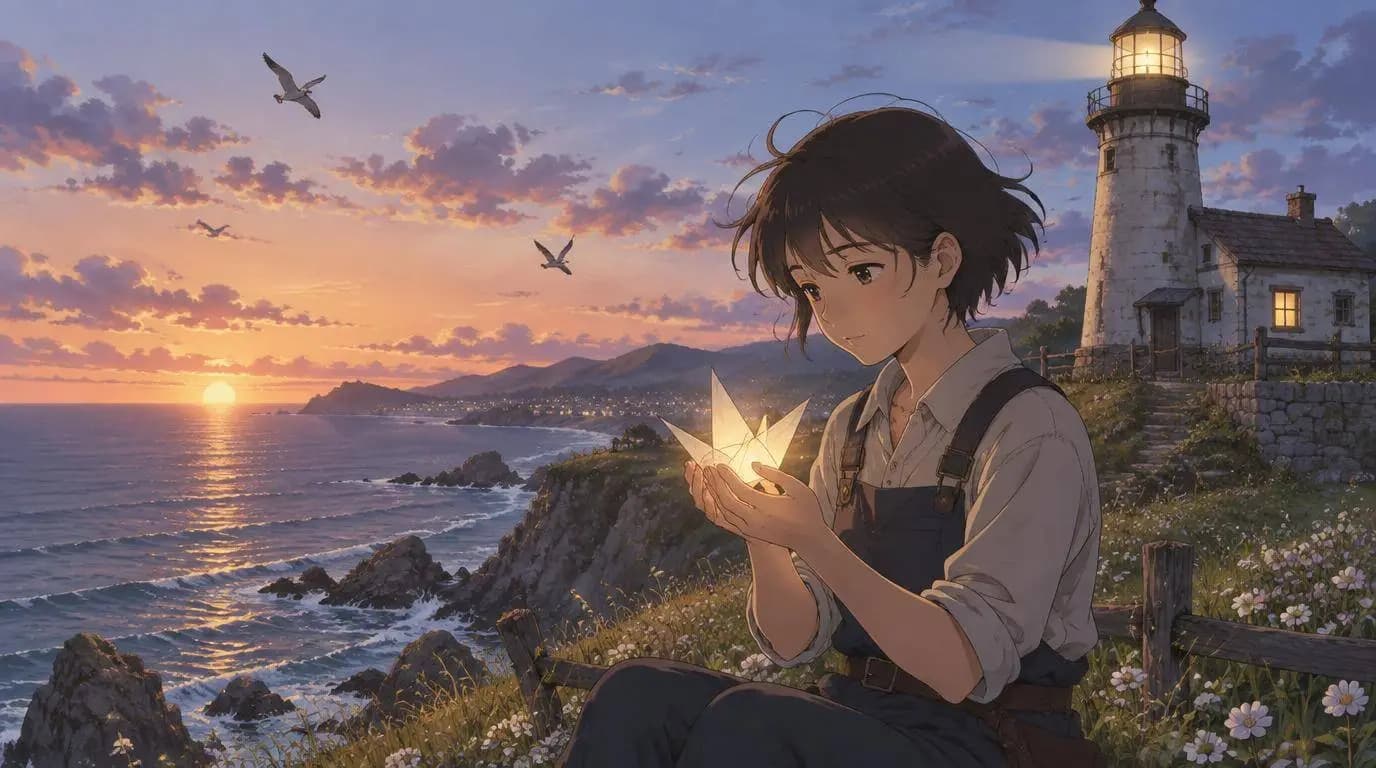
The way around this—and what works well in the SoulVid setup—is that you lock in your visual style and assets upfront before you start processing the lyrics. If the character and anime world matter more than on-screen lyric timing, start with the Anime Music Video Generator.
You tell the system right from the start: "Hey, I want a clean, lo-fi anime style with warm sunset lighting." Once you establish that aesthetic anchor, it applies that consistent look to every single scene card it generates from your text. The characters might still have tiny AI variations, but the entire sequence actually feels like it belongs in the same universe, which is huge if you're trying to tell a quick story in a 30-second Short.
Quick Tips for Storyboarding and Exporting
Once the storyboard is generated, you can click through the cards and see how your lyric lines line up with each image block. If one shot looks a bit off or didn't quite catch the metaphor of your lyrics, you don't have to scrap the project. You can just click that specific card, tweak the prompt text, and regenerate that single scene without messing up the rest of your video.
When you're happy with the visual flow, you can choose the exact format that fits your distribution plan:
- 9:16 Vertical — Perfect for TikTok, IG Reels, and YouTube Shorts.
- 16:9 Widescreen — Ideal for full YouTube drops or embedded video players.
- 1:1 Square — Great for standard Instagram grid posts and feed layouts.
It simply takes the tedious cutting and manual asset mapping out of the equation. It's not going to replace a high-budget production studio, but if you just need a clean, highly stylized anime music video concept to put on your page tomorrow so your new track gets the visual content it needs, it absolutely gets the job done.
If you're stuck on your next release and your hands are cramping from manual video editing, go check out SoulVid and throw some text at it to see what kind of storyboard it cooks up. It's way better than staring at a blank timeline.