
 ▶
▶SoulVid AI Music Video Generator Conduct Your Music in Motion
Upload a track or generate music, then guide SoulVid in chat to turn rhythm, lyrics, and mood into a cinematic music video.
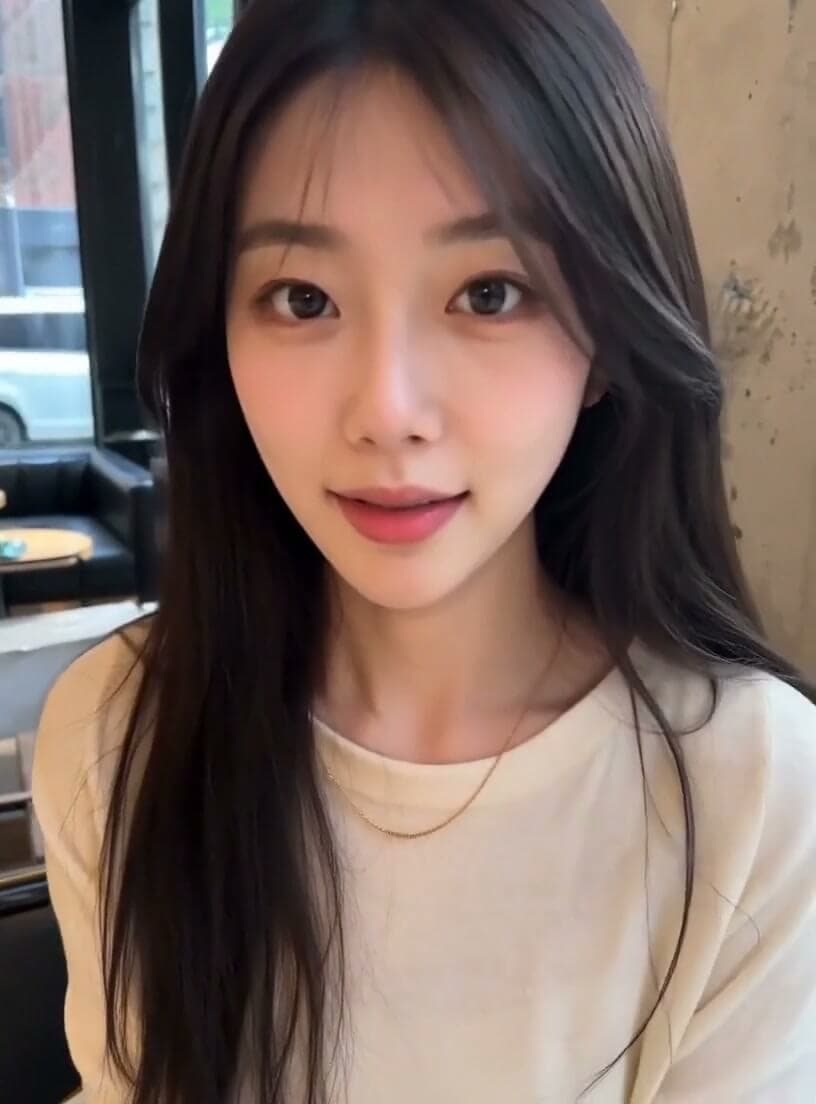
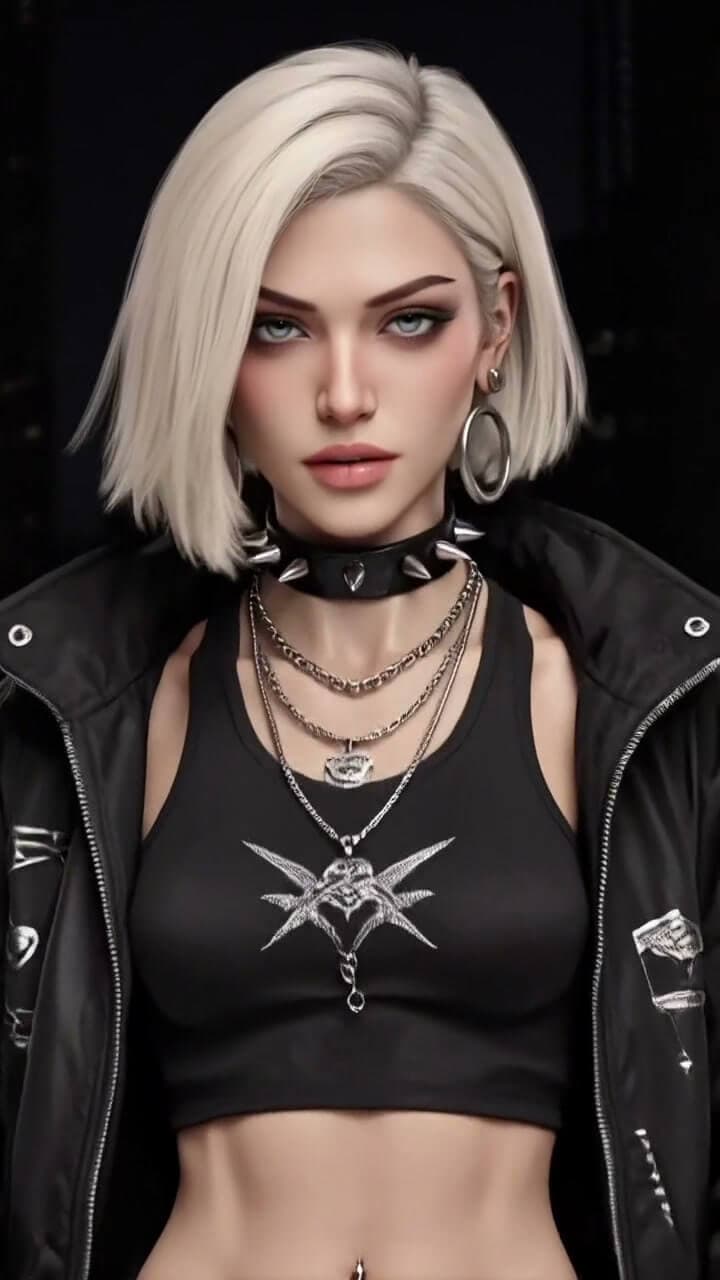
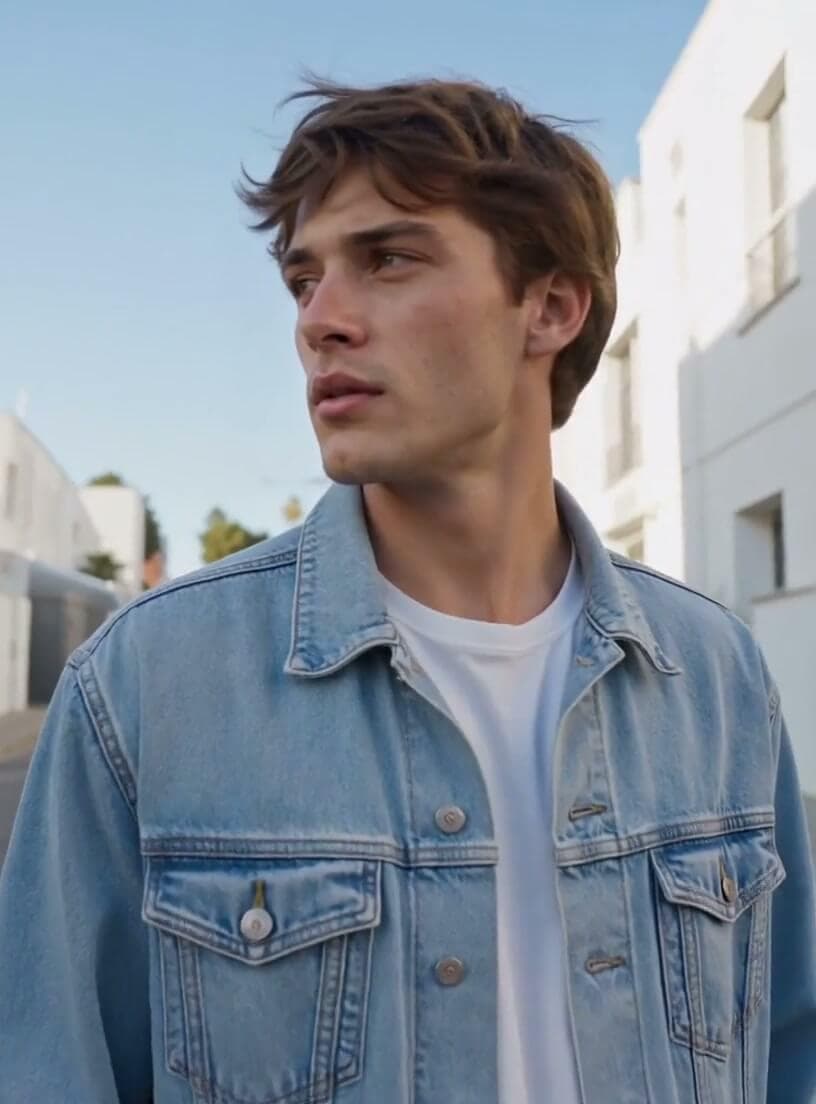
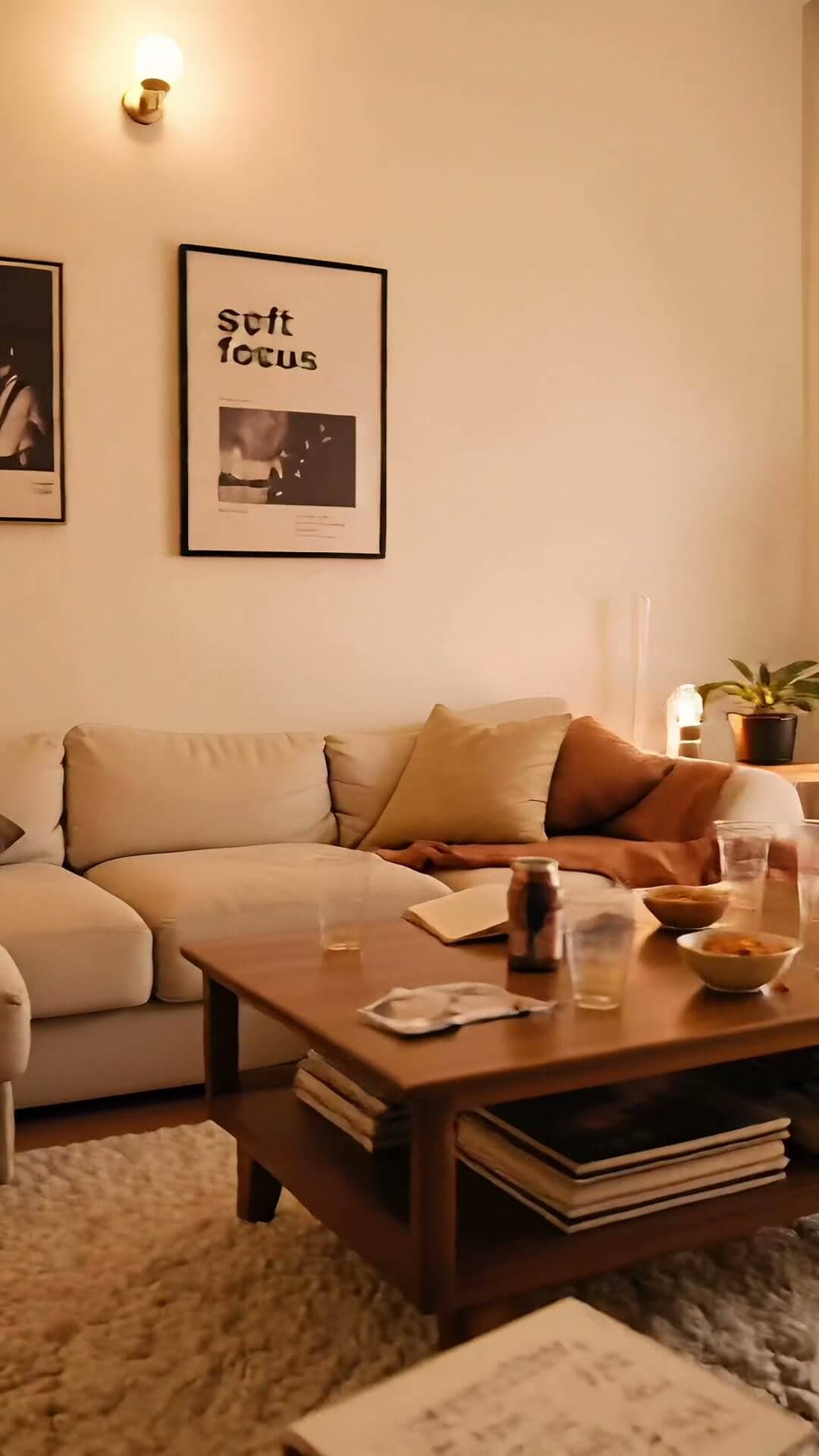
Visual directions for every kind of track
Preview how different moods, genres, and hooks can shape the look of a full music video.
Built for music-led video creation
Turn rhythm, lyrics, and creative direction into scenes that follow the structure of the track.
Make rhythm visible
Map downbeats, drops, transitions, and quiet sections into pacing cues for camera motion, scene changes, and lyric moments.
Direct the MV in chat
Describe mood, camera language, color, characters, and shot energy without building a complex multi-track timeline first.
Keep the idea coherent
Carry visual motifs, characters, and lyric-inspired imagery across verses, hooks, bridges, and final export formats.
Your 4-step intelligent MV workflow
Move from music input to visual direction, generated scenes, and export-ready formats.
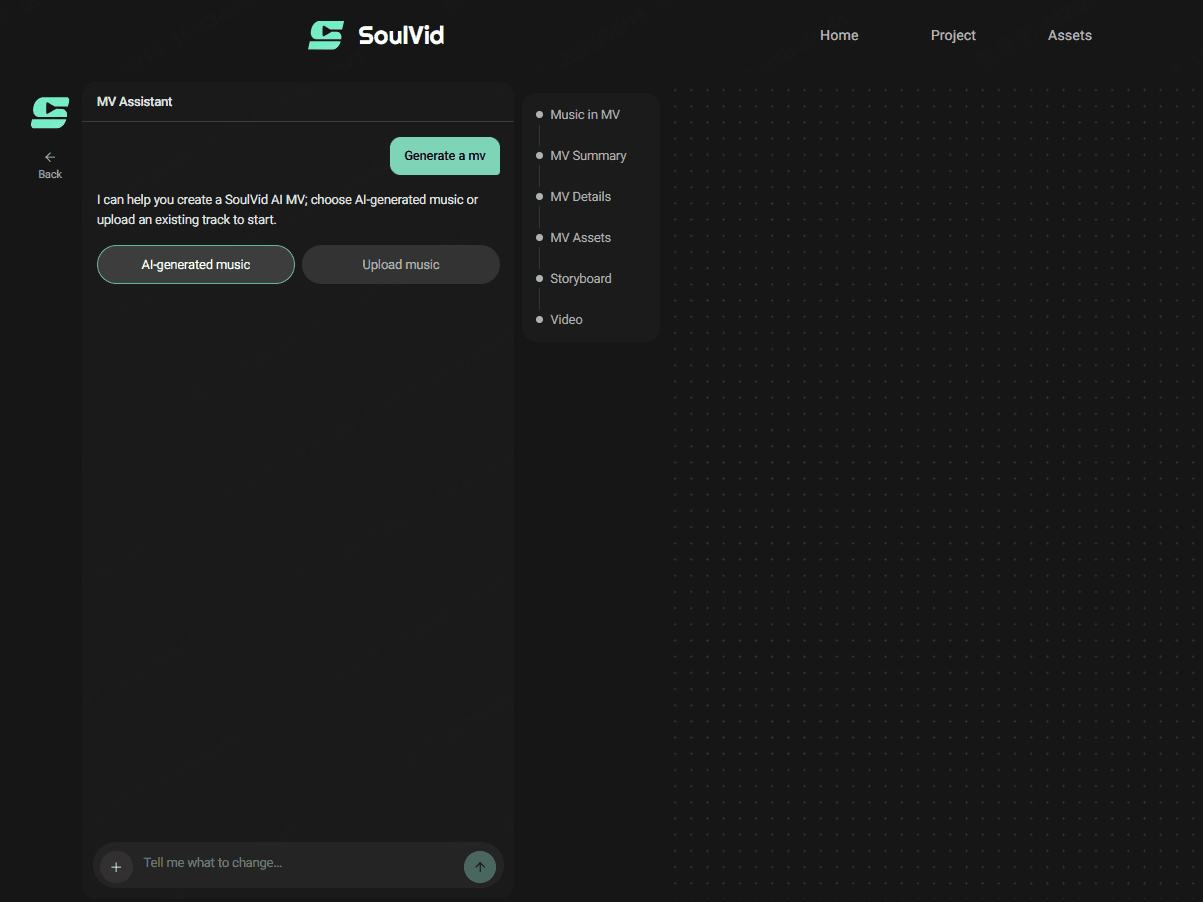
Choose AI-generated music or upload an existing trackStart from generated music, an MP3, WAV, instrumental, demo, or finished song so SoulVid can anchor the MV around the actual sound.
Why Choose SoulVid — AI Music Video Generator for Creators
Plan, direct, generate, and polish a music video without leaving the creative flow.
Beat-aware pacing and transitions
Use song structure as the creative timeline so visual intensity can rise, pause, cut, and resolve with the track.
Promptable motion and shot energy
Shape push-ins, orbit shots, slow drifts, fast cuts, close-ups, and stage-like reveals from the same creative direction.
Presets for genre and mood
Move from neon cyberpunk to analog film, lo-fi city pop, surreal ambient, or high-contrast cinematic looks without restarting the project.
Consistent motifs across the song
Keep characters, symbols, lyric imagery, and environments connected across separate musical sections.
More resources for AI music video creators
Continue with practical guides and comparisons for planning, prompting, and producing AI music videos.
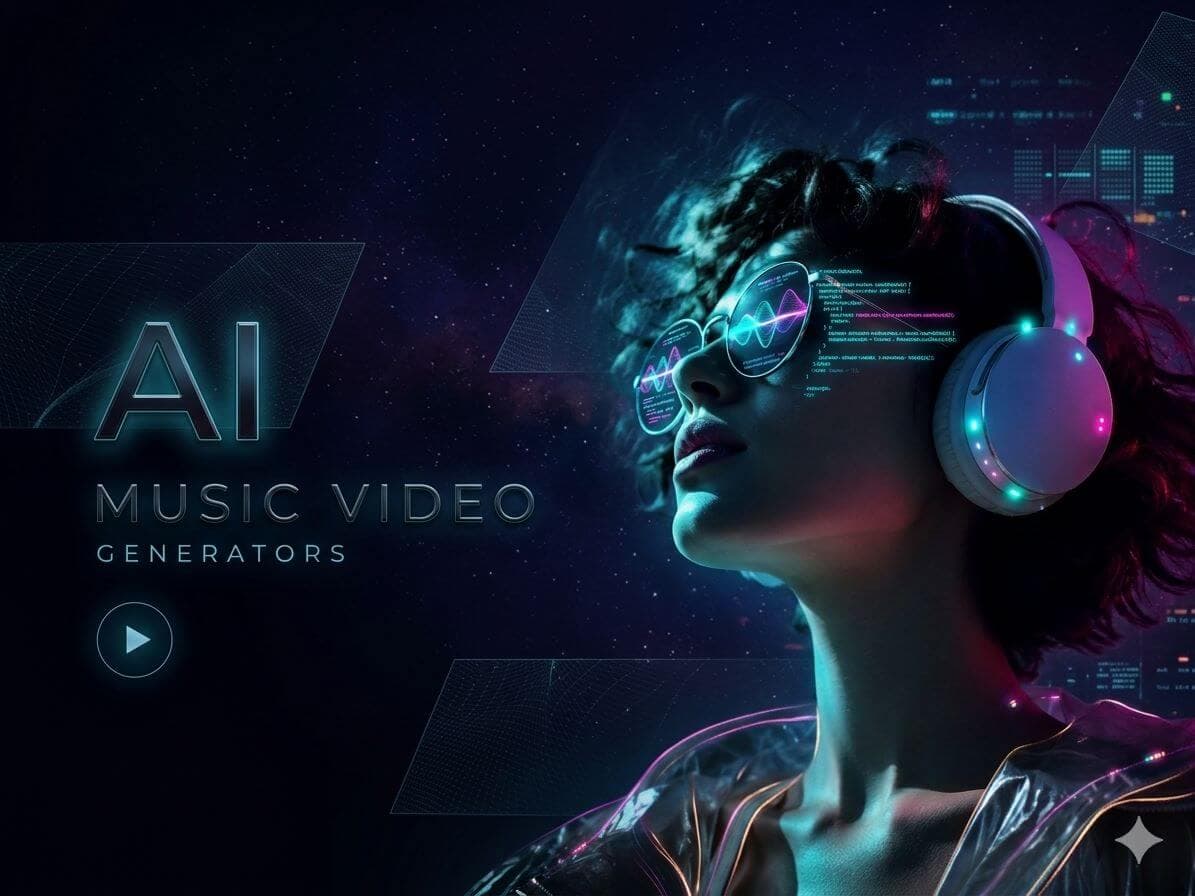 5 Best AI Music Video Generators for Social Media (2026)The best AI platforms for creating social media music videos. Compare InVideo, Kaiber, Vidnoz, Revid, and SoulVid for TikTok, Reels, and Shorts.
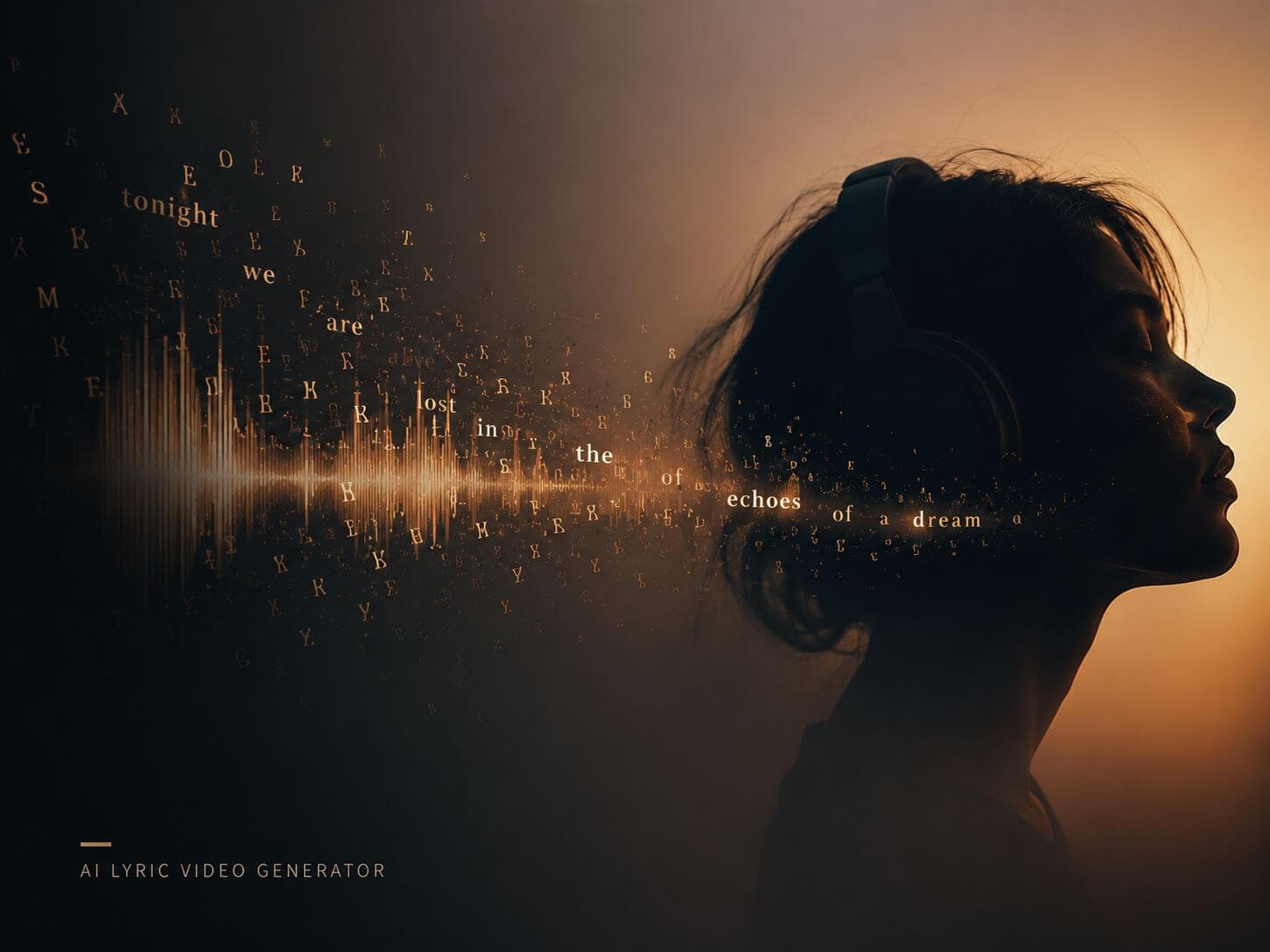 Honest Review: Can AI Really Make Good Videos from Just Lyrics?How AI lyric video generators work. Turn your lyrics into visual storyboards with character consistency and clean anime aesthetics.
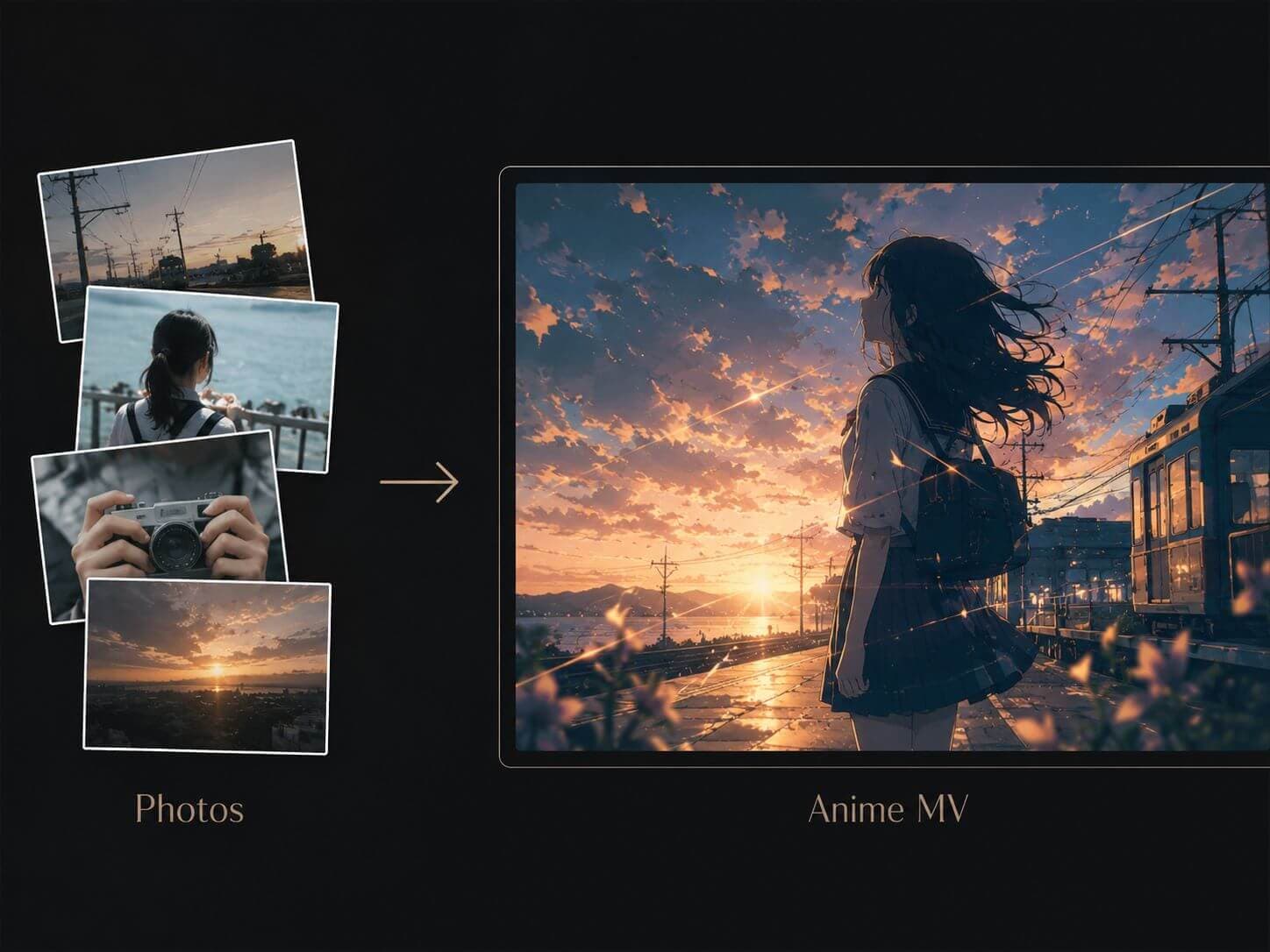 How to Make a Video with Photos and Music: AI Anime MV GuideLearn how to create videos from photos and music using AI. A clean workflow for turning images, music, and anime-style visuals into consistent social media MVs.
AI music video generator questions
How can I make an AI music video from a song?
Upload a song or start with AI-generated music, then describe the mood, lyrics, pacing, and visual direction you want. SoulVid uses that brief to help plan storyboarded music video scenes around the track.
Can SoulVid turn lyrics into video scenes?
Yes. Paste your lyrics and describe the story, character, style, or key lyric moments. SoulVid can turn those details into scene ideas for a lyric video, anime-style MV, song promo, or social media clip.
What inputs can I use for an AI music video?
You can start with a song, lyrics, a mood brief, visual references, or a short creative direction. The stronger the music and visual brief, the easier it is to keep the final video concept coherent.
How is SoulVid different from a generic AI video generator?
Generic AI video generators often create isolated clips from one prompt. SoulVid is built around a music video workflow: music input, chat-based direction, storyboard planning, scene generation, revision, and export preparation.
Can I make short-form music videos for TikTok, Shorts, or Reels?
Yes. SoulVid can help plan music-led videos for vertical social formats as well as wider release formats, using the same song, lyric, mood, and visual direction.