


AI Drama Generator for Multi-Scene Story Videos
Create more than a 10-second AI clip. Turn a story idea, script, or novel chapter into a vertical short drama with hooks, connected scenes, character continuity, storyboards, captions, and video generation in one workflow.
Make a drama episode before you spend credits on video
SoulVid gives creators a visible story plan first, so you can fix weak hooks, missing scenes, and character gaps before rendering the final video.

Built for creators who need more than a single AI clip
Short-drama viewers expect a hook, a reversal, and a reason to keep watching. SoulVid helps shape those beats before the video is generated.
Multi-scene episodes
Break one premise into a structured sequence instead of a single AI clip.
Create Your AI Drama
Character relationships
Keep secrets, betrayals, alliances, and emotional stakes visible across the episode.
Create Your AI Drama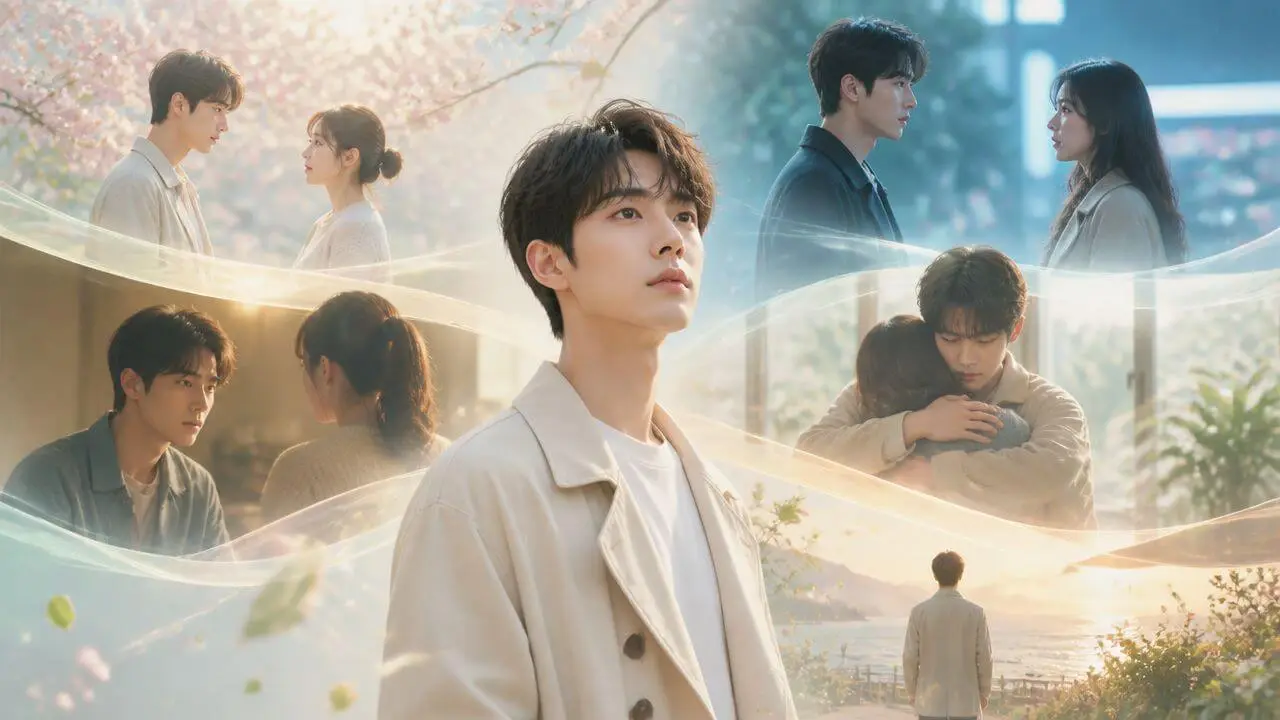
Plot twists and cliffhangers
Design the reveal, reversal, or final hook that makes viewers want the next episode.
Create Your AI Drama
Emotional pacing
Move from cold open to conflict, confrontation, payoff, and cliffhanger without losing the story thread.
Create Your AI Drama
Control the drama before the render starts
Shape the episode while changes are still cheap.

Choose the viewing format
Plan for vertical short drama, widescreen, or square social video before scenes are generated.
Lock the hook and twist
Confirm the cold open, conflict, reveal, and cliffhanger before spending render time.
Check continuity
Review character roles, dialogue, captions, and visual tone before the final generation step.
See the episode as a storyboard, not a guess
A compact scene sheet helps you catch missing context, rushed emotions, and weak transitions before the final video.

00:00-00:06
Opening Hook
Establish location

00:06-00:14
Character Beat
Dialogue and motion

00:14-00:20
Match Cut
Emotion carries over
What the sheet makes reviewable
Scene title and duration
Each beat can carry a clear title and timing, so the episode has a visible rhythm.
Location and characters
Track where the scene happens and which characters appear before rendering the shot.
Action and dialogue
Turn the plot into concrete character movement, spoken lines, and visual direction.
Emotion and continuity
Keep reactions, tension, and story logic connected across multiple scenes.
Why SoulVid works better for short dramas
A drama generator should protect the story, not just create a clip.
Single-clip generator
- One prompt goes straight into a short clip.
- Scene order and pacing stay mostly in your head.
- Character notes are easy to lose between attempts.
- You usually notice gaps after the render.
SoulVid drama workflow
- The hook becomes an episode plan first.
- Setup, conflict, reveal, and cliffhanger are listed as beats.
- Cast, relationship, and visual notes sit next to the storyboard.
- You review weak scenes before spending the final render.
Short drama prompts that start with conflict
Copy a hook, swap in your characters, then let SoulVid expand it into scenes, assets, storyboard, and video.
A fallen billionaire meets his dead fiancee's lookalike on a rainy night. Make it a revenge romance with six scenes.
A masked CEO hides her identity while testing her ex-lover. Build a modern urban drama with a final reveal.
Create a workplace betrayal drama where the assistant secretly owns the company and reveals the truth in the finale.
Build a fantasy reincarnation drama where the heroine wakes up before the disaster and changes every decision in six scenes.
AI drama generator questions
How can I turn a script into an AI short drama?
Start with a story idea, script, outline, or novel chapter. SoulVid helps break it into a short-drama workflow with hooks, connected scenes, character setup, storyboard planning, captions, and video generation.
Can SoulVid create multi-scene AI drama videos?
Yes. SoulVid is designed for multi-scene narrative workflows, not just one-off short clips. You can plan episode beats, character actions, dialogue, locations, and emotional turns before rendering.
Does SoulVid generate a storyboard before the final video?
Yes. SoulVid can create scene-by-scene storyboards with duration, characters, action, dialogue, location, and emotion, so creators can review the drama structure before final video generation.
Can I use a novel chapter or story idea as the source?
Yes. For longer source material, start by turning the chapter or idea into an episode brief or scene outline. That gives SoulVid a clearer structure for drama pacing, character continuity, and scene planning.
Can I choose live action or animation style?
Yes. You can start with live action, 3D animation, or 2D animation, then describe genre direction such as mystery thriller, romantic Korean drama, or modern urban drama.
How is SoulVid different from a normal AI video generator?
A normal AI video generator usually creates a single clip from one prompt. SoulVid guides the drama workflow from story planning to assets, storyboards, continuity review, and video generation.
More resources for AI drama creators
Continue with practical guides for planning scenes, writing cinematic prompts, and turning story beats into generated video.
 AI Storyboard Guide: How to Plan Video Shots Before GeneratingLearn how to make an AI storyboard before generating video. Plan scenes, shots, camera movement, continuity, and prompts with a practical creator workflow.
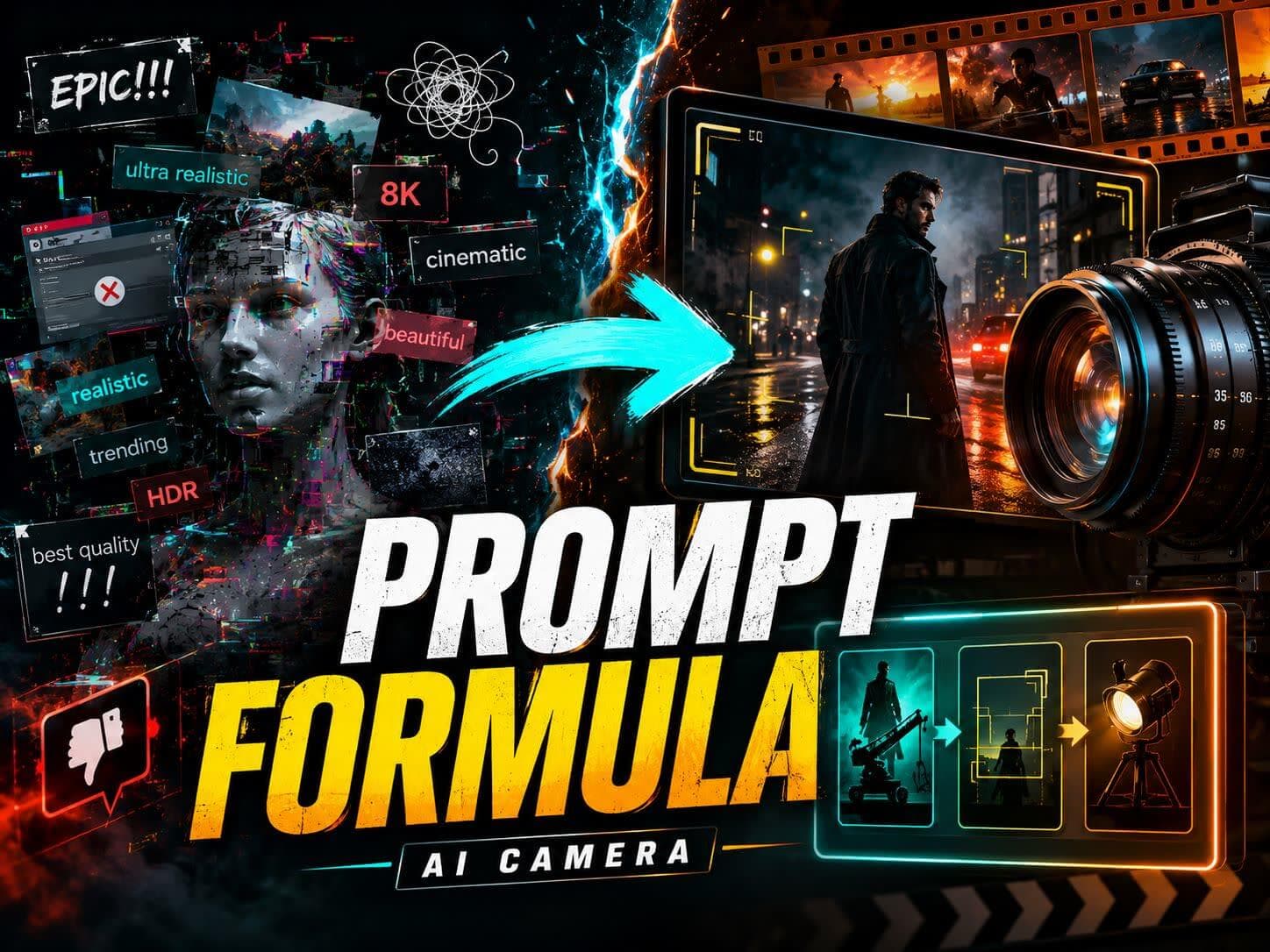 Cinematic Prompt Generator Guide: 15+ Free AI Camera PromptsStop wasting credits on vague AI video prompts. Use our free cinematic prompt generator guide to copy 15+ proven templates and AI camera prompts.
 Short Drama Ideas: 30 Story Hooks I Want to Make as a Drama FanA drama-fan guide to 30 short drama ideas for AI video creation, including romance, revenge, rebirth, contract marriage, workplace, suspense, and vertical drama hooks.