
Product ads
Use product images, usage scenarios, and brand direction to highlight appearance, features, and benefits.
Powered by MiniMax H3
Bring product images, brand assets, reference videos, music, and creative scripts into one SoulVid workflow for consistent characters, precise camera direction, synchronized sound, and natural lip movement.
Define the visual direction and storyboard first, then generate, review, and revise individual clips instead of stopping at a single isolated result.
Plan product showcases, brand narratives, short social campaigns, and music-led fashion visuals for different commercial goals.
Use product images, usage scenarios, and brand direction to highlight appearance, features, and benefits.
Start from a brand message and script, then plan the cast, setting, camera language, and sound.
Create focused, fast-moving versions for Reels, Shorts, TikTok, and other social platforms.
Combine performance, styling, music, and camera movement into a distinctive visual direction.
H3 interprets different reference materials as one creative context so products, people, camera direction, and sound stay aligned.
Use scripts, product images, performance references, background music, and style references without compressing the full idea into one prompt.
Align people, products, actions, settings, and camera direction to reduce visual drift between separate shots.
Generate performance, dialogue, musical timing, and lip movement together for spokesperson ads, brand films, and music videos.
Create a SoulVid project, add the references you need, generate each clip, and refine the final output.
After creating a project, add product images, brand visuals, performance references, video, music, or voice.
Define the audience, product benefit, visual style, character movement, and camera rhythm.
SoulVid combines the materials and creative direction, then uses H3 to generate a commercial clip up to 15 seconds long.
Adjust the visuals, pacing, or creative direction and prepare versions for advertising and social publishing.
Move from multimodal understanding to coordinated sound and visuals through a commercial video workflow that stays editable.
Create longer actions and camera passages for advertising scenes, product showcases, and performances.
Combine references for people, products, environments, actions, sound, and visual style in one request.
Describe push-ins, orbit shots, close-ups, transitions, and character actions that follow the creative script.
Coordinate character performance, sound, and lip movement for commercial videos that need aligned audio and visuals.
Use reference materials to establish people, products, and brand direction across separate clips.
Reuse the same brand materials while adjusting the audience, pace, and setting for different campaign versions.
Continue with practical guides for storyboard planning, cinematic camera prompts, and moving from an idea to a finished video.
 AI Storyboard Guide: How to Plan Video Shots Before GeneratingLearn how to make an AI storyboard before generating video. Plan scenes, shots, camera movement, continuity, and prompts with a practical creator workflow.
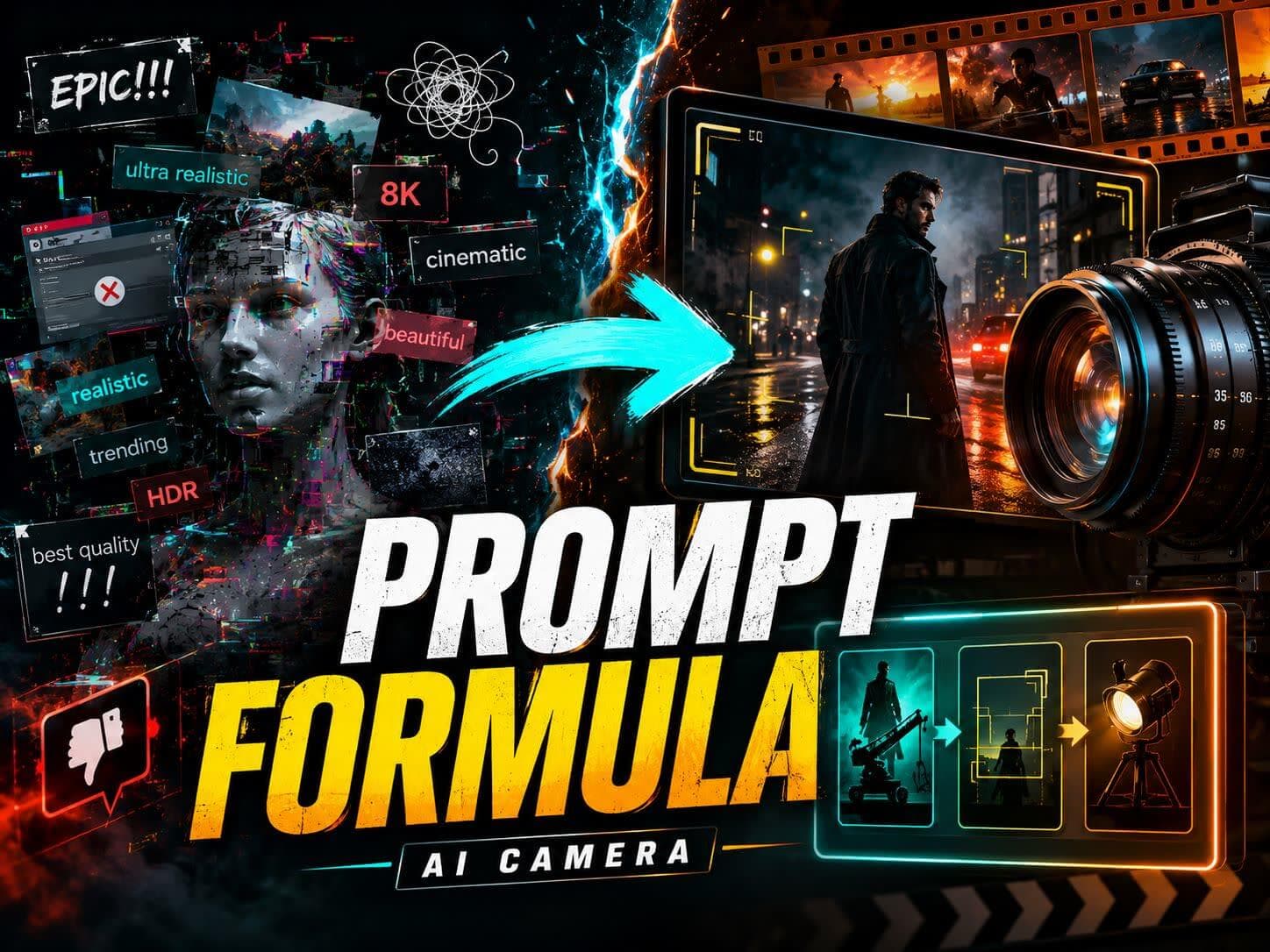 Cinematic Prompt Generator Guide: 15+ Free AI Camera PromptsStop wasting credits on vague AI video prompts. Use our free cinematic prompt generator guide to copy 15+ proven templates and AI camera prompts.
 How to Make a Music Video with AI: From One Idea to a Finished MVLearn how to make a music video with AI from a single idea. Turn a conversation into a song, editable storyboard, and finished MV with a beginner-friendly canvas workflow.
H3 supports text, image, video, and audio references. Start with a commercial brief, then add product, character, motion, sound, and visual style references inside the SoulVid workflow.
MiniMax H3 supports up to 15 seconds per generation. For a longer ad or brand film, plan multiple clips in SoulVid and refine the camera direction and content of each segment.
H3 supports up to 15 reference materials and can interpret the people, products, actions, camera direction, sound, and style across them as one creative brief.
Yes. H3 can understand performance, sound, and lip movement together, making it suitable for product pitches, character dialogue, music performances, and other commercial videos that need coordinated audio and visuals.
You can plan product ads, brand TVCs, short social ads, music visuals, and fashion content, then adapt the creative direction for different audiences and platforms.
Enter the product, audience, and advertising idea on this page. SoulVid creates a project and opens the workbench, where you can add images, videos, audio, and other reference materials.