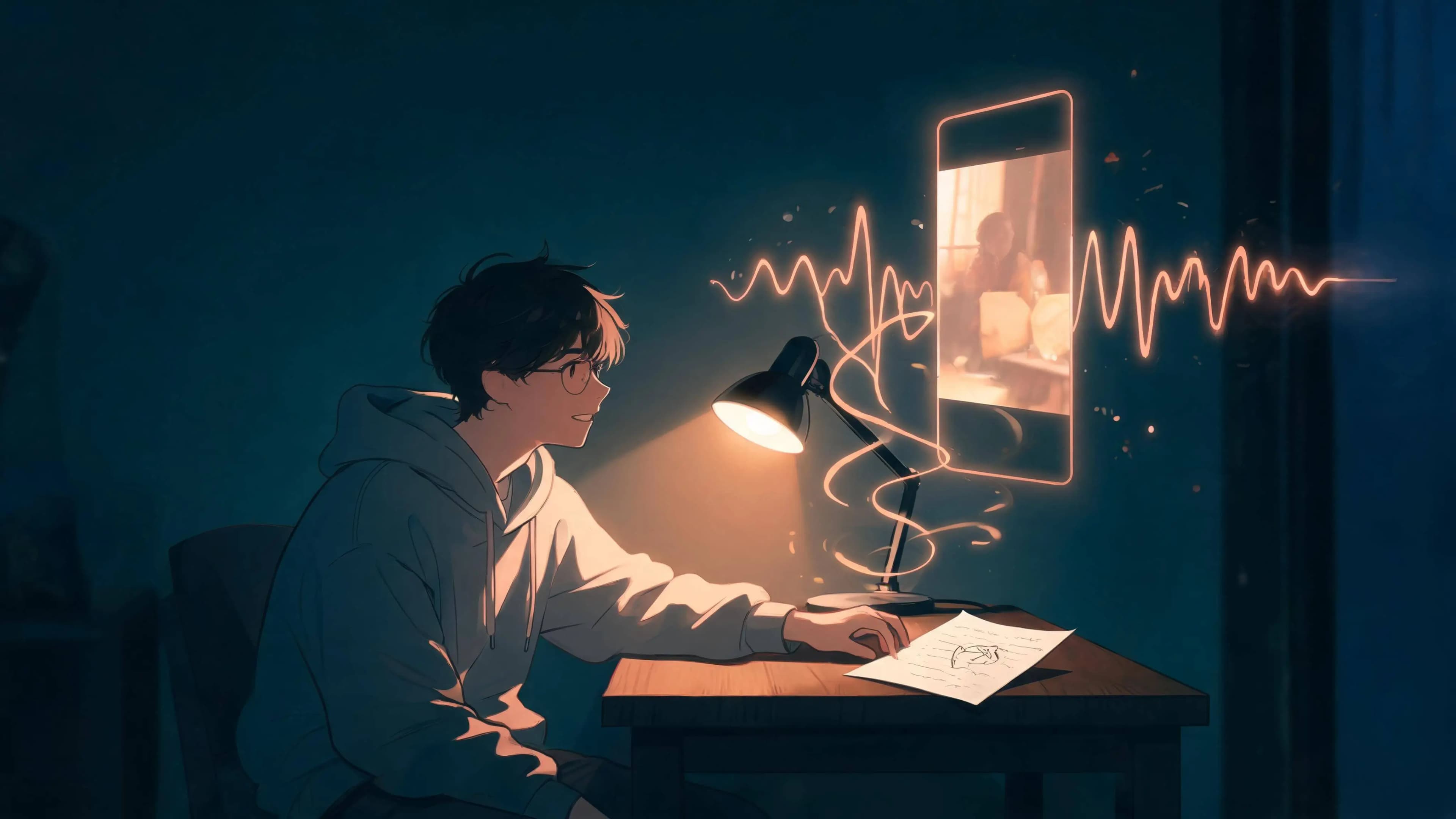
I used to think making a music video required a band, a camera, frightening editing software, and at least one person who knows what a gaffer does. Then I tried making one with AI from a single sentence. The surprising part was not that it worked. It was that the conversation gave me somewhere to start.
If you are wondering how to make a music video with AI when you do not have a song, a storyboard, or a director's vocabulary, this is the beginner-friendly workflow I wish I had found first. You start by describing a feeling, turn that feeling into a song, and let the same idea grow into an editable MV canvas.
AI will not read your mind and hand you a masterpiece while you make tea. It is a nicer arrangement: you bring the taste, memories, and wildly specific requests; AI helps turn them into music, scenes, and a video you can react to.
- Start
- One feeling or sentence
- Make
- A song and lyric direction
- Shape
- An editable visual story
- Finish
- A music video worth sharing
The Easy Part Is Not the Video. It Is Starting With a Feeling.
The blank timeline used to stop me. Give me thirty tracks, tiny clips, and buttons called things like "ripple edit," and I suddenly need a snack.
A chat-first workflow starts somewhere friendlier. Instead of opening with technical choices, describe the little movie already playing in your head. It can be a mood, a memory, a place, or a line that will not leave you alone.
For example, my starting point might be: "Make a dreamy indie-pop song about cycling home after a bad day, when the city lights make everything feel less dramatic." That is enough. It gives the music a subject, an emotional turn, and a visual world before I have had to pretend I know music theory.
Make a dreamy indie-pop song about cycling home after a bad day. Start intimate and a little tired, then open into a hopeful chorus. I want warm streetlights, wet pavement, and the feeling that tomorrow might be easier.
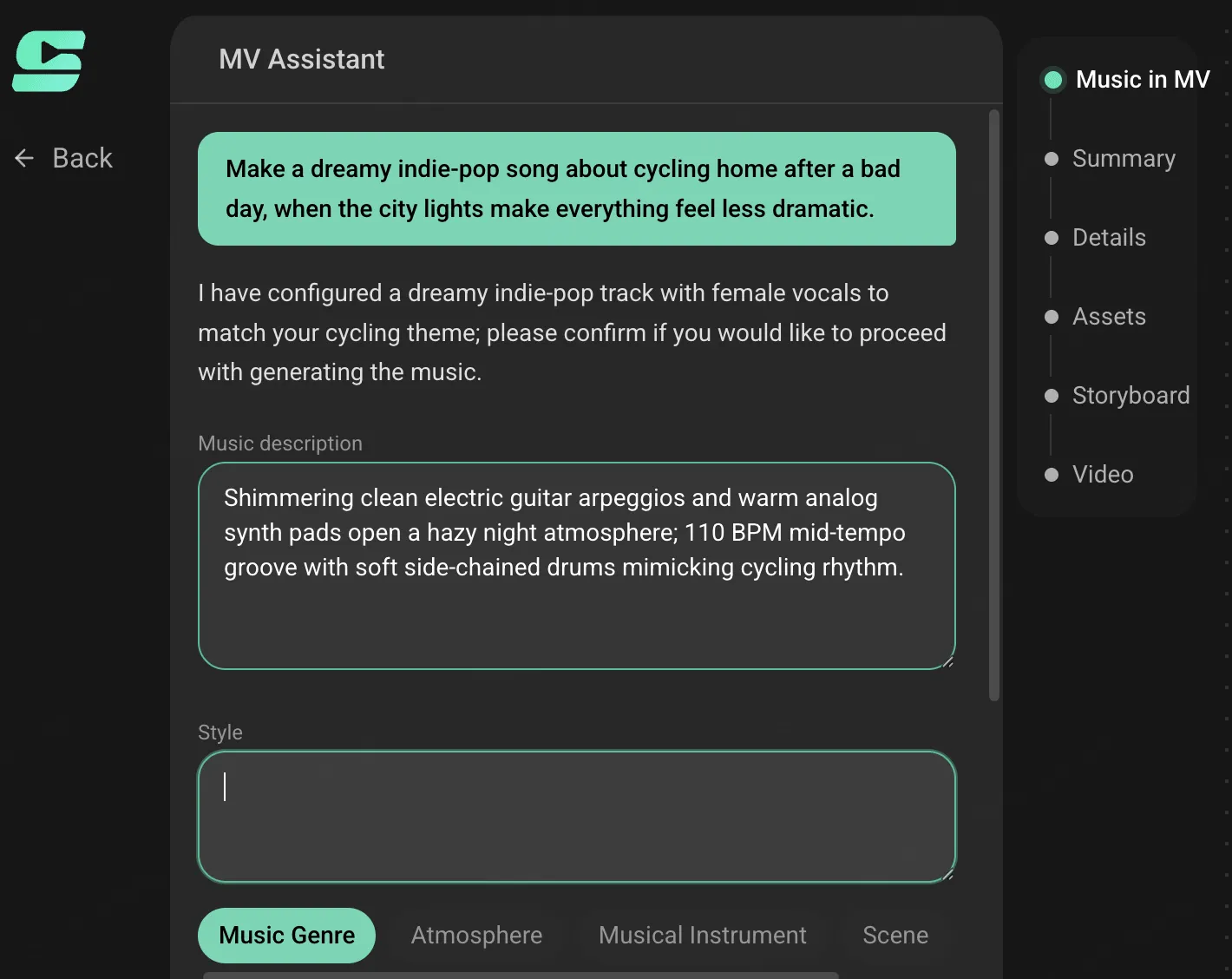
The first output does not have to be "the one." Listen for a lyric that sounds like you, a chorus that lifts, or a beat that suggests movement. Say what you would change in normal language: "Keep the chorus, make the verse quieter, and lose the dramatic piano" is a perfectly respectable creative note.
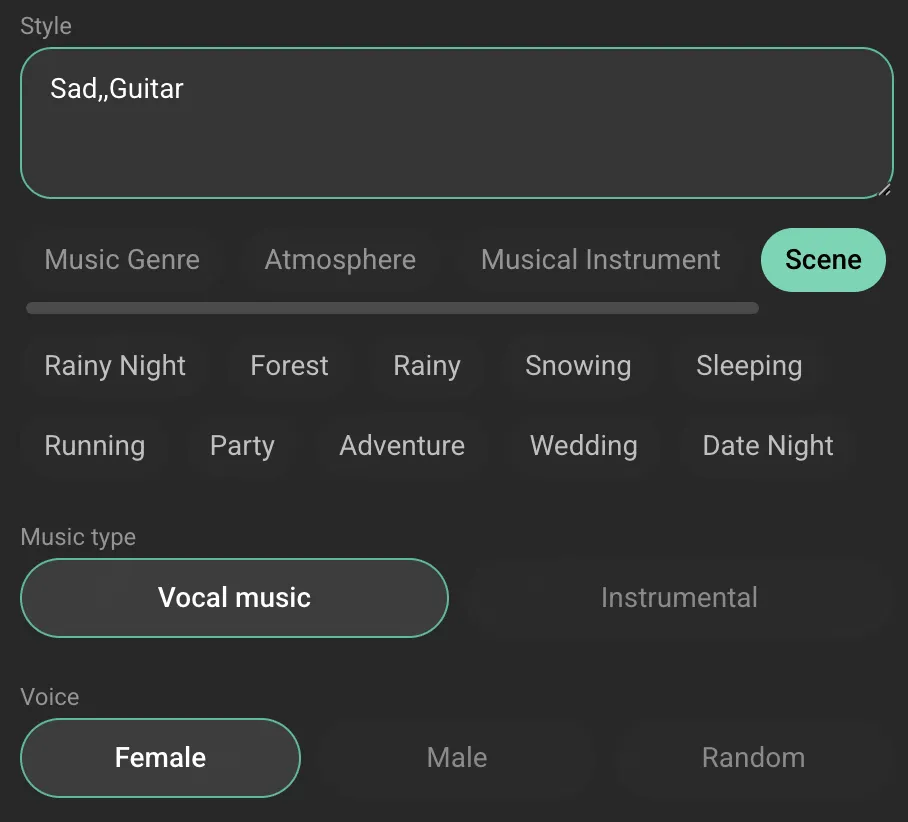
Turn the Song Into a Small Visual Promise
Once the music feels close, do not immediately ask for a full four-minute fever dream. Give the video one visual promise instead: what should the viewer remember after it ends?
For the cycling song, mine is simple: one person riding through a rain-slick city, gradually noticing small warm details around them. That promise keeps the video from becoming a random parade of pretty images. It also gives every future scene a job.
Current prompt guidance from OpenAI's Sora guide, Runway, and Adobe Firefly lands in roughly the same practical place: describe a clear shot, subject, action, and setting. In other words, give the model one bite-sized problem, not your whole inner life in a single paragraph.
Try this conversational follow-up:
Turn this song into a gentle, cinematic music video. The recurring image is a cyclist moving through a rainy city at blue hour. The world begins cool and lonely, then slowly gains warm amber light in the chorus. Keep the same rider, yellow rain jacket, bicycle, and wet-street reflections throughout.
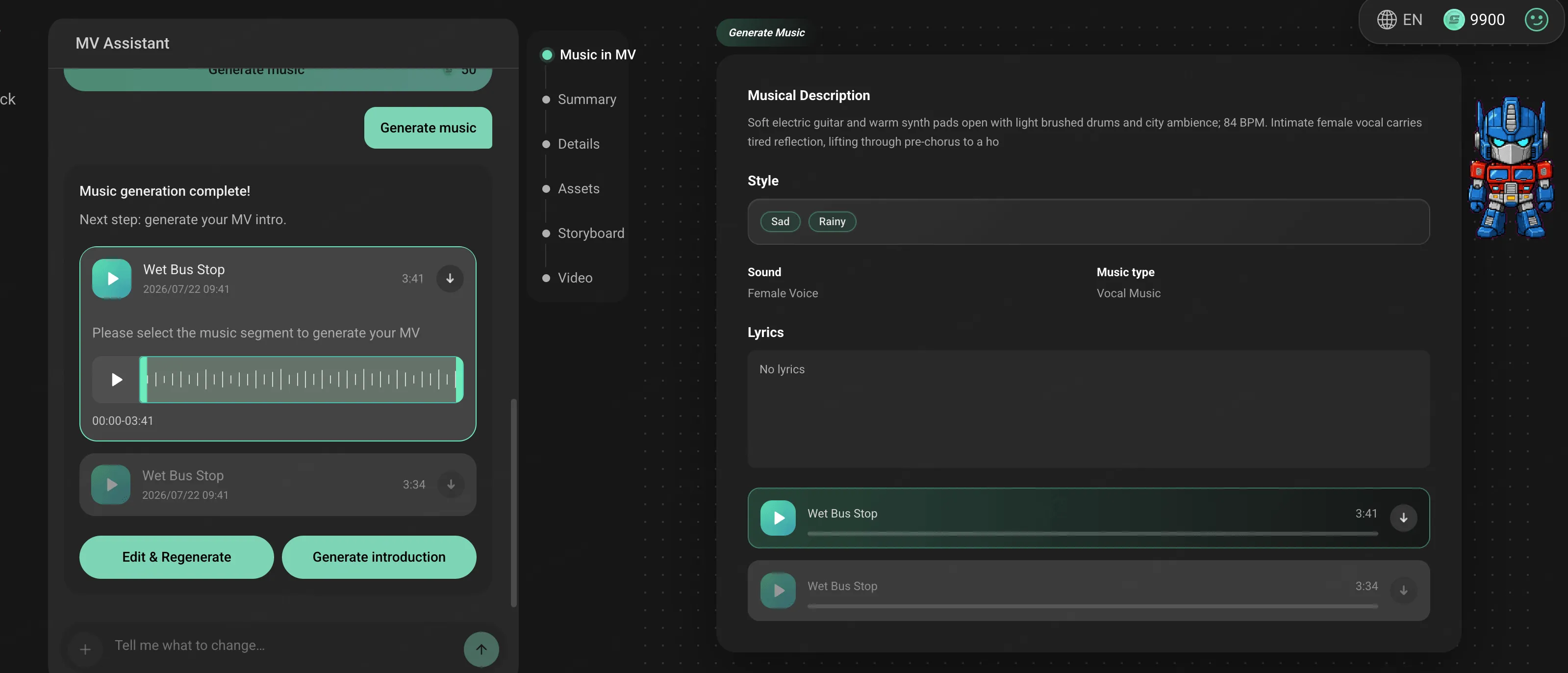
Notice what is doing the useful work here: a subject, a setting, a change over time, and a few things that must stay the same. The yellow jacket is not a fashion emergency. It is an anchor. Consistent details give the viewer a thread to follow and give the AI fewer chances to invent a different protagonist every twelve seconds.
Let the Conversation Build the Canvas
This is where a canvas workflow feels less like software and more like a very organized creative sidekick. In the SoulVid sample project, the work moves through Summary, Details, Assets, Storyboard, and Video. I like that order because it lets an idea become specific one layer at a time instead of asking you to make every choice up front.
Here is how I would use each stage as a non-professional person who still wants the final thing to feel intentional:
| Canvas stage | What I look for | The useful human decision |
|---|---|---|
| Summary | The emotional spine of the song and video | Is this actually the feeling I meant? |
| Details | Genre, tone, setting, and recurring motifs | Which three details must not drift? |
| Assets | Character, style, or reference material | What should stay recognizably mine? |
| Storyboard | A sequence of scene cards | Does each scene earn its place? |
| Video | The assembled final MV | Which moments make me want to watch again? |
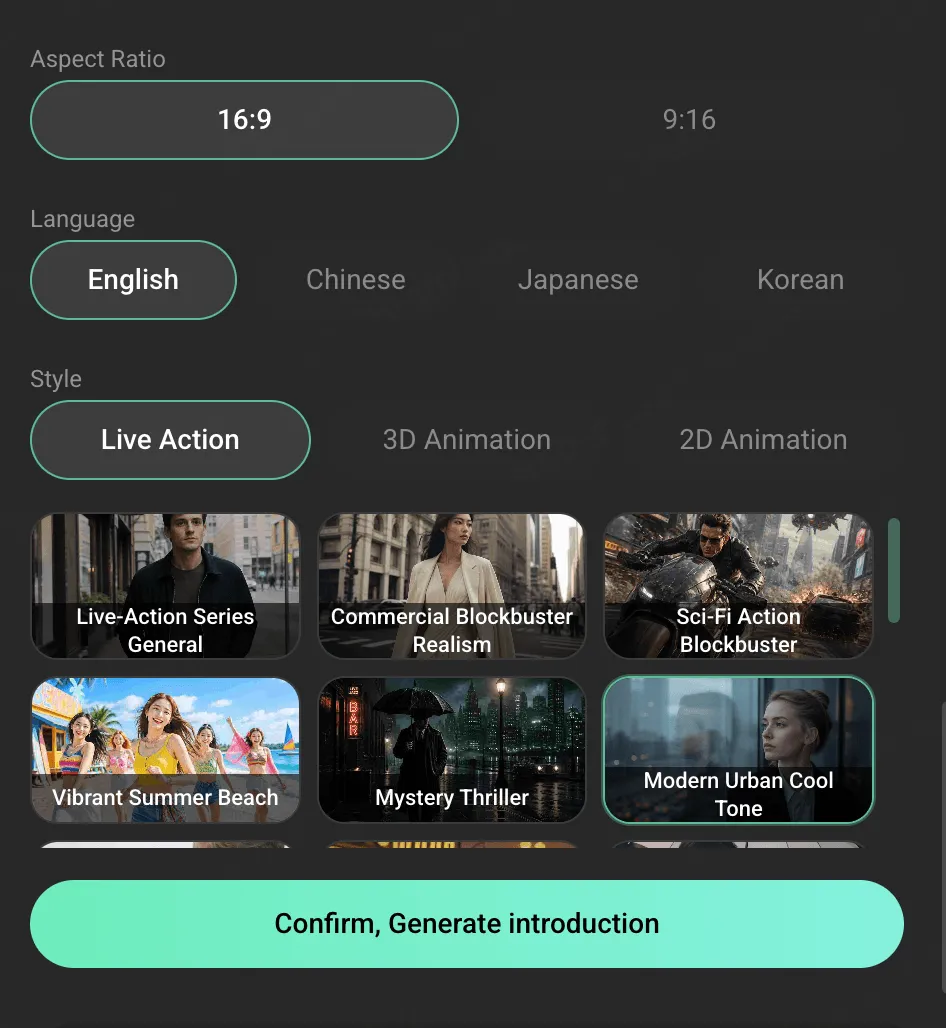
The canvas is not where your idea disappears into a black box. If the song direction feels wrong, correct the summary. If the visual world drifts, tighten the details or assets. If the story feels like wallpaper, fix the storyboard before generating more video. If you already have reference artwork or photos, this guide to making a music video from photos and music shows how to make them part of a more consistent visual world.
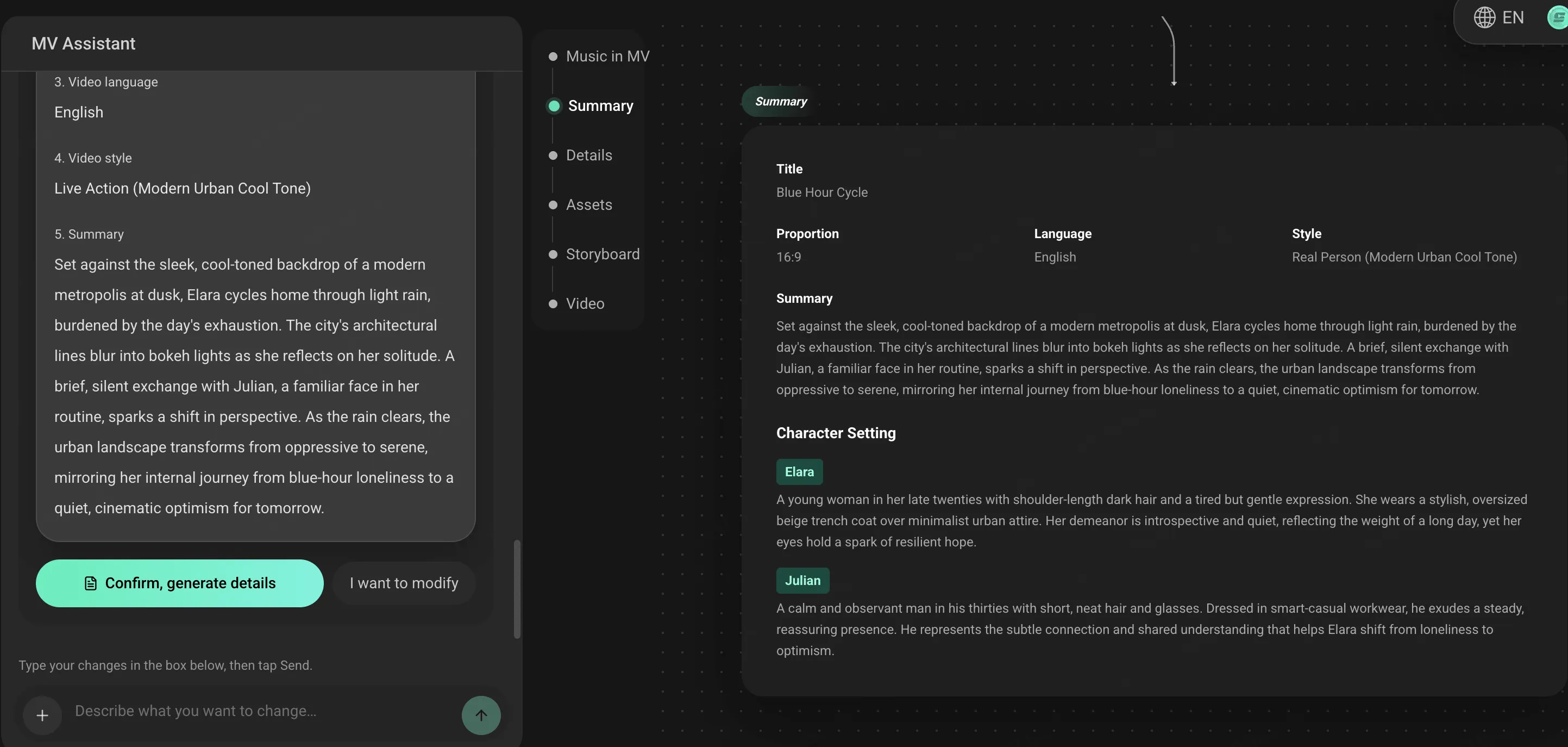
Use the Storyboard Like a Playlist of Tiny Movies
You do not need to draw a beautiful storyboard. I certainly do not. A useful AI storyboard is just a short list of visual moments, each with one purpose.
For a verse-chorus song, I would make four or five scene cards like this:
Close-up of rain gathering on the bicycle handlebar at blue hour. The rider is still. This gives the verse a quiet place to begin.
Side view of the same cyclist riding through reflective streets. Keep the yellow jacket, bicycle, and damp city palette intact.
The rider passes a shop window and warm amber light blooms across the wet pavement. The world has not become perfect; it has become possible.
The bicycle pauses on a bridge at dawn. A wide shot shows the city waking up. That is the final emotional punctuation mark.
That structure is doing more than decorating the song. It creates a beginning, a shift, and an ending. When a scene is not working, ask one mercifully simple question: what is this shot supposed to make me feel or understand? If the answer is "um, it looks cool," it may be an excellent extra shot, but it does not have to carry the story.
Make One Strong Shot Before Asking for More
This is the small rule that saved me from a lot of strange-looking generations: make one shot work before multiplying it.
Start with the moment that matters most, usually the chorus or visual hook. For the cycling example, that is the warm-light reveal at the shop window. Ask for one concise clip and inspect it. Is the rider recognizable? Does the colour shift feel like the chorus? Is the camera calm enough to let the moment breathe? If camera language is the sticky part, borrow a few cinematic prompt ideas before you add more scene detail.
Create one cinematic music video shot for the chorus: the same cyclist in a yellow rain jacket rides past a shop window at blue hour. Warm amber light spills onto the wet street as the chorus opens. Use a gentle side-tracking camera, rain reflections, and a hopeful but grounded mood. Keep the bicycle, jacket, and rain-slick city consistent with the earlier scenes.
If it is close, keep it as your visual anchor and expand outward. If it is not close, revise the shot itself. Do not bury the problem under a longer prompt with sixteen more adjectives. That is how you end up negotiating with a very talented, very literal roommate. When you are ready to branch that anchor into different formats and scene types, use these copy-ready music video prompts as a starting point.
Give AI Clear Choices, Then Make Your Own
AI makes possibilities quickly. You are still better at choosing the one that means something to you.
Before generating the final product video, do a friendly little review pass through the canvas:
- Listen to the song once without looking at the visuals. Does the emotional arc still make sense?
- Check the recurring details: character, outfit, palette, object, or location. Pick three and protect them.
- Read the storyboard in order. Can you describe the story in one sentence?
- Keep the best visual moment for the chorus, not the intro where nobody has met the song yet.
- Remove one scene that is only there because it looks fancy. Be brave. It will have another life as a teaser.
Then generate the final video from the project. In the sample canvas, the finished video appears as the last stage after the storyboard is composed. That order matters: the final render is the result of your song, visual direction, assets, and scene choices working together, not a magic trick performed on an empty timeline.
A Copy-Ready First Prompt for Your Own AI Music Video
Here is a safe first conversation to adapt. Replace the brackets, but keep it human. The charm is in the specifics you actually care about.
I want to make a [genre] song and a cinematic music video about [memory, feeling, or tiny story]. The mood should begin [starting emotion] and grow into [ending emotion]. Visually, I picture [main subject] in [setting], with [recurring object or clothing detail] and a [colour or lighting] palette. Please create the song direction first, then help me turn it into an editable storyboard with a clear beginning, chorus change, and final image. Keep [three consistency details] the same across the video.
"A song about missing the last bus" or "a dreamy track for staring out of an airplane window" is enough. Ordinary is excellent source material. It is already yours.
Still deciding where to build it? Compare AI music video platforms for social media, or try the SoulVid AI music video generator and use your first sentence as the project brief.