The phrase AI lyric video generator covers two very different jobs. Some tools are built to transcribe a song and place timed words on screen. Others use the lyrics as creative direction for scenes, characters, and a complete music video.
That difference matters more than any feature count. A fast karaoke-style caption tool can be perfect for a simple release visualizer, but it will not automatically give you an original anime story. A generative visual platform can create striking scenes, but it may leave subtitle timing to another editor.
This comparison looks at five options reviewed in July 2026: Capify, SoulVid, Neural Frames, LyricEdits, and Adobe Express. The goal is to help you choose the best AI lyric video generator for the workflow you actually need, without pretending that every tool solves the same problem.
Quick Comparison
| Tool | Main workflow | Best for | Important limit |
|---|---|---|---|
| Capify | Automatic transcription and lyric timing | Fast caption-led lyric videos | Less focused on original multi-scene storytelling |
| SoulVid | Conversation-led lyrics-to-storyboard workflow | Creators without professional editing experience | Does not promise automatic word-by-word captions |
| Neural Frames | Generated music visuals | Musicians who want expressive AI imagery | Requires more creative direction and review |
| LyricEdits | Lyric editing plus scene control | Editors who want a detailed handoff workflow | More involved than a one-click template |
| Adobe Express | Templates and manual text layout | Beginners and branded social posts | More manual work for long songs and precise timing |
How We Compared These AI Lyric Video Makers
We compared the tools by lyric handling, visual control, editing workflow, learning curve, and the kind of finished video each platform is designed to produce. We did not score volatile pricing or claim that one tool is universally best.
1. Capify — Best for Fast, Caption-Led Lyric Videos
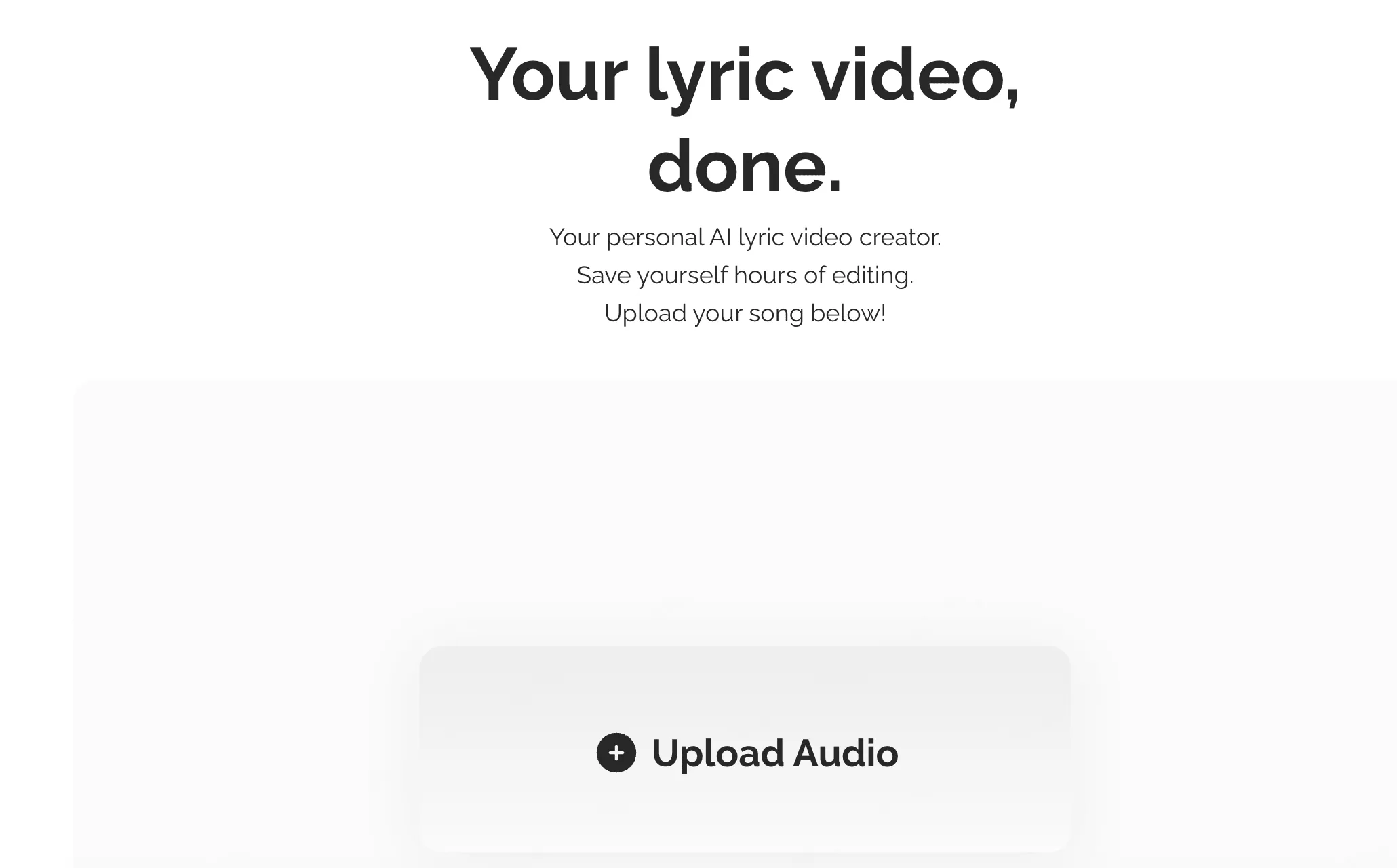
Capify is the closest match for creators who want the software to handle the mechanical subtitle work. Its public workflow emphasizes music transcription, word-level synchronization, timeline adjustments, typography, animation, and export.
Where Capify Works Well
- Automatic transcription reduces the need to type and time every lyric manually.
- Timeline and text controls suit karaoke-style videos and straightforward social releases.
- The focused workflow is easier to understand when synchronized words are the main deliverable.
What to Consider
Capify is primarily solving caption timing. If your goal is a multi-scene anime narrative or a visual metaphor for each section of a song, you may still need another generative or storyboard tool.
2. SoulVid — Best for Anime Lyric Stories and Storyboarded MVs
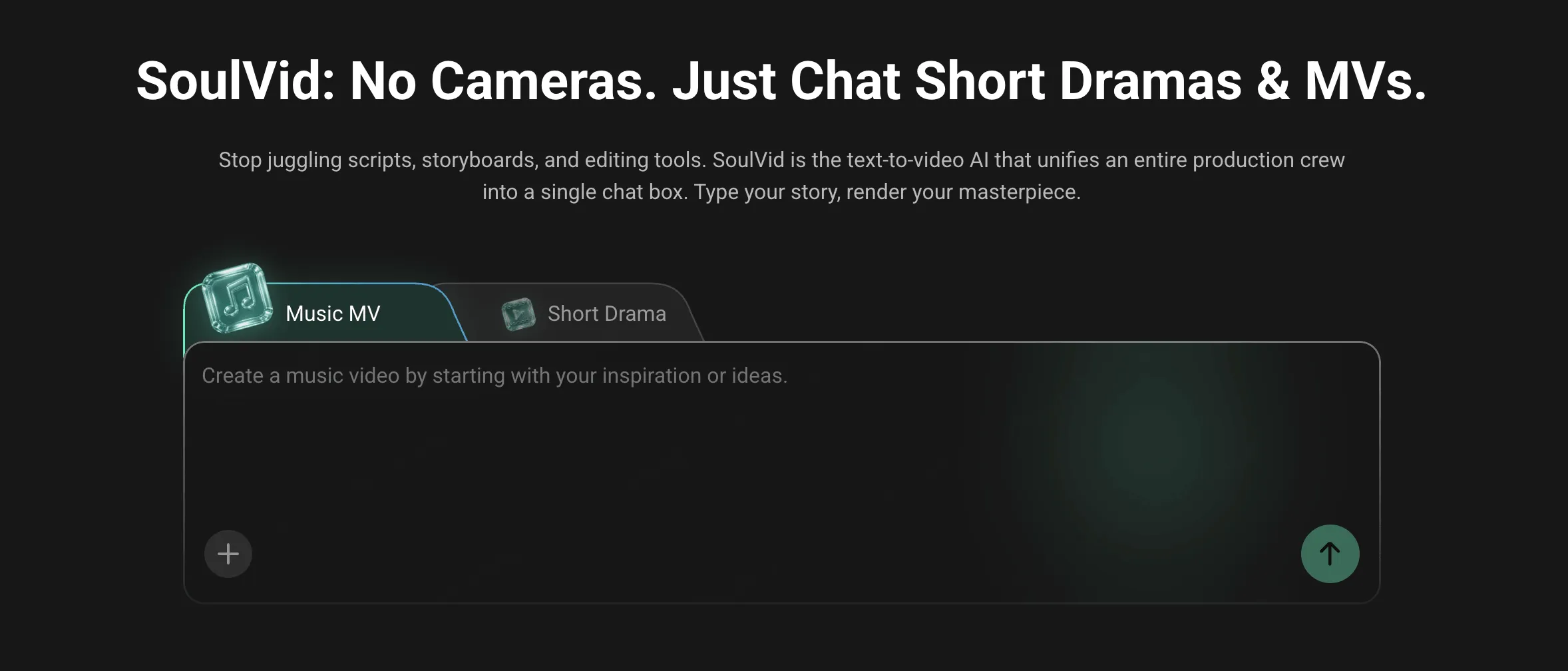
SoulVid is designed for creators who want lyrics to become a visual story without first learning a professional editing timeline. Upload a track or start with AI-generated music, then describe the story, characters, mood, and visual style in conversation. SoulVid turns that direction into assets and storyboarded scenes you can review and revise step by step, keeping the learning curve low while preserving creative control.
Where SoulVid Works Well
- Keeps the learning curve low by starting from guided conversation instead of a professional editing timeline.
- Turns conversational direction about characters, mood, and visual style into an editable storyboard.
- Uses lyrics, mood, and story direction to plan connected scenes.
- Fits anime, manga, illustration, and cinematic music-video concepts.
- Lets creators revise individual storyboard ideas instead of treating the whole song as one prompt.
- Connects directly to the SoulVid AI lyric video maker workflow.
What to Consider
SoulVid does not claim automatic transcription or word-by-word subtitle synchronization. It is the better fit when the main goal is a coherent visual narrative. Precisely timed captions can be added later in a dedicated subtitle editor.
3. Neural Frames — Best for Generative Music Visuals
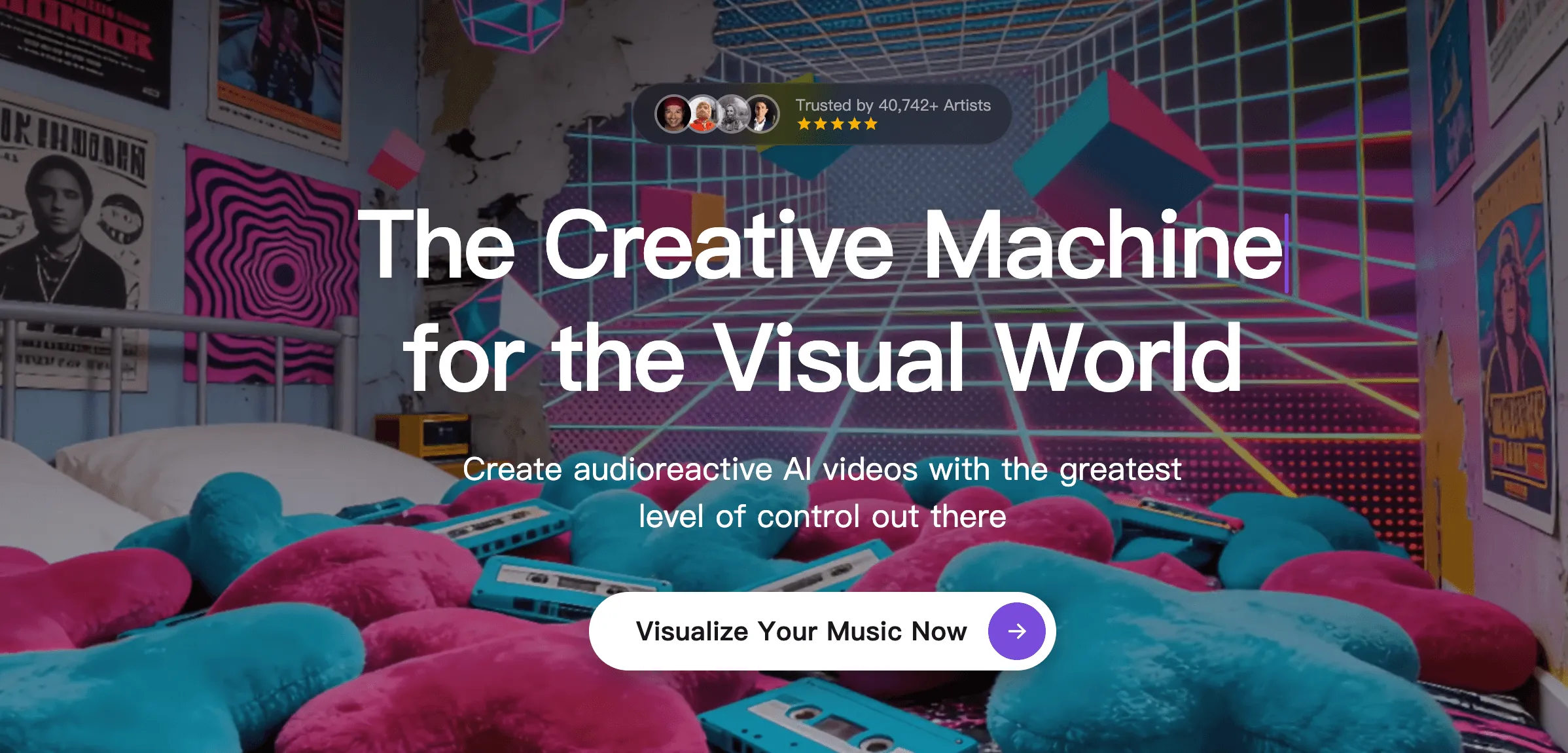
Neural Frames approaches the problem from the visual side. It is designed to turn music and creative direction into generated imagery, then let the creator refine the result through an AI-assisted workflow.
Where Neural Frames Works Well
- Strong fit for musicians who want original generated visuals instead of a stock background.
- Supports iterative creative direction rather than locking the project into one template.
- Better suited to full visual experiences than a caption-only tool.
What to Consider
Generative visuals still require clear art direction and review. Creators who mainly need perfectly timed on-screen words may find a dedicated lyric-caption editor more direct.
4. LyricEdits — Best for Detailed Editing and Professional Handoff
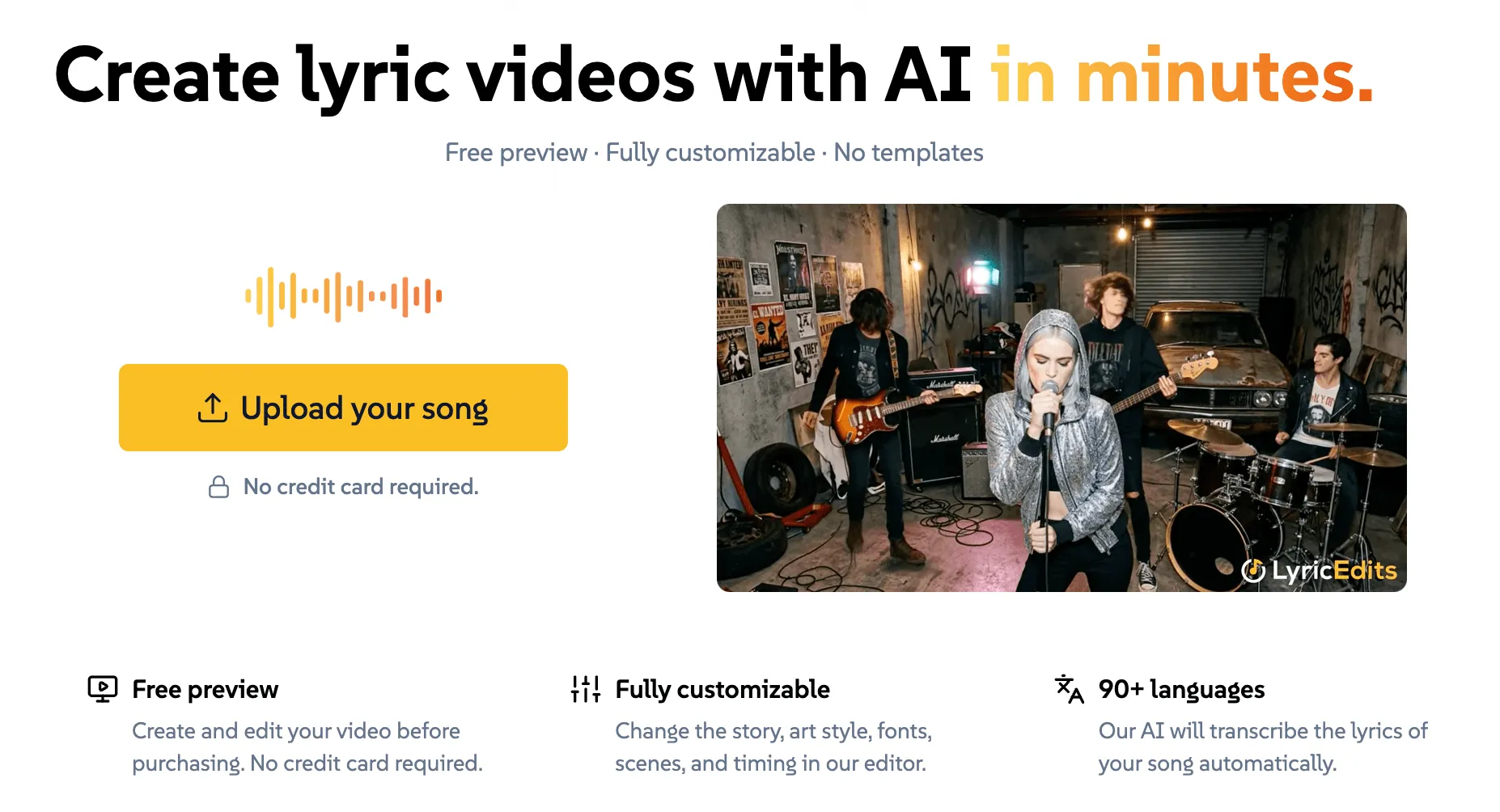
LyricEdits combines lyric-focused automation with deeper control over story, characters, typography, and scenes. Its export workflow also makes sense for editors who expect to continue polishing the project in professional software.
Where LyricEdits Works Well
- Combines lyric handling with broader scene and design controls.
- Gives editors more room to shape characters, fonts, and visual progression.
- Useful when the AI output is the start of a larger post-production process.
What to Consider
That extra control creates a more involved workflow. A creator who only wants a quick template or a short captioned clip may not need the additional editing depth.
5. Adobe Express — Best for Templates and Manual Brand Control
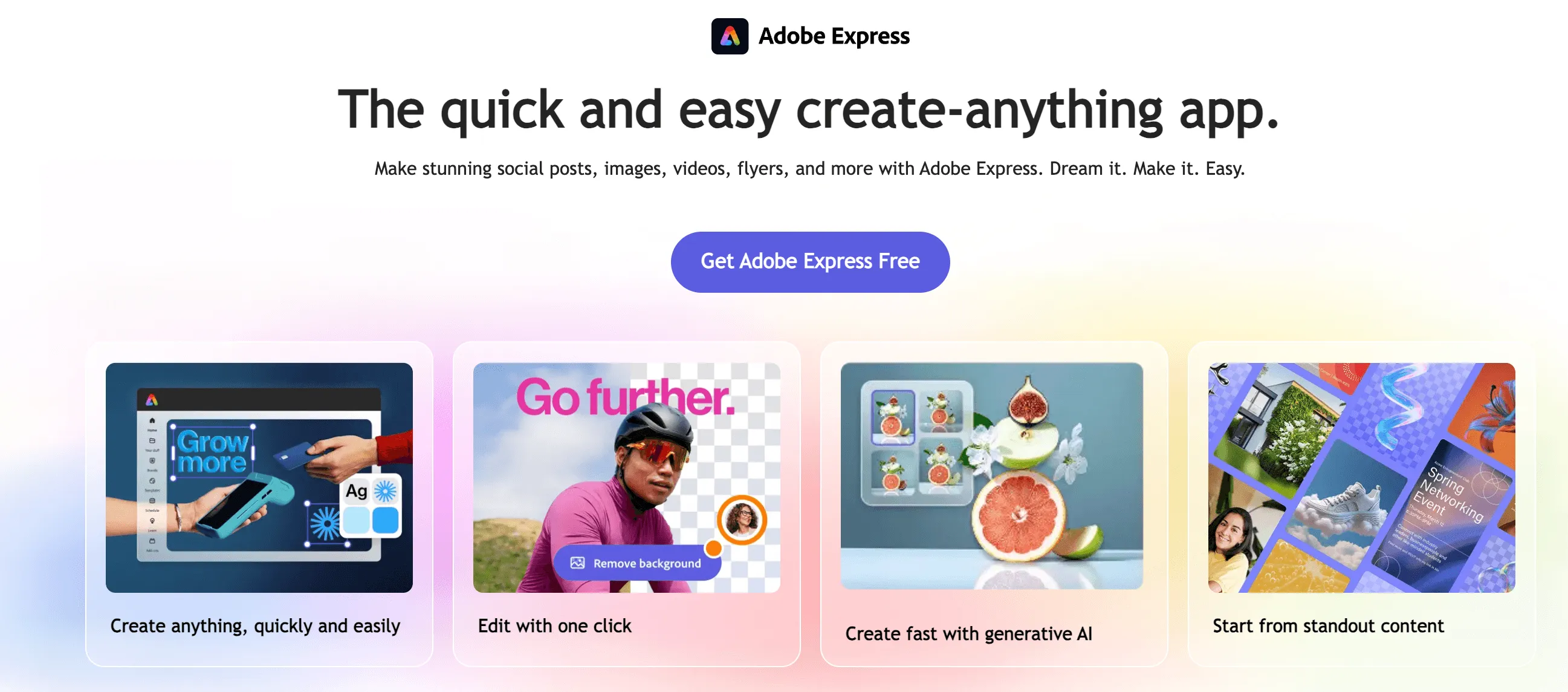
Adobe Express is the familiar template option. It gives beginners a straightforward way to combine text, backgrounds, simple animation, and basic editing without learning a professional timeline.
Where Adobe Express Works Well
- Accessible templates make it easy to establish a clean layout.
- Manual typography and brand controls suit social posts and promotional clips.
- A practical choice when you already know how the finished lyric layout should look.
What to Consider
Adobe Express is more manual for long tracks, detailed timing, and original generated scenes. It is a design tool first, not a dedicated lyrics-to-story engine.
Which Lyric Video Maker Should You Choose?
- Choose Capify when automatic lyric transcription and timing are the priority.
- Choose SoulVid when you want to create an anime lyric story through conversation without learning a professional editing timeline.
- Choose Neural Frames when generated music visuals matter more than caption layout.
- Choose LyricEdits when you want deeper lyric, scene, and professional editing control.
- Choose Adobe Express when templates and manual brand design are enough.
There is no universal winner. The best tool is the one built for your intended output. If you want the words displayed and synchronized, start with a caption-focused tool. If you want the lyrics to become a visual world, explore the AI lyric video maker workflow in SoulVid.