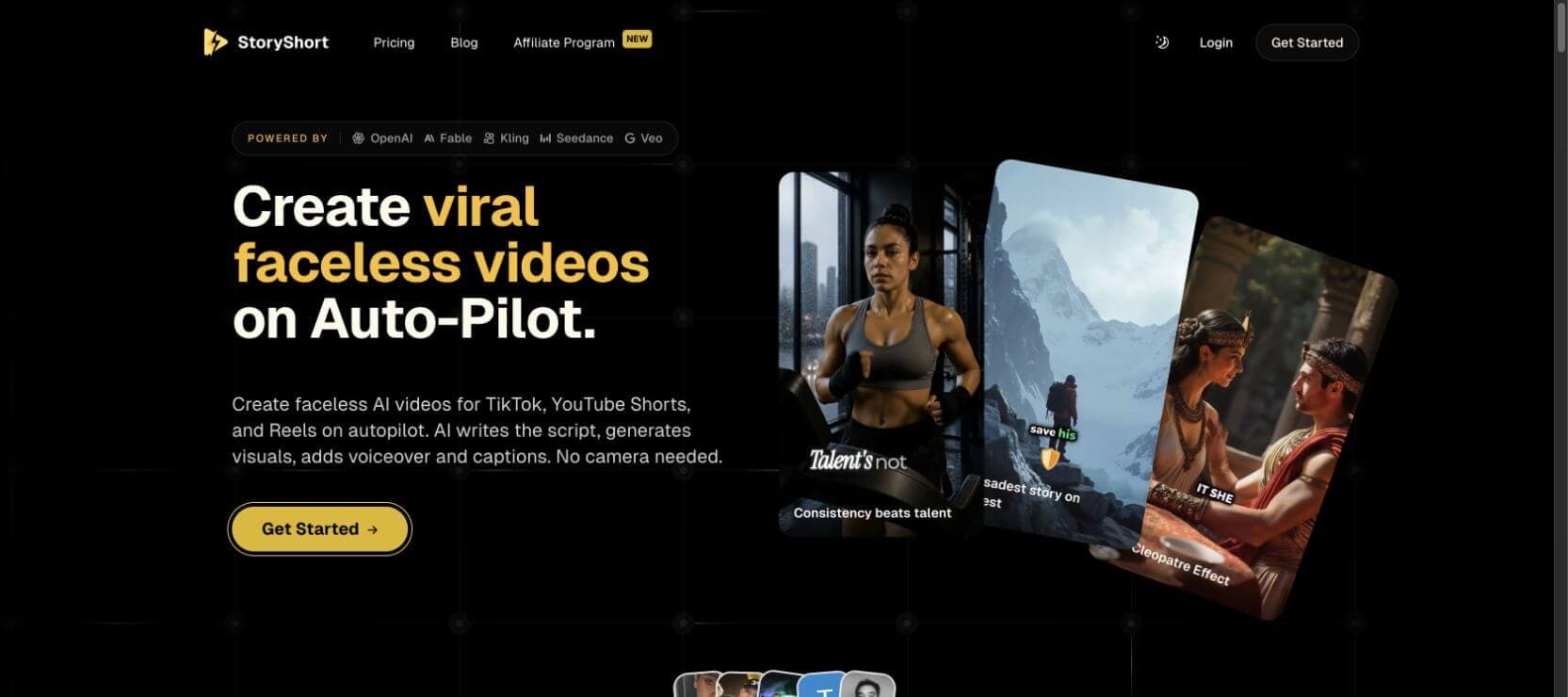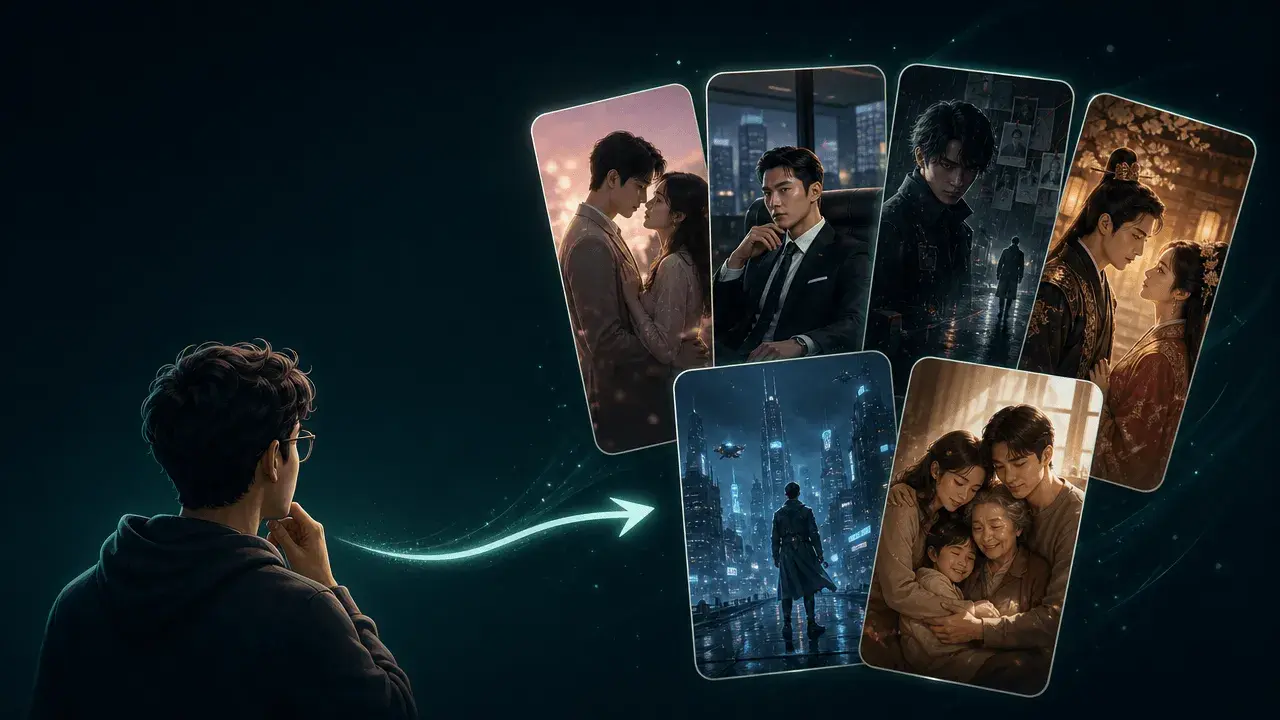
If you searched for the best Suno video generator, you probably already have the hard part done: a finished AI song. Now you need the visual half of the release. A static cover image may be enough for a private demo, but it is rarely enough for YouTube, TikTok, Reels, Shorts, or a full music video launch.
Suno can help you make the song. A good Suno video generator should help you turn that song into something people can watch: a lyric video, a visualizer, a vertical teaser, a cinematic music video, or a storyboarded release asset that follows the track's structure. The right tool depends on whether you want speed, beat sync, lyrics, abstract visuals, social clips, or a real music video concept.
One quick disclosure: this article is published by SoulVid, which is included as one of the tools below. The goal is not to pretend every workflow is the same. Some Suno songs need a fast visualizer; some need captions and a square social clip; some need a directed scene-by-scene video.
Quick Answer: Best Suno Video Generators at a Glance
The best Suno video generator depends on the kind of video you want to publish. A lyric clip, an audio-reactive visualizer, a cinematic music video, and a TikTok teaser are different jobs. Do not judge every tool by the same standard.
| Tool | Best for | Strongest advantage | Main limitation |
|---|---|---|---|
| SoulVid | Storyboard-led AI music videos | Turns a song, lyrics, mood, or idea into scenes and a directed MV workflow | Better for creators who want direction, not pure one-click automation |
| Freebeat | Fast song-to-video and social visuals | Quick music-led clips, captions, and social-friendly formats | Less control over a full story or visual world |
| Atlabs | Cinematic Suno music video production | Strong AI video positioning for full music-video creation | More creative decisions than a basic visualizer |
| VidMuse | AI director-style MV workflow | Useful for creators who want an end-to-end music video pipeline | May feel heavier than needed for simple lyric clips |
| Neural Frames | Audio-reactive visuals | Strong abstract, ambient, and music-responsive imagery | Story and character direction require more planning |
| Kaiber | Stylized artist visuals | Fast, expressive, music-driven visual treatments | Not always ideal for full narrative music videos |
| Runway / Kling | Cinematic individual scenes | High-quality shots for dramatic moments | Manual assembly is needed for full-song videos |
| Suno Hooks | Short-form Suno song promotion | Native Suno ecosystem for vertical clips and song hooks | Not a complete cinematic MV generator |
| Rotor / Revid / Media.io | Practical release and social versions | Fast templates, lyric/social edits, and release assets | Results can feel template-led |
Want to turn a Suno song into a real music video?
SoulVid helps you move from song, lyrics, or mood to a storyboarded music video with scenes, captions, revision, and export-ready formats.
Create an AI music video with SoulVidWhat Makes a Good Suno Video Generator?
A Suno video generator should do more than place a waveform over a cover image. The more serious your release is, the more the tool needs to understand the song as a structure, not just an audio file.
1. It should accept your finished song easily
The ideal workflow starts from what you already have: a Suno share link, downloaded MP3, WAV, finished demo, stem, or lyrics. Direct import is convenient, but upload support is usually enough if the tool gives you better video control afterward.
2. It should follow song structure
A good video reacts differently to the intro, verse, chorus, bridge, drop, and outro. The chorus usually needs more visual lift. A quiet verse may need slower camera movement. A bridge may need a shift in color, location, or character emotion.
3. It should support lyrics and captions
Many Suno songs are discovered in short-form feeds where people watch without sound first. Captions, lyric moments, and readable hooks help the viewer understand the track faster.
4. It should keep visual identity consistent
Randomly beautiful clips can still fail as a music video. The better result is a coherent world: consistent color, motif, character, artist identity, or visual metaphor across the full track.
5. It should give you revision control
One weak scene should not force you to rebuild the entire video. For a real release, you want to adjust a scene, caption, aspect ratio, style, or pacing cue without losing the whole direction.
Best Suno Video Generators Reviewed
1. SoulVid — Best for Storyboard-Led AI Music Videos
SoulVid is the best fit when your Suno song needs a real music video concept instead of a random visual loop. It is designed for creators who want to guide the mood, story, scenes, lyric moments, captions, and final export through a more conversational workflow.
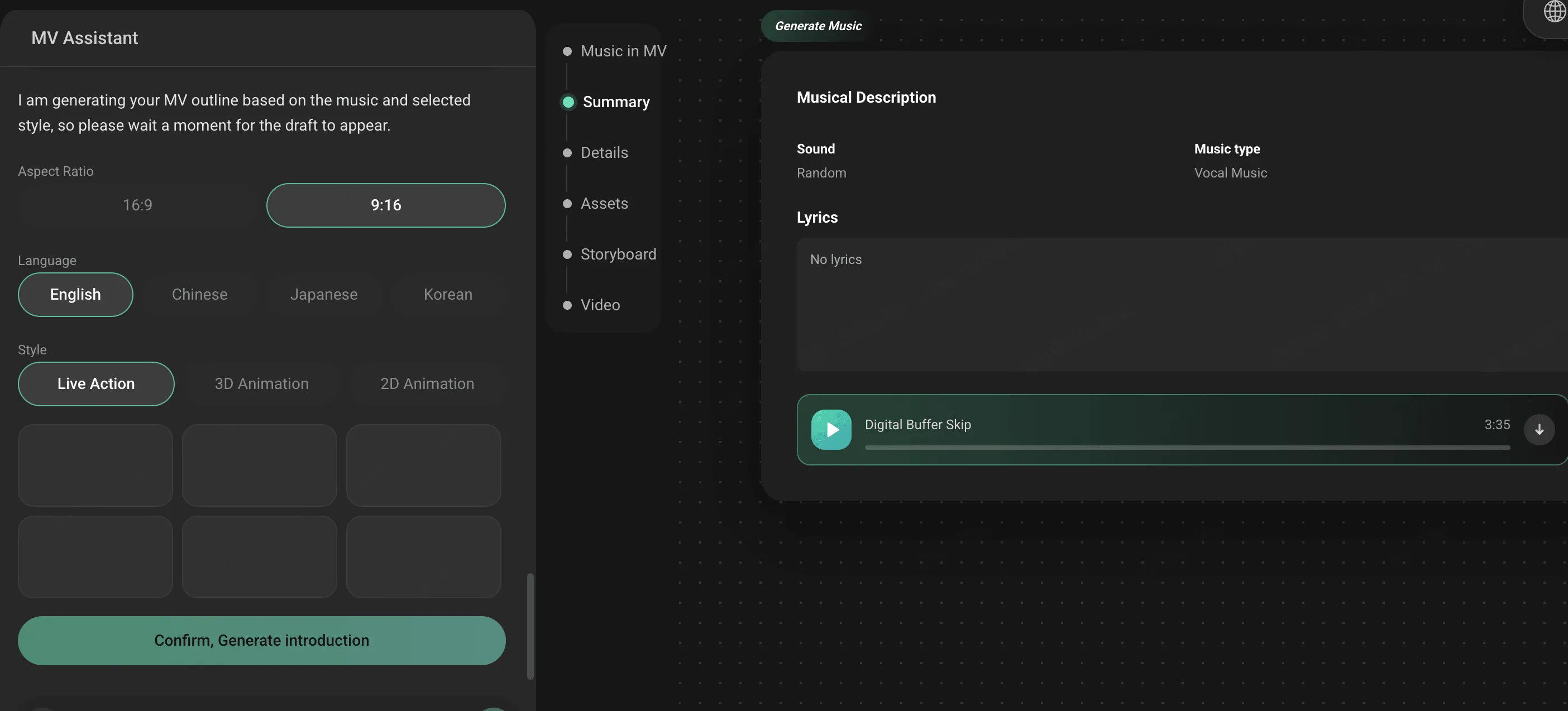
The useful difference is that SoulVid can start from the song, lyrics, or creative direction, then help shape a storyboard before you commit to final video output. That matters when the chorus needs a reveal, the bridge needs a visual turn, or the song needs one consistent character or symbol across several scenes.
Best for: narrative music videos, anime-style MVs, emotional songs, artist concepts, lyric-led videos, cinematic releases, and creators who want to revise scene by scene.
Main limitation: if all you want is a quick waveform or one-click social teaser, SoulVid may be more workflow than you need.
2. Freebeat — Best for Fast Suno Link to Video Workflows
Freebeat is a strong choice when speed matters. Its music visualizer and Suno-related content focus on turning a finished track into a visual draft quickly, with social-friendly formats and music-aware styling. For creators who want to move from song to short-form video without a complex editing timeline, that is useful.
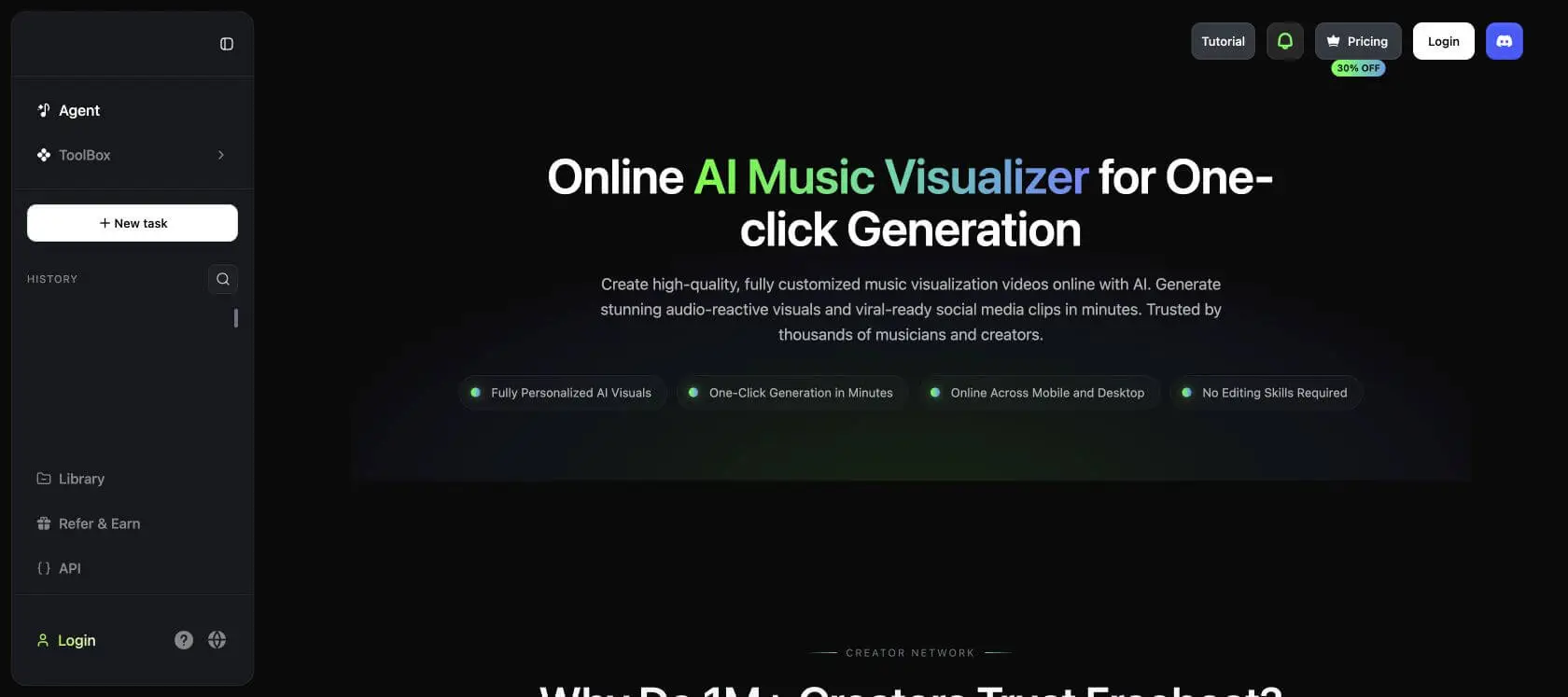
Best for: quick lyric moments, beat-led social clips, YouTube Shorts, TikTok teasers, and creators who prefer automation over detailed story direction.
Main limitation: fast automation can feel less distinctive when the song needs a specific character, visual world, or story arc.
3. Atlabs — Best for Cinematic Suno Music Video Production
Atlabs is a strong candidate for creators who want a more cinematic AI music video rather than a simple visualizer. Its positioning around AI video generation, music video creation, and creator workflows makes it relevant for Suno users who want a polished visual companion for a full song.

Best for: cinematic AI music videos, artist-led concepts, full-song visuals, and creators who are willing to guide the look of the video.
Main limitation: it may require more creative choices than a simple paste-and-render visualizer. Beginners should expect to review and refine the result.
4. VidMuse — Best for AI Director-Style MV Planning
VidMuse is positioned around AI music video creation and is useful to compare when you want something closer to a production workflow. For Suno creators, the appeal is obvious: you already have the song, and now you need a visual plan that can turn the track into scenes instead of a static upload.
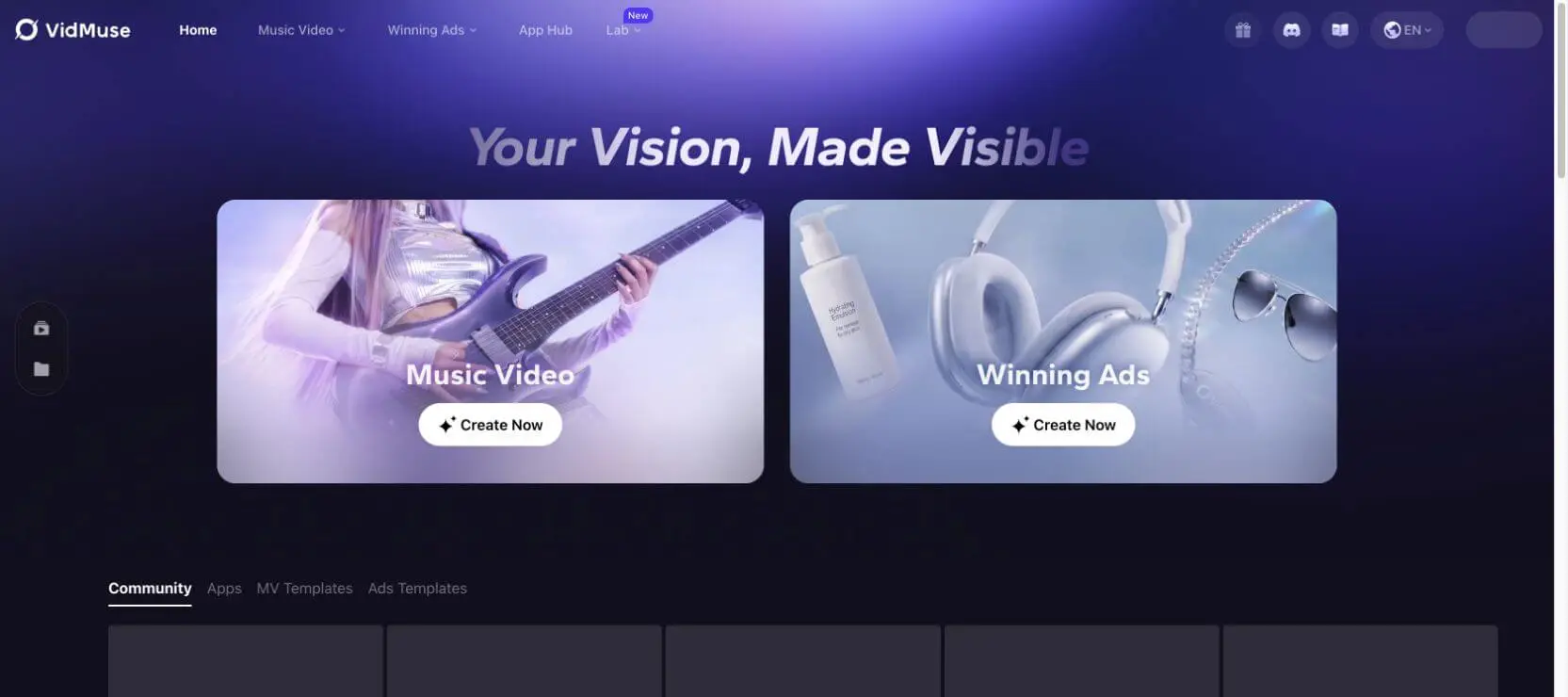
Best for: creators who want an AI music video workflow with more direction than a generic visualizer, especially for full-song releases.
Main limitation: if you only need a 15-second teaser, the workflow may feel heavier than a short-form tool.
5. Neural Frames — Best for Audio-Reactive Visuals
Neural Frames is one of the strongest options when the goal is visual motion that reacts to the music itself. It is especially appealing for ambient, electronic, instrumental, experimental, and atmospheric Suno tracks where abstract visuals can carry the release.
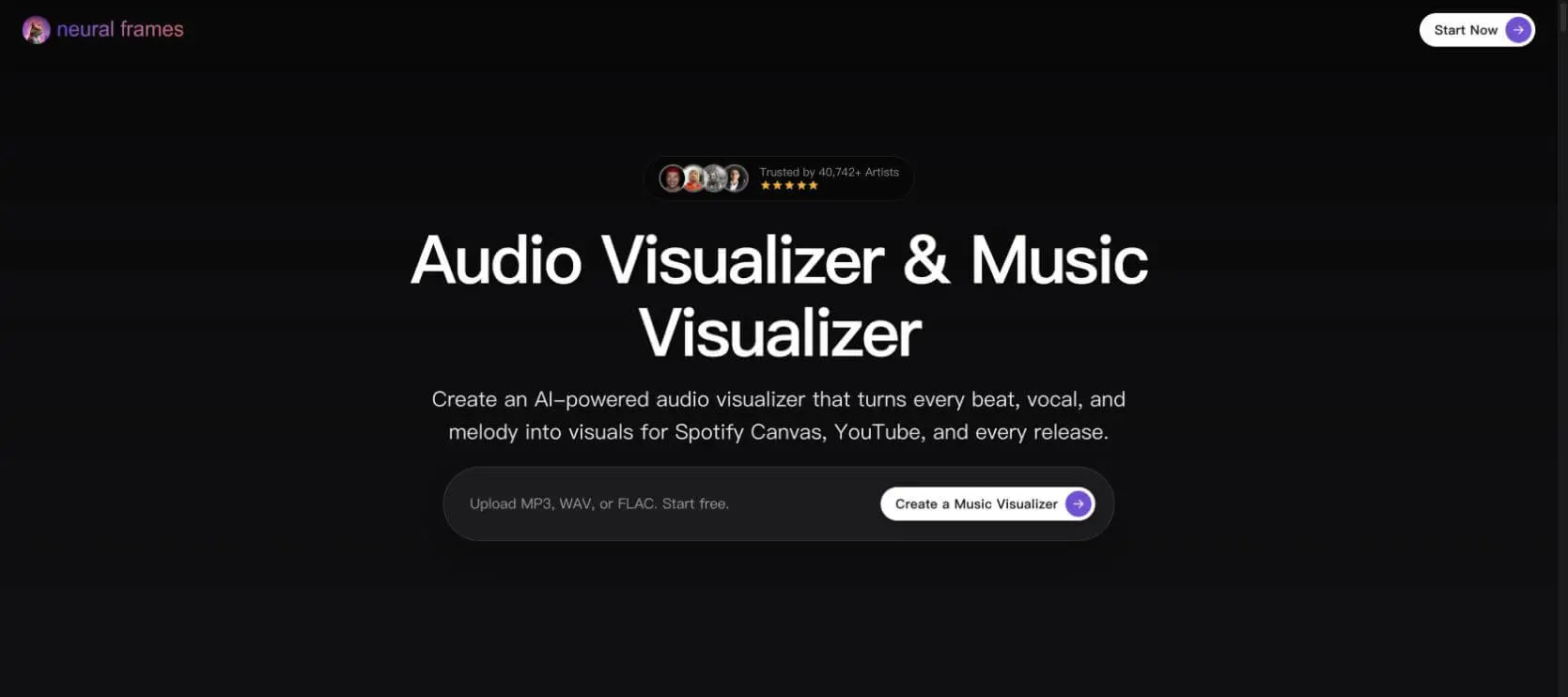
Best for: audio-reactive loops, abstract music videos, Spotify Canvas-style visuals, live backdrops, and tracks where mood matters more than literal story.
Main limitation: it is not automatically a narrative music video tool. If you need characters and scenes, you will need more direction and planning.
6. Kaiber — Best for Stylized Artist Visuals
Kaiber is useful when you want expressive, stylized, music-driven visuals quickly. It can be a good fit for artists who care about aesthetic motion, surreal looks, or visually memorable clips more than detailed story continuity.
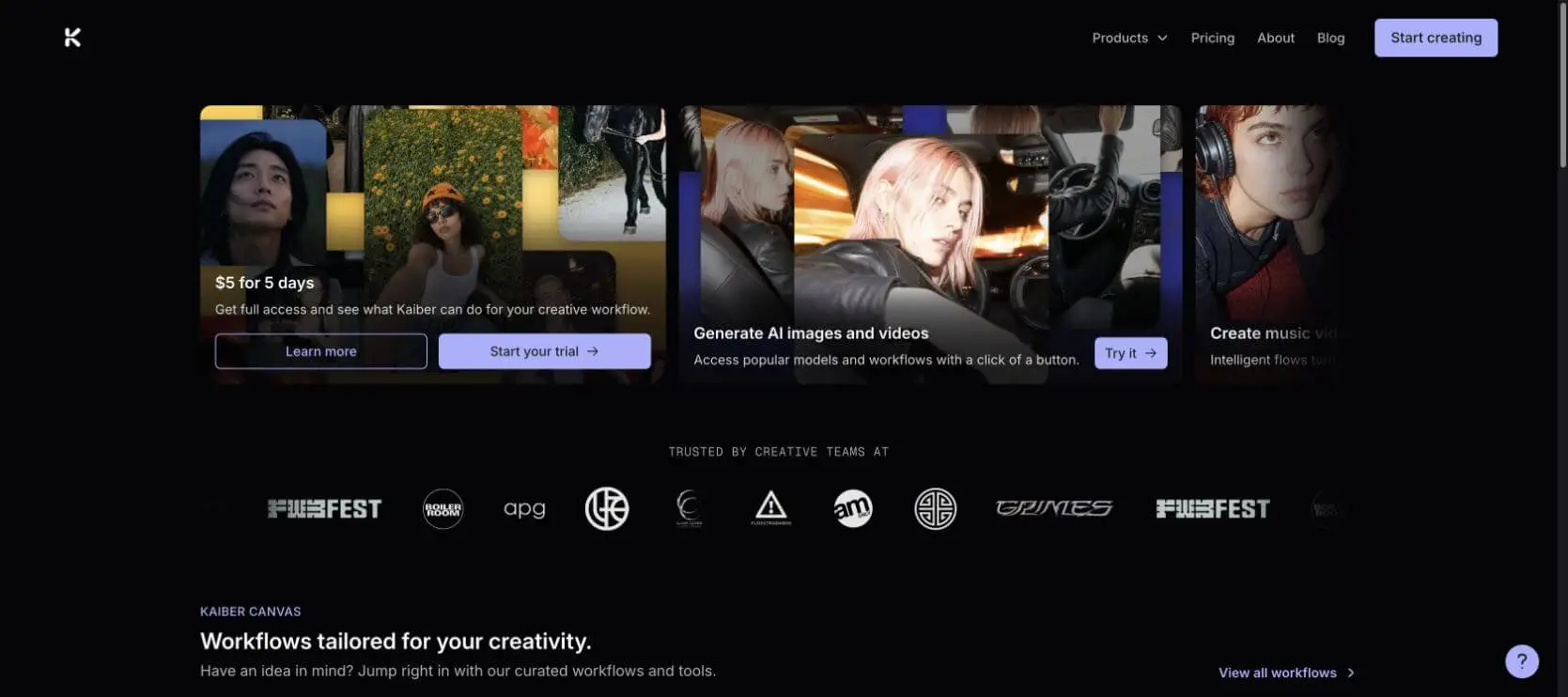
Best for: surreal visuals, stylized loops, artist identity clips, and short social assets.
Main limitation: full narrative music videos usually need extra planning, editing, or another tool to keep scenes connected.
7. Runway / Kling — Best for Cinematic Individual Scenes
Runway and Kling are not Suno-specific music video generators, but they are important in this category because they can create strong individual shots. If your Suno song needs a dramatic bridge shot, a cinematic opening, a character reveal, or a high-impact chorus moment, these tools can be useful building blocks.

Best for: individual cinematic scenes, dramatic moments, performance-style shots, and high-quality visual experiments.
Main limitation: you still need to assemble the full song, captions, timing, and video structure elsewhere.
8. Suno Hooks — Best for Short-Form Suno Song Promotion
Suno Hooks is relevant because it sits close to the Suno ecosystem. It is not the same job as a full music video generator, but it can help when the goal is promoting a song through short, vertical, hook-focused assets.
Best for: quick social promotion, hook clips, vertical previews, and creators who want to stay close to the Suno workflow.
Main limitation: it is not the tool to choose when you need a complete cinematic music video or detailed storyboard.
9. Rotor / Revid / Media.io — Best for Practical Release and Social Versions
Not every Suno song needs an AI film. Sometimes you need a clean YouTube upload, simple lyric video, vertical cutdown, or social edit. Tools such as Rotor, Revid, and Media.io can be useful for practical release assets, especially if speed matters more than originality.
Best for: simple release videos, lyric edits, artist promo clips, fast social versions, and non-technical creators.
Main limitation: template-led workflows can make different songs feel visually similar.
How to Choose the Best Suno Video Generator
Choose SoulVid if...
- You want a music video with scenes, lyrics, mood, and a visual arc.
- Your Suno song has a story, character, emotion, or cinematic idea.
- You want to revise the video by scene instead of accepting one full automatic render.
- You need versions for YouTube, TikTok, Shorts, Reels, or a widescreen release.
Choose Freebeat if...
- You want the fastest route from a Suno song to a visual clip.
- Beat sync, captions, and social formats matter more than detailed story direction.
- You need several quick video drafts for short-form testing.
Choose Neural Frames if...
- Your song is instrumental, electronic, ambient, experimental, or abstract.
- You want audio-reactive visuals rather than a literal story.
- You care about generated artist branding and mood consistency.
Choose Suno Hooks if...
- Your goal is short-form promotion inside or near the Suno ecosystem.
- You need vertical hook clips, not a full music video.
Common Mistakes When Turning Suno Songs into Videos
- Treating a full song like a five-second prompt.
- Using random beautiful clips that ignore the chorus.
- Forgetting lyric captions for short-form platforms.
- Changing the character, color palette, or style every scene.
- Exporting only horizontal video when the audience is on TikTok or Reels.
- Ignoring commercial rights, watermark rules, and platform terms.
- Not checking whether regenerating weak clips costs credits.
Suggested Workflow: From Suno Song to Publishable Video
- Finish the Suno song. Download the track, save lyrics, and keep the strongest hook or chorus section easy to reference.
- Pick the video type. Decide whether you need a lyric video, audio-reactive visualizer, narrative MV, performance video, or short-form promo.
- Write the visual concept. Describe the mood, setting, color, characters, symbols, and what should happen during the chorus.
- Build a scene list or storyboard. Map intro, verse, chorus, bridge, and outro to visual moments.
- Generate and review scenes. Keep the best clips and revise the weak ones before assembling the full video.
- Add lyrics and captions. Make sure the text is readable on mobile and does not cover important action.
- Export platform versions. Prepare horizontal YouTube, vertical Shorts/Reels/TikTok, and shorter promo cuts if needed.
If you need a step-by-step production example, this Suno music video workflow explains how to move from a Suno song into a more directed visual plan.
Final Recommendation
For most Suno creators, the best tool depends on the release goal. If you want a complete, storyboard-led AI music video, start with SoulVid. If you want a fast social visual, try Freebeat. If you want a more cinematic AI video workflow, compare Atlabs and VidMuse. If your song is abstract or instrumental, Neural Frames may be the better visual match. If you only need a short promotional hook, Suno Hooks can be enough.
The main rule is simple: do not force one tool to solve every job. Choose the video generator based on what the Suno song needs to become: a quick clip, a lyric video, an audio-reactive visualizer, or a full music video.
FAQ
Does Suno generate videos?
Suno is primarily known for AI music generation. For finished music videos, lyric videos, visualizers, or social clips, creators usually use a separate video generator or editing workflow.
What is the best Suno video generator?
For storyboard-led music videos, SoulVid is a strong choice. For fast social visuals, Freebeat is worth testing. For audio-reactive abstract visuals, Neural Frames is a strong option.
Can I turn a Suno song into a YouTube music video?
Yes. Download your Suno song, prepare lyrics or a visual concept, then use a music video generator or visualizer to create a horizontal YouTube version. If the song has a story, use a storyboard-led workflow rather than a simple visualizer.
Can I make TikTok videos from Suno songs?
Yes. Choose a tool that supports 9:16 vertical export, readable captions, and short hook-based edits. A full music video and a TikTok teaser should usually be exported as different versions.
Do Suno video generators support lyrics?
Many tools support lyrics or captions, but the depth varies. Some generate simple text overlays, while others let you plan lyric moments around scenes and song sections.
What is the best free Suno video generator?
The best free option depends on the current limits. Check whether the tool allows download, whether it adds a watermark, how many credits are included, and whether commercial use is allowed.
What is better: a lyric video, visualizer, or full music video?
Use a lyric video when the words matter most, a visualizer when mood and motion matter most, and a full music video when the song needs scenes, characters, or a cinematic story.
Can I monetize videos made from Suno songs?
Check Suno's current music rights, the video tool's commercial license, any voice or visual asset terms, and the platform where you plan to publish. Rights and plan rules can change.
Do I need a separate video editor?
Sometimes. A tool may generate the visuals, but you may still want an editor for final trims, captions, color, subtitles, platform crops, and multiple social versions.
Which tool is best for cinematic AI music videos?
SoulVid is a strong choice when you want a storyboarded music video workflow. Atlabs and VidMuse are also worth comparing for cinematic AI music video production, while Runway and Kling can help generate individual high-impact shots.