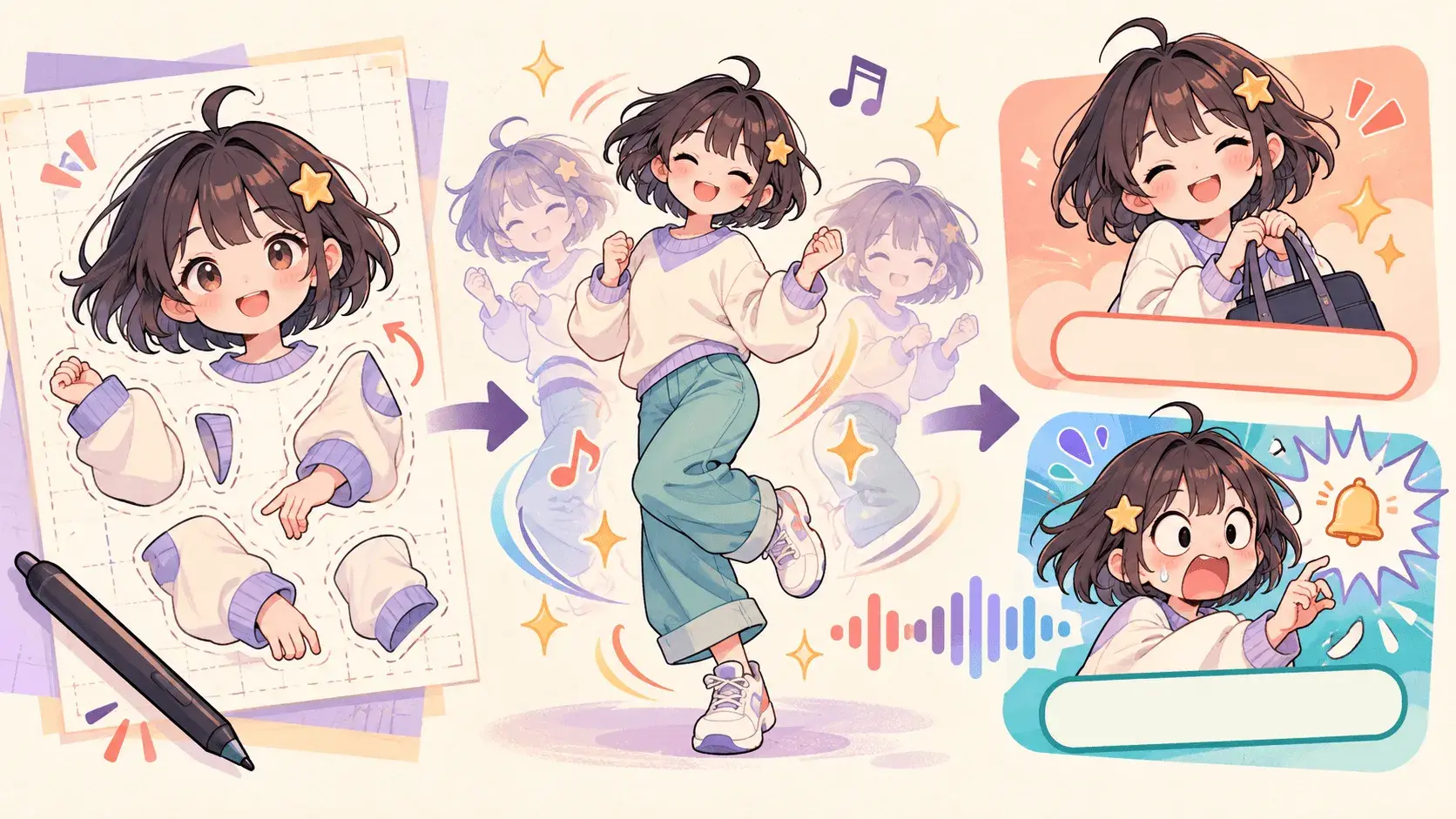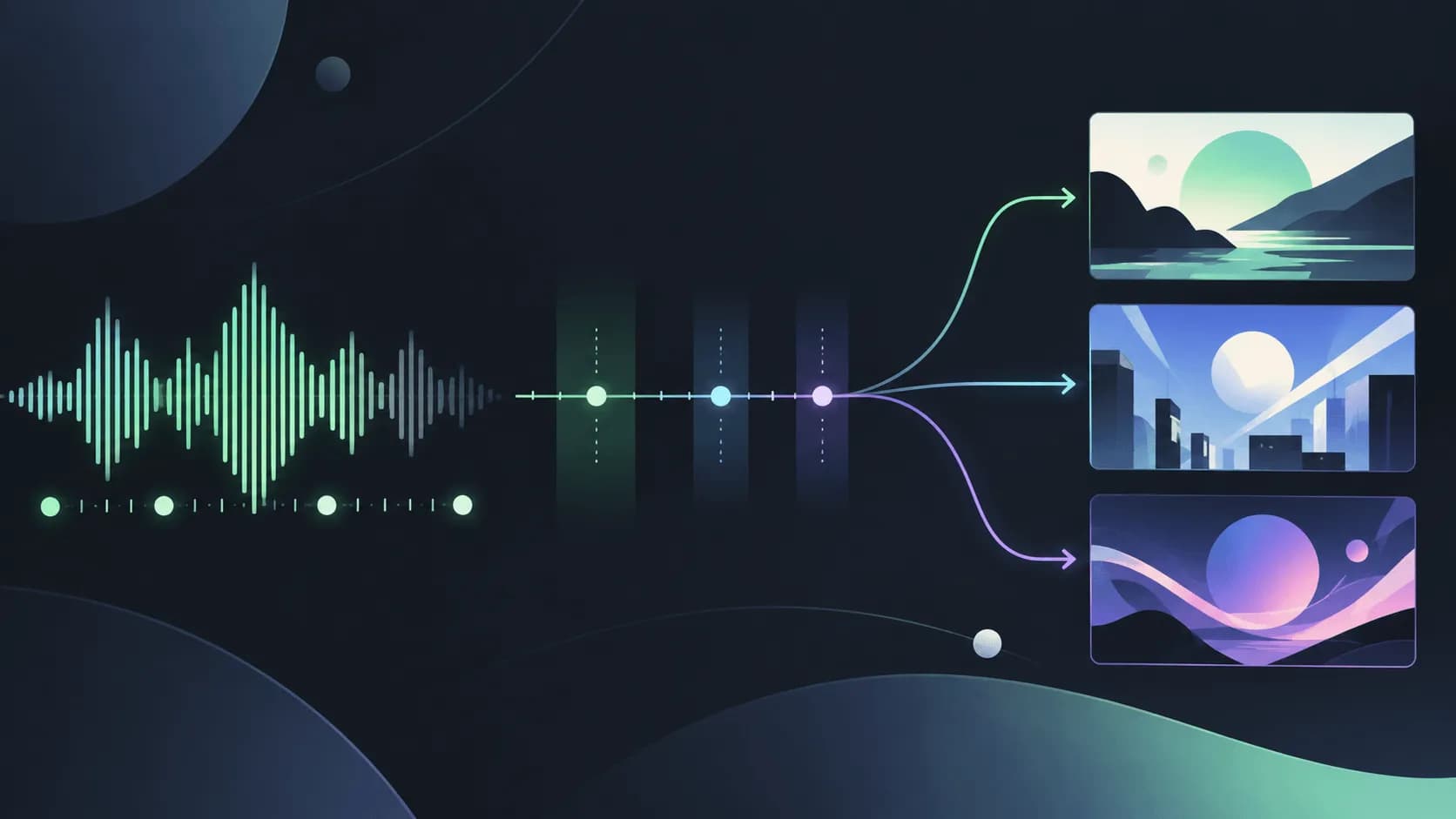
A finished song deserves more than a static cover image, but filming a music video can demand a budget, crew, and editing time that independent artists do not have. A free AI MV generator gives you another starting point: bring your music and an idea, then build visuals around the track.
The best choice depends on what you want to direct. Some creators need a recurring character and a clear story. Others want atmospheric animation, an automated visual sequence, or clips they can arrange themselves. Free credits are useful only when they give you access to the workflow your song actually needs.
We compare five free AI music video generators for those different goals, starting with SoulVid for story-driven and anime MVs. This is an editorial comparison of features and free access, not a same-song rendering benchmark. The guide is published by SoulVid.
What Makes a Free AI Music Video Generator Worth Using?
A useful music video tool should help you make visual choices, not simply fill the length of an audio file. Before choosing one, consider these five qualities:
- Story and creative direction: can you shape the concept, characters, settings, and sequence?
- Musical pacing: does the workflow let you build contrast between a quiet verse, a rising section, and a chorus?
- Visual continuity: can you provide references and keep the same character or visual identity across scenes?
- Editing flexibility: can you revise a weak shot without abandoning the direction you already like?
- Useful free access: does the allowance cover generation, and are the length, watermark, and download conditions suitable for your project?
For a narrative song, character and scene control may matter most. For an instrumental release, movement, color, and atmosphere may be enough. A short free test is most useful when you already know which of these qualities you are looking for.
Quick Comparison of the Top 5 Free AI MV Generators
| Tool | Recommended for | Creative approach | Free access and main limits |
|---|---|---|---|
| SoulVid | Story-driven and anime music videos | Conversation, character assets, and connected storyboards | Daily check-in credits; claimed rewards expire after 3 days. Canvas use of check-in points requires VIP. |
| Freebeat | Automated song-to-video creation | Music-first analysis and automatic scene planning | 500 lifetime trial credits; free videos have a 30-second cap and watermark. |
| Plazmapunk | Stylized and atmospheric music visuals | Audio upload, style selection, and prompt-led creation | 200 signup credits; free output is 4:3 and watermarked, without the full Scene Editor. |
| TwoShot | Audio-guided clips and hands-on assembly | Clip generation, visual references, and timeline editing | Signup credits with watermark-free output advertised; a finite allowance and separate commercial-use conditions. |
| AITuber | Exploring different music-video formats | Moving images, generated clips, or a cover-image video | Signup credits and watermark-free downloads advertised; available balance and mode costs need account confirmation. |
Free-access details were reviewed on October 22, 2026. Credit units differ between tools, so a larger number does not necessarily mean more usable video. Choose a format and excerpt first, then check the cost shown for that task.
1. SoulVid — For Story-Driven and Anime Music Videos
SoulVid is our first recommendation for creators who want to turn a song into an original visual story. Its conversation-based workflow connects the creative brief, character assets, storyboard, and generated scenes, giving you a way to develop the idea before committing to every shot.
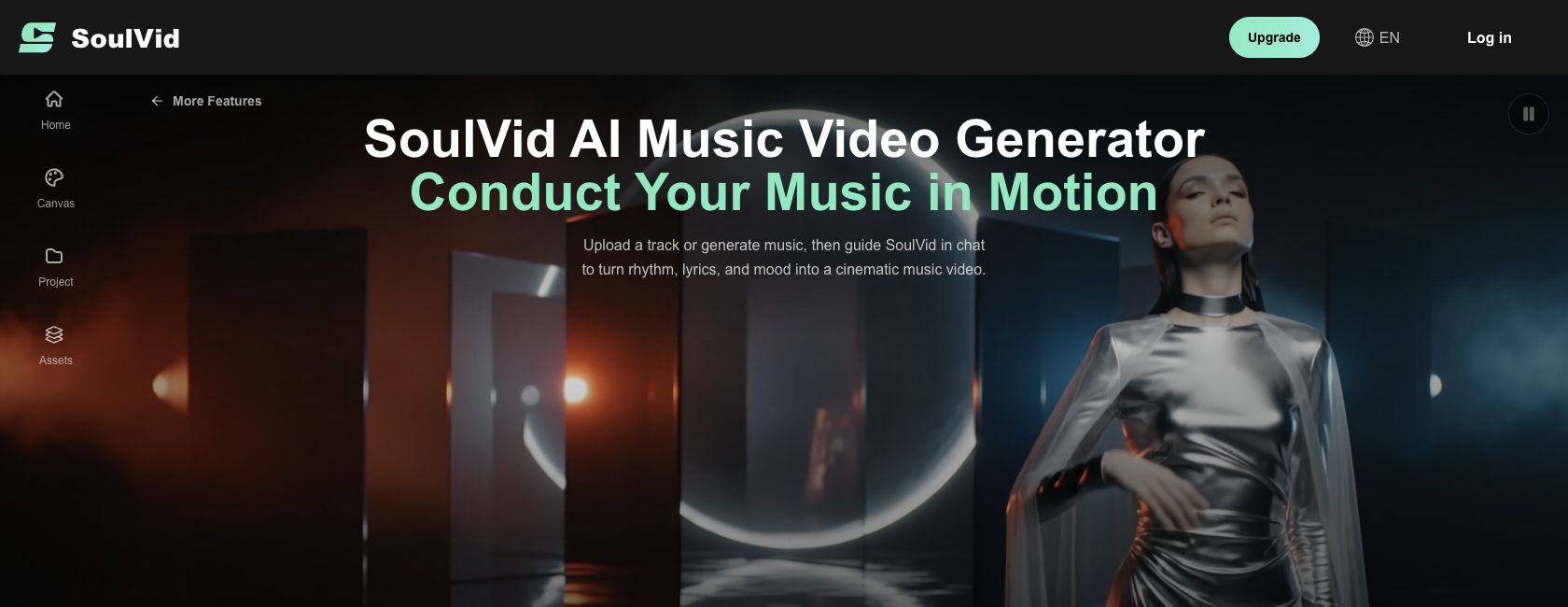
That matters when your MV needs more than a collection of attractive images. A song about leaving home might begin on a night train, move through an unfamiliar city, and end at the sea. The same character, clothing, and recurring prop need to connect those locations. In SoulVid, you can establish those elements in Assets and review the sequence in Storyboard before moving further into video generation.
The appeal is creative structure. Summary and Details help settle the premise, while the storyboard gives each scene a purpose. You can describe a revision in plain language, such as keeping the location and character but simplifying the action. The anime MV workflow is particularly relevant when you want to build a recognizable original character and visual world.
Free Access
Sign in and claim your available daily check-in credits to try the generation tools. Claimed credits are valid for 3 days, and consumption varies with the model and settings. Using check-in points in Canvas requires VIP, so confirm the workspace you intend to use before starting.

Pros
- Develop the concept through conversation rather than starting with a complex editing timeline.
- Establish character references and a shared visual direction before expanding the MV.
- Review connected scenes in a storyboard and identify changes before generating more material.
- Daily check-in rewards provide a way to claim additional free credits beyond an initial signup gift.
Cons
- Check-in credits expire after 3 days, so timing matters when planning a project.
- Canvas use of those credits requires VIP.
- Planning and output review still take work; a free balance does not guarantee a full-song MV or precise beat alignment.
Who Should Choose SoulVid?
Choose SoulVid if you care about the relationship between characters, scenes, and the song's emotional progression. It is a useful starting point for an original anime MV, a narrative chorus teaser, or a short sequence that can later grow into a larger project.
How to Start an MV with SoulVid
- Sign in, claim the available check-in reward, and bring a song excerpt with a short visual brief.
- Confirm the concept and character assets, then review the scene order in Storyboard.
- Check the generation cost, create the essential scenes, and review the result with the music before expanding it.
For the full process, see how to turn a song into a music video with AI.
Give your song an original visual story
Start with one excerpt, claim your available check-in credits, and develop the characters and scenes in SoulVid.
Try SoulVid with Free Check-In Credits2. Freebeat — For Automated Song-to-Video Creation
Freebeat takes a music-first approach, using a track's structure and emotional changes to plan a visual sequence. Its workflow includes music input, creation modes, and automated scene planning, making it a candidate when you want the platform to suggest a direction.
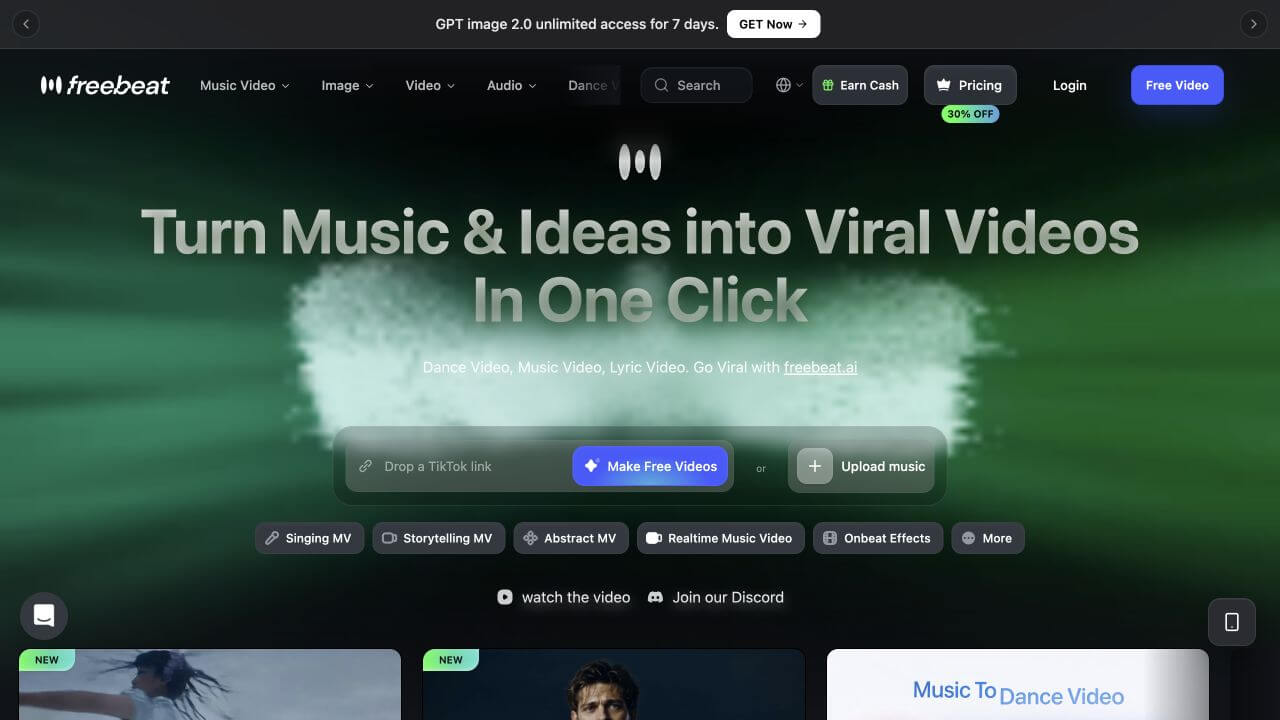
The main attraction is a shorter path from a finished song to a proposed MV. Upload audio or use a supported music link, select a mode, and provide a direction. Compare the planned scenes with the actual verse and chorus before extending the production.
Free Access
The free allowance is described as 500 lifetime credits, with 720p output, a 30-second limit, and a watermark. It is better suited to a hook or chorus experiment than a full-length release.

Pros
- Starts from the song and offers automated visual planning.
- Supports local audio and selected music links.
- Offers several music-video directions, including storytelling and performance.
Cons
- The free duration cap rules out a complete long-form release in one free video.
- Free output carries a watermark.
- The lifetime trial balance should not be treated as a recurring allowance.
Recommended for: musicians who want to explore automated direction on a short excerpt before taking on more detailed production.
3. Plazmapunk — For Stylized and Atmospheric Music Visuals
Plazmapunk offers a prompt-led route into music visuals. Upload a track, choose a visual style, and build around a central image or atmosphere. That approach can suit instrumental music or a release whose identity depends on color and texture.
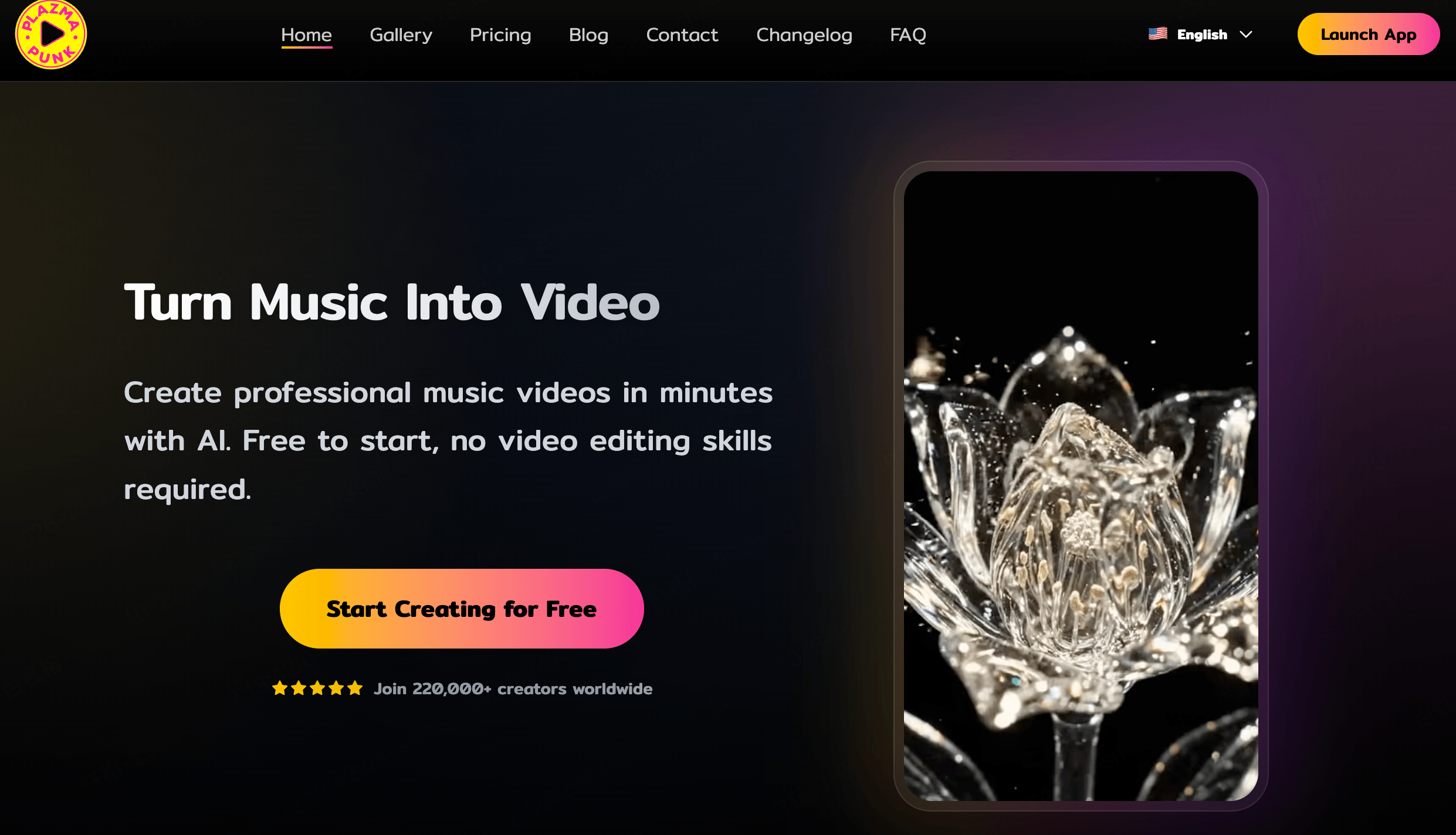
For the free workflow, a strong single theme is a more practical starting point than a complex narrative. A repeated visual motif can provide coherence without requiring detailed control over every character action.
Free Access
New users receive 200 starter credits, with custom music upload, 4:3 output, and one-prompt creation. Free videos include a watermark. The full Scene Editor, additional aspect ratios, watermark removal, and commercial licensing are paid features.

Pros
- Accepts your own music.
- Provides a simple prompt-led way to explore a visual style.
- Offers starter credits without requiring a card.
Cons
- Free output is restricted to 4:3 and includes a watermark.
- The full Scene Editor is unavailable on the free plan.
- Commercial licensing is a paid benefit.
Recommended for: creators exploring an atmospheric or experimental look who can accept the free format restrictions.
4. TwoShot — For Audio-Guided Clips and Timeline Editing
TwoShot combines audio-guided clip generation, visual references, and a multitrack timeline. It is a candidate for creators who want to assemble an MV from individual shots and decide how those shots connect.
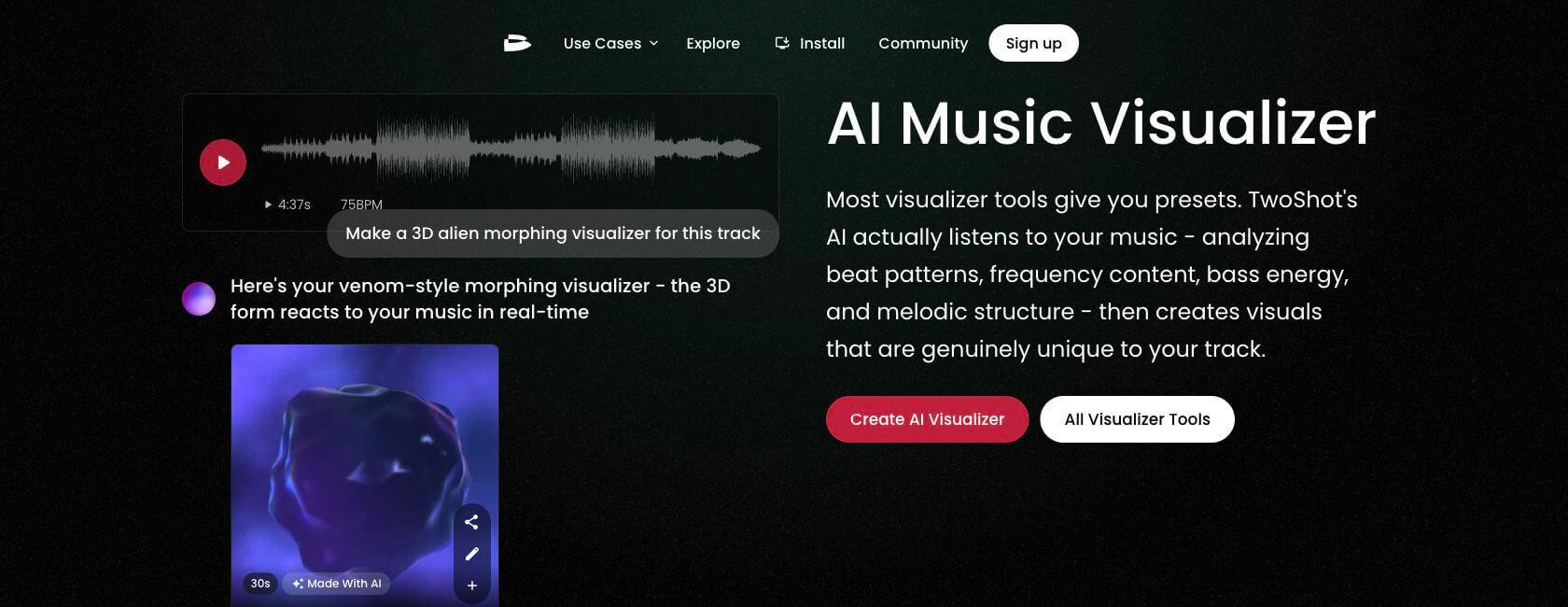
A clip-based workflow gives you editing decisions to make: where a scene begins, which version to keep, and how it hands off to the next shot. Consider this approach if you prefer building a sequence yourself over accepting a fully automated arrangement.
Free Access
TwoShot advertises signup credits without a card and watermark-free output. The allowance is finite; check the balance and selected mode's cost. Commercial use is a separate consideration, with paid coverage recommended for monetized or client work.

Pros
- Combines audio-guided generation with visual references.
- Includes timeline tools for arranging the clips.
- Advertises clean output using free credits.
Cons
- The free balance runs out and is not an unlimited production allowance.
- Timeline assembly requires editing decisions.
- A watermark-free file does not establish unrestricted commercial use.
Recommended for: creators who want direct involvement in arranging audio-guided clips into an MV.
5. AITuber — For Trying Different Music-Video Formats
AITuber brings several visual formats into one setup: moving images, generated video clips, and a single cover image with music. You can upload a song or start with music generation, then choose a visual mode and art direction.
The distinction between modes is useful. An animated image may be enough for a mood piece, while a character performing an action calls for generated video. Choosing the format before spending the balance helps keep the project focused.
Free Access
AITuber advertises signup credits without a card and watermark-free downloads. Confirm the current starting balance and mode costs in the account. Do not assume that a displayed maximum song length is the amount your free credits cover.

Pros
- Supports an uploaded song or a music-generation starting point.
- Offers distinct image, video, and cover-based visual modes.
- Advertises watermark-free downloads with starter credits.
Cons
- The free balance and usable duration need account confirmation.
- Motion effects on still images are different from generated character action.
- Different modes should not be assumed to consume the same credits.
Recommended for: creators deciding which visual format suits their song before planning a larger production.
Which Free AI MV Generator Should You Choose?
For an original story or anime MV, start with SoulVid. Its character and storyboard stages give you a place to establish continuity before building the sequence. Freebeat is an alternative when you want more automated direction from a song excerpt.
For style exploration, consider Plazmapunk. For arranging audio-guided clips yourself, consider TwoShot. If you are still deciding between moving images, generated footage, and cover-based visuals, AITuber offers those distinct starting points.
The deciding factor is what your song needs to show. A recurring character requires a different workflow from abstract lights or an animated cover. Choose one representative excerpt and assess that requirement before moving to the whole track.
For other production approaches, explore the AI music video generator comparison or the beat-synced MV guide.
Frequently Asked Questions
Is There a Free AI Music Video Generator?
Yes. These tools offer free credits or limited access that can cover actual generation. The amount you can create depends on the selected mode, clip length, and number of attempts. Start with a short excerpt rather than assuming a full release will fit the balance.
Can I Upload My Own Song?
All five workflows discussed here support your own music. Supported formats and link-import methods vary. Prepare a local audio file and use the upload options available in the tool.
Can I Make a Music Video for a Suno Song for Free?
You can use a compatible audio file with an available generation allowance. In SoulVid, download the song from Suno in an available MP3 or WAV format and upload it with your visual direction. The Suno MV tutorial explains the steps.
Which Free AI MV Generators Have No Watermark?
TwoShot and AITuber advertise watermark-free output. Freebeat and Plazmapunk include watermarks in their free access. In SoulVid, check the output options for the selected workflow; free check-in credits do not by themselves define every export condition.
Can I Make a Full-Length Music Video for Free?
It depends on the allowance and the project. A repeated visual loop covering a whole song is different from a multi-scene MV with newly generated action. Longer clips and repeated generation increase consumption, so check the cost of a representative section first.
Do Free Credits Renew?
Some are one-time signup rewards; others come from activities such as SoulVid's daily check-in. Do not assume that starter credits refill each month. SoulVid's claimed check-in credits have a 3-day validity period.
Can I Use a Free AI Music Video Commercially?
Check the usage rights for the selected tool, your music, and any uploaded references. Free generation, a clean download, and permission for commercial use are separate conditions, particularly for monetized channels or client work.
Turn Your Song into a Visual Story
Start with an excerpt that captures the track's identity. Choose a clear visual idea, establish the character or motif, and build the scenes around that direction. A focused short sequence gives you a useful basis for deciding what to create next.
For story-driven and anime projects, bring your concept to SoulVid and claim your available check-in credits. If you need a stronger starting brief, the anime MV prompt examples can help translate a mood into specific scenes.
Create your first MV with SoulVid
Bring your song, shape the visual direction, and build the sequence with your available free credits.
Create Your First MV