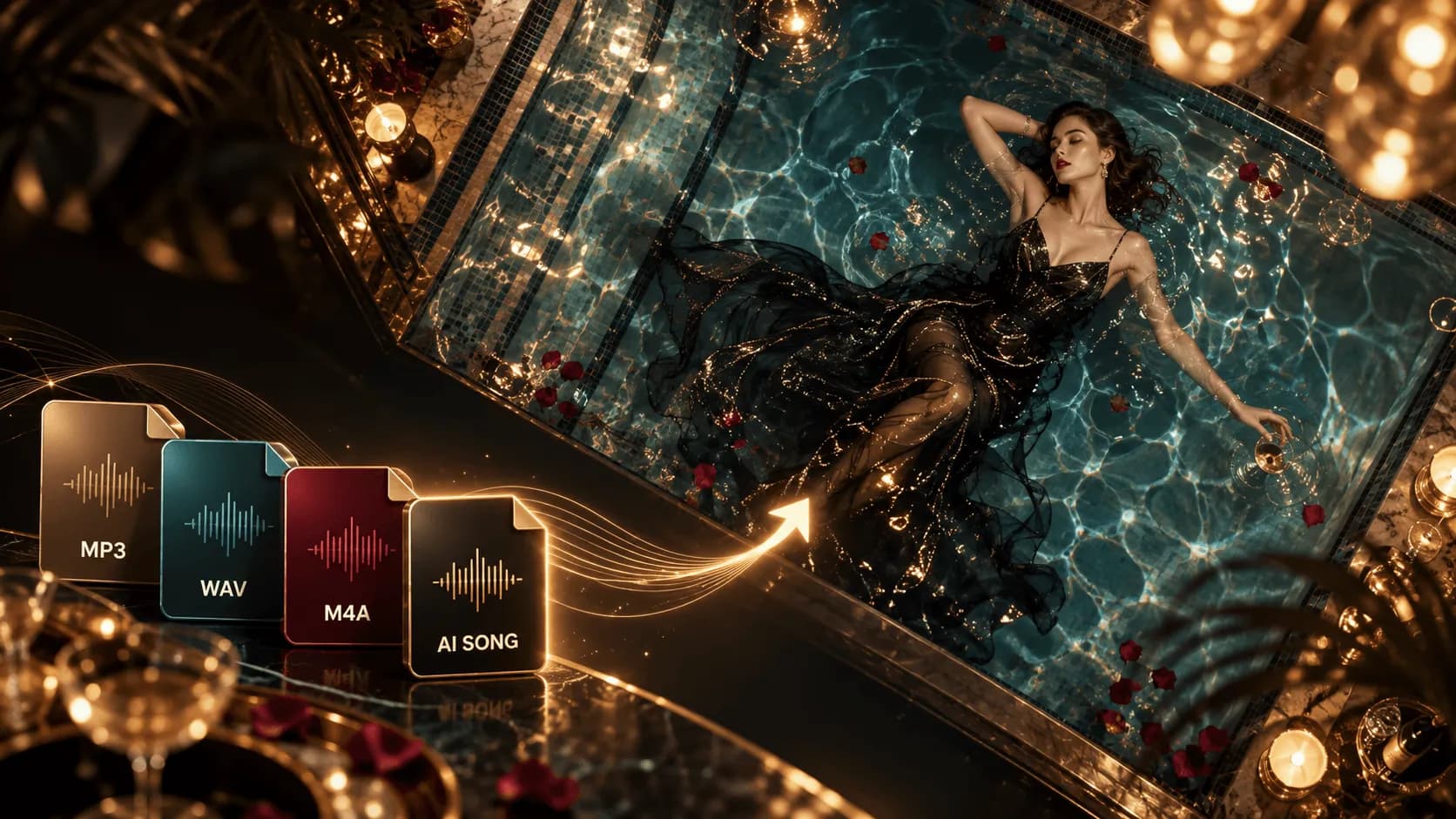
If you are searching for a beat-synced music video generator, you probably do not just want a waveform that bounces. You want the transitions, scene changes, lyric captions, or visual energy of a video to move with the beat, chorus, hooks, and song sections after you upload a track.
Most people who search for this already have an MP3, WAV, Suno song, Udio song, or finished single, and they want to turn it into a music video for YouTube, TikTok, Reels, or Shorts. The tricky part is that tools use "beat sync" to describe very different things: audio-reactive visualizers, beat-assisted editing tools, or AI music video workflows that read the song structure first.
So this guide separates those tool types first, then compares BeatMV, BeatSync, Atlabs, Neural Frames, and Freebeat. You may not need the most "all-in-one" option. You need to know whether this song is missing beat-synced visuals, audio-reactive motion, or a fuller music video workflow that follows mood and storyboard.
What Is a Beat-Synced Music Video Generator?
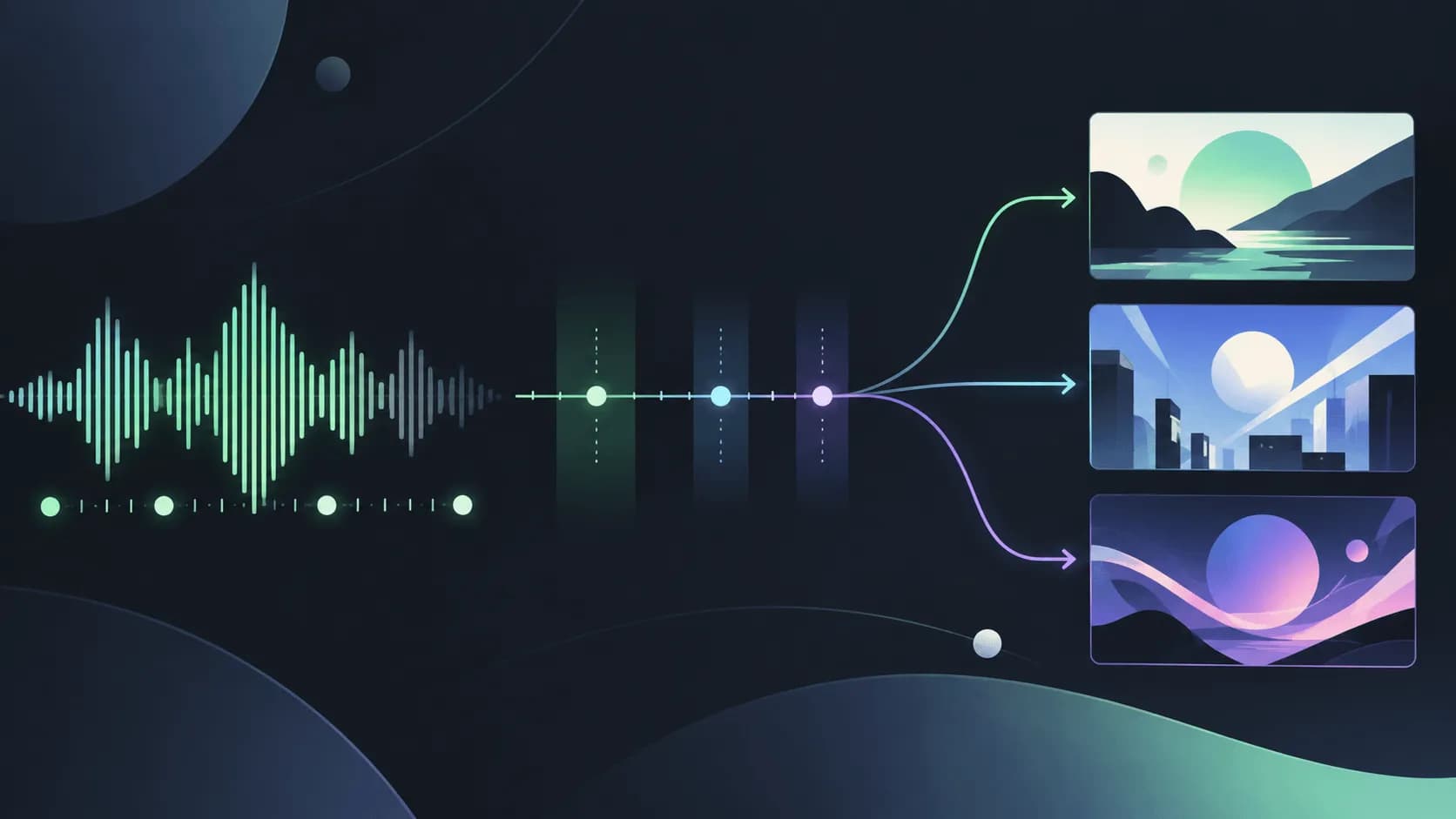
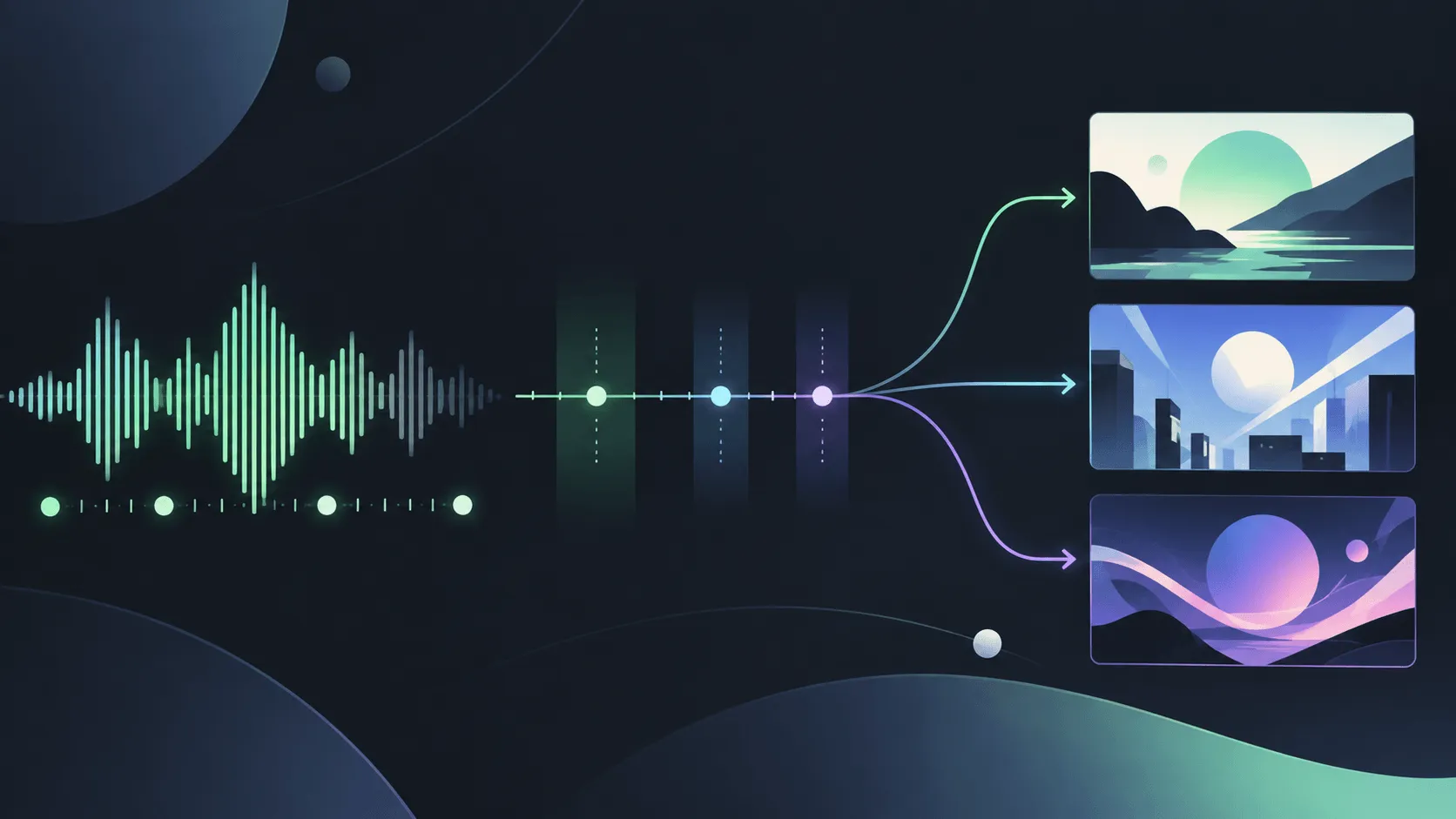
A beat-synced music video generator is a tool that reads a song's rhythm and aligns visual changes to the beat, song sections, or energy curve. The simplest versions make waveforms, particles, lights, or camera pulses react to volume and frequency. More advanced tools analyze BPM, downbeats, chorus peaks, verses, choruses, and bridges so cuts or scene plans follow the song.
But real beat sync is not just "the picture moves." For music creators, useful beat sync usually has four layers:
| Layer | What it syncs | Best use case | Common limit |
|---|---|---|---|
| Volume reaction | Amplitude, low frequencies, high frequencies | Visualizer loops, live backgrounds, Spotify Canvas | Usually no character or story |
| Beat reaction | BPM, downbeats, chorus peaks | EDM, dance music, short-form hooks | Can become abstract very quickly |
| Song sections | Intro, verse, chorus, bridge | Full music videos, YouTube videos, social teasers | Needs clearer creative direction |
| Story rhythm | Emotional arc, lyrics, character action | Narrative music videos, anime music videos, performance music videos | Needs storyboard planning and human review |
If you only want the image to pulse with the bass, an audio-reactive visualizer is enough. If you want every scene to feel like a real music video, moving from a restrained verse to a released chorus, you need a workflow closer to song understanding, storyboard planning, and scene generation.
Best Beat-Synced Music Video Generators
The comparison below is not a simple ranking. These tools solve different problems: some are closer to fast social release tools, some lean toward audio-reactive art, and some are better for full music videos or story-led visuals. Before using one seriously, check its current pricing, credits, export resolution, and commercial rights.
| Tool | Best for | Beat-sync approach | Main advantage | Possible limit |
|---|---|---|---|---|
| BeatMV | Song-to-storyboard and beat-synced music videos | Analyzes BPM, beats, and song sections to generate shot lists | Song-first workflow with shots aligned to rhythm | Generated story and visuals still need brand review |
| BeatSync | Fast beat-synced social music videos | Uses music analysis and curated visuals to sync to beats | Fast output for music release assets | Visual-library driven, with limited narrative control |
| Atlabs | Short-form cinematic beat-synced scenes | Analyzes rhythm and energy peaks to place scene cuts on the beat | Good for TikTok, Reels, Shorts, and visual style testing | Full story control still needs manual adjustment |
| Neural Frames | Audio-reactive AI visuals and generative art | Audio reactivity, frame control, automatic generation | Strong for experimental visuals and audio-reactive control | More of a visual art platform than a traditional MV workflow |
| Freebeat | Fast song-to-short-video assets and visualizers | Generates social-first visuals from song structure, rhythm, and templates | Quick to start, useful for release promotion and short-form testing | Limited depth for story, character consistency, and detailed storyboard control |
1. BeatMV: Best for Song-First Beat-Synced Music Video Workflows

BeatMV positions itself as a song-first AI music video generator. Its page emphasizes BPM, beat, and song-section analysis, then generates beat-synced video instead of a slide-like text-to-video result. It also mentions starting from MP3, WAV, FLAC, or M4A, generating storyboards and scene videos, and supporting 16:9, 9:16, and 1:1 formats.
That makes BeatMV a strong fit for creators who want the song to lead the process. You are not only typing a visual prompt. You let the tool read the song first, then connect shots and cut lists back to the music rhythm.
- Best for: Creators who want to build beat-synced storyboards, lyric videos, or social music videos directly from a song.
- Highlight: Beats, song sections, storyboard, and multi-format output sit in one workflow.
- Watch out: Even when a tool plans automatically, you still need to review the story direction, character consistency, and whether each scene truly fits the track.
2. BeatSync: Best for Fast Social Release Assets

BeatSync is closer to a music release studio. Its page says it can use curated visual assets to create beat-synced videos for TikTok, Reels, Shorts, and YouTube, while also placing mastering, music generation, and cover design in the broader product story.
If your goal is to turn one song into social assets quickly, BeatSync has a clear direction: reduce editing work and create publishable videos that move with the beat. That is attractive for single releases, short teasers, and quick visual-direction tests.
- Best for: Fast social clips, release assets, and beat-synced visuals.
- Highlight: Speed, curated visuals, and a music tool kit in one place.
- Watch out: If you need specific characters, story, or worldbuilding, a curated visual library may be less flexible than a storyboard-led workflow.
3. Atlabs: Best for Beat-Synced Scenes for TikTok, Reels, and Shorts
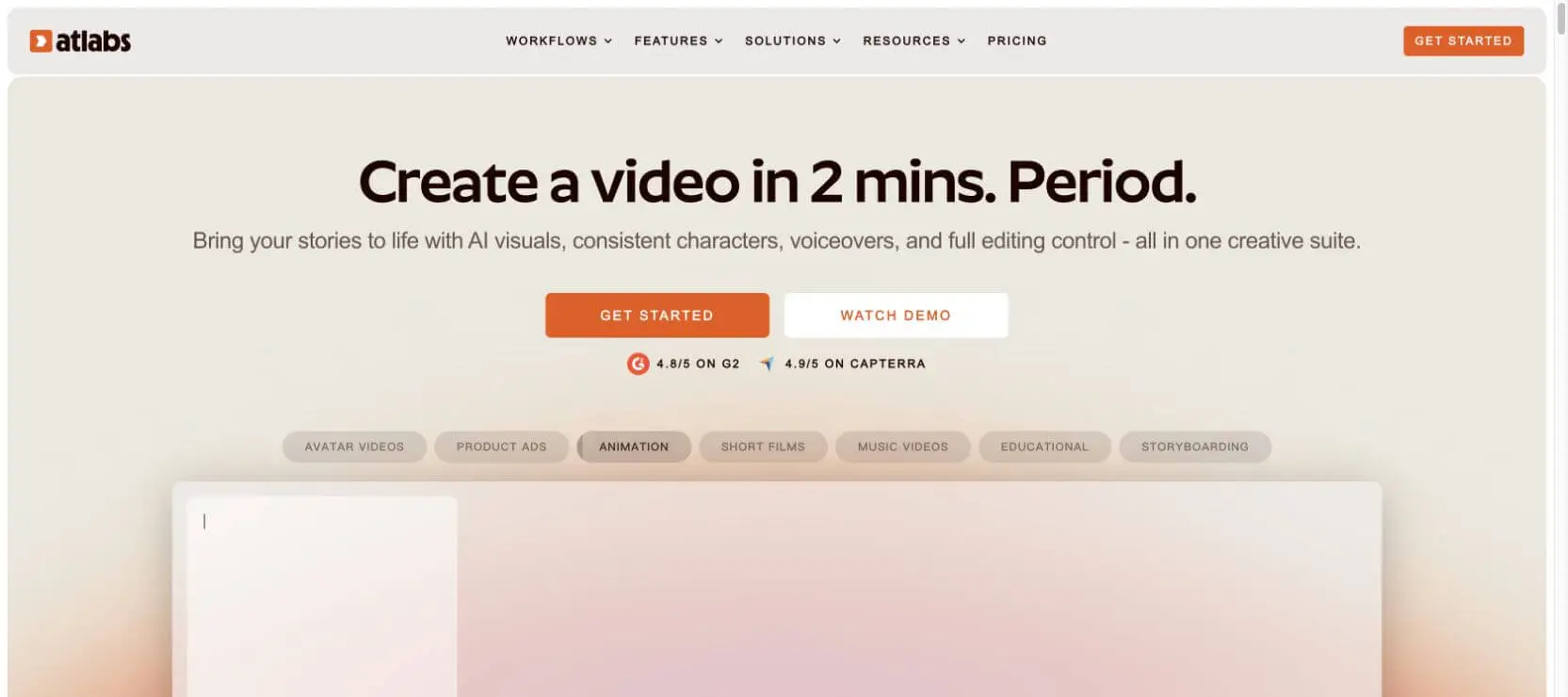
Atlabs' music video page focuses on creator and short-form influencer needs. Its copy says it can turn an audio file or Suno link into a cinematic, beat-synced music video, while analyzing mood, tempo, and energy peaks so scene cuts land on the beat.
Its advantage is short-form video. You can choose visual style, aspect ratio, length, and direction, then generate editable scenes. For TikTok, Reels, and Shorts, that is faster than manually cutting many assets.
- Best for: Social-first music videos, Suno links, short music videos, and fast visual style tests.
- Highlight: Rhythm, energy peaks, and scene cut timing are handled together, which helps when you want the image to follow the song.
- Watch out: For longer stories, detailed character arcs, or a complete narrative, you still need to manually shape each scene's meaning.
4. Neural Frames: Best for Audio-Reactive Visuals and Generative Art

Neural Frames is closer to an audio-reactive AI visual platform. Its page emphasizes audio-reactive AI music videos, automatic generation, frame-by-frame editing, and text-to-video editing modes. It fits creators who want to turn a song into generative art, abstract visuals, live backgrounds, or more experimental music videos.
If your music is electronic, ambient, psychedelic, instrumental, or visual-art driven, Neural Frames gives you more room than a standard template tool. The focus is not traditional storytelling. It is the relationship between audio energy and image movement.
- Best for: Audio-reactive visuals, generative art, abstract music videos, live backgrounds, and experimental music.
- Highlight: Strong frame-level and audio-reactive control.
- Watch out: If you want stable characters, clear story, and explicit storyboard structure, you may need to pair it with another workflow.
5. Freebeat: Best for Fast Song-to-Short-Video Assets

Freebeat leans toward quickly turning songs into social-ready visual assets. It is commonly used for song promotion, short teasers, visualizer videos, and music social posts, with a focus on lowering the production barrier from song to publishable short video.
If you want to test a song's visual direction quickly, or need several promotional assets for TikTok, Reels, or Shorts that follow the song's rhythm, Freebeat can save time compared with manual editing. It is better for "fast, usable, social-first" needs than for controlling every character, scene, and story turn in a full MV.
- Best for: Song promo clips, social teasers, quick visualizers, and short release assets.
- Highlight: Easy to start, good for testing a song's visual packaging and social response.
- Watch out: If you need full story, stable characters, or frame-level storyboard control, Freebeat may not be deep enough.
Beat Sync, Audio-Reactive Visualizers, and AI Music Videos: What Is the Difference?
Many search results mix these three ideas together, but they serve different workflows.
| Type | What you get | Best for | Not ideal for |
|---|---|---|---|
| Audio-reactive visualizer | Graphics or images that move with volume, frequency, or rhythm | DJs, electronic music, YouTube backgrounds, Spotify Canvas | People who need characters or story |
| Beat-synced music video | Transitions, scenes, or captions aligned to the beat | Short-form creators, single promotion, rhythm-heavy songs | People who only need a static cover |
| Storyboard-led AI music video | Characters, sections, and scenes planned before video generation | Full music videos, anime music videos, narrative music videos | People who only want one-click abstract visuals |
If your only goal is to make the image pulse with the bass, choose an audio-reactive visualizer. If you want cut points, chorus moments, hooks, and captions to land more precisely, choose a beat-synced music video generator. If you want viewers to remember the character, story, and chorus scene, choose a more storyboard-led AI music video workflow.
If You Need a Full AI Music Video Instead of Automatic Beat Sync
Let us be clear here: SoulVid is not the kind of tool that focuses on automatic BPM detection, beat cut points, or audio-reactive visualizers. If what you want is "upload a song and make the image jump on every beat," BeatMV, BeatSync, Atlabs, Neural Frames, or Freebeat are closer to that need.
SoulVid is better for a neighboring need: you already know the song's mood, character, scene, or story direction, and you want to organize it into a shootable AI music video. Its value is not automatically sticking every cut to the beat. It helps you move from creative direction, character setup, scene planning, and storyboard into a fuller MV workflow.
| If you need | Better fit |
|---|---|
| Automatic beat detection, rhythm reaction, fast visualizers | BeatMV, BeatSync, Atlabs, Neural Frames, Freebeat |
| Characters, story, scenes, storyboard, and full MV concept | SoulVid |
| Abstract backgrounds or live audio-reactive visuals | Neural Frames or visualizer tools |
| Fast tests for short social release assets | BeatSync, Atlabs, Freebeat |
Want a full AI music video, not just beat visuals?
If your song needs characters, scenes, storyboard, and a reusable visual concept, you can use SoulVid to plan from the song direction.
Create an AI music video with SoulVidIf you are still planning the full song-to-video workflow, read How to Turn a Song Into a Music Video with AI. If your focus is shot planning, you can also read the music video storyboard guide.
Ask These 6 Questions Before Choosing a Tool
- Do you need a full music video, or only a visualizer background? If there is no character or story need, a visualizer may be faster.
- Does your song have obvious peaks or hooks? The clearer the rhythm, the more valuable beat sync becomes.
- Where will you publish it? YouTube needs 16:9, while TikTok, Reels, and Shorts usually need 9:16.
- Do the lyrics matter? If yes, the tool needs to handle caption readability, not just pulsing visuals.
- Do characters need to stay consistent? Story music videos and anime music videos need stronger continuity than visualizer tools.
- How much time do you have for revisions? Automatic generation is fast, but good music videos usually still require checking, replacing, and regenerating.
Common Mistakes
- Treating beat sync as constant flashing. Real beat sync should serve the song sections, not make the image frantic.
- Only looking at BPM, not mood. Two songs at 120 BPM can feel bright, anxious, romantic, or oppressive.
- Ignoring platform aspect ratio. A 16:9 composition does not always crop cleanly to 9:16.
- Treating a visualizer as a full music video. Visualizers are great backgrounds, but they may not carry characters and story.
- Not checking lyric captions. If captions are too small, too fast, or cover faces, the short-form viewing experience suffers.
FAQ
What is a beat-synced music video generator?
Is a beat-synced music video generator the same as an audio visualizer?
Can I turn an MP3 into a beat-synced music video?
Which tools are best for TikTok, Reels, and Shorts?
Is SoulVid a beat-sync tool?
Conclusion
Most people look for beat-sync tools because they do not want the video to feel like a random asset collage. They want it to follow the song. For some tracks, audio-reactive visuals are enough. For rhythm-heavy social clips, beat-synced editing matters more. For full music videos, song sections, emotional arc, characters, and storyboard become the core.
If you need fast beat visuals, compare BeatSync, BeatMV, Atlabs, Neural Frames, or Freebeat. If you want to turn a song into an AI music video with characters, scenes, and a narrative direction, SoulVid is closer to a full MV workspace, but it should not be treated as an automatic beat-sync tool.
Start from song structure, not only flashing on the beat
Turn your song, lyrics, and visual direction into a storyboard, then use SoulVid to generate an extensible AI music video.
Start creating an AI music video