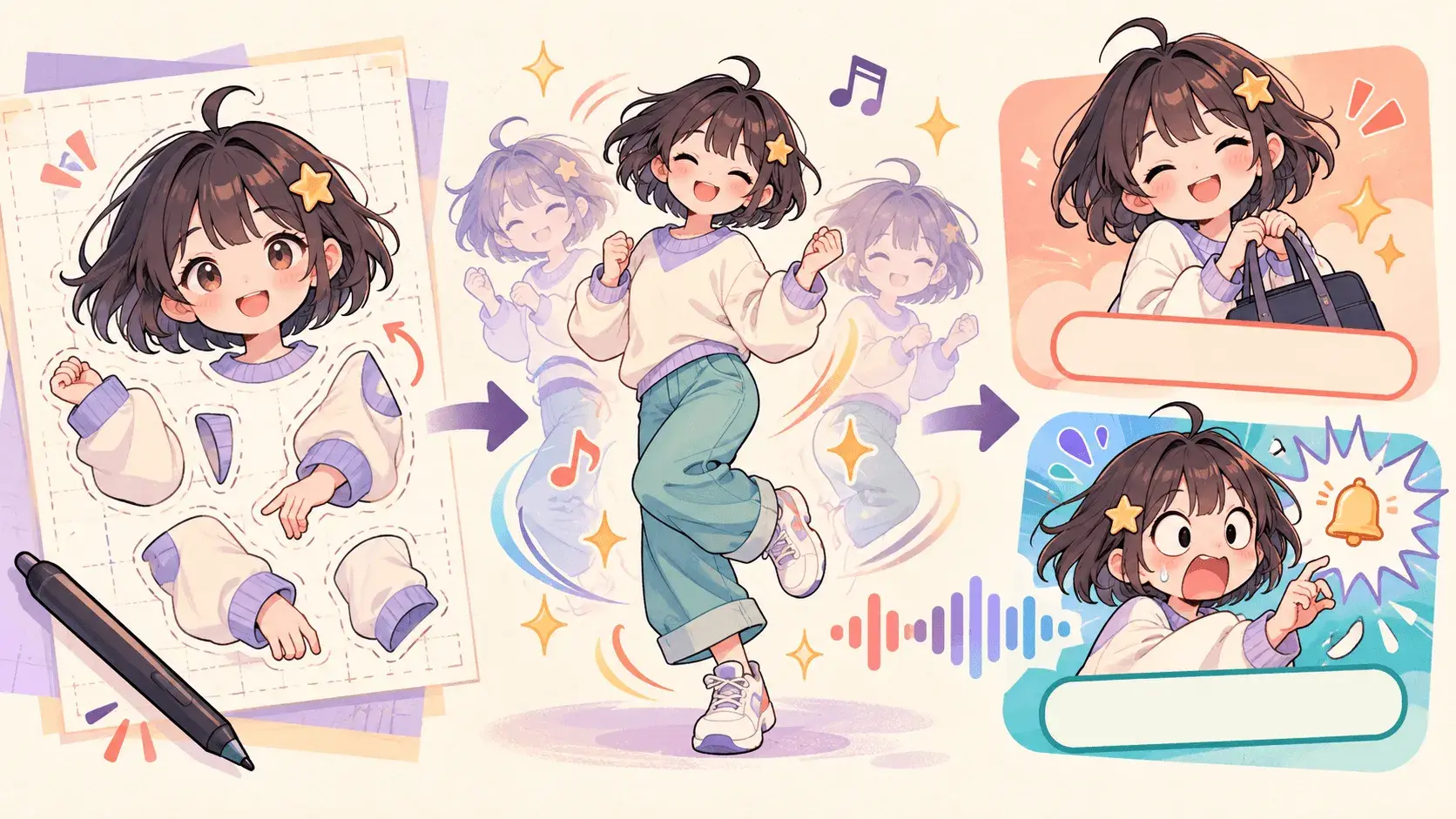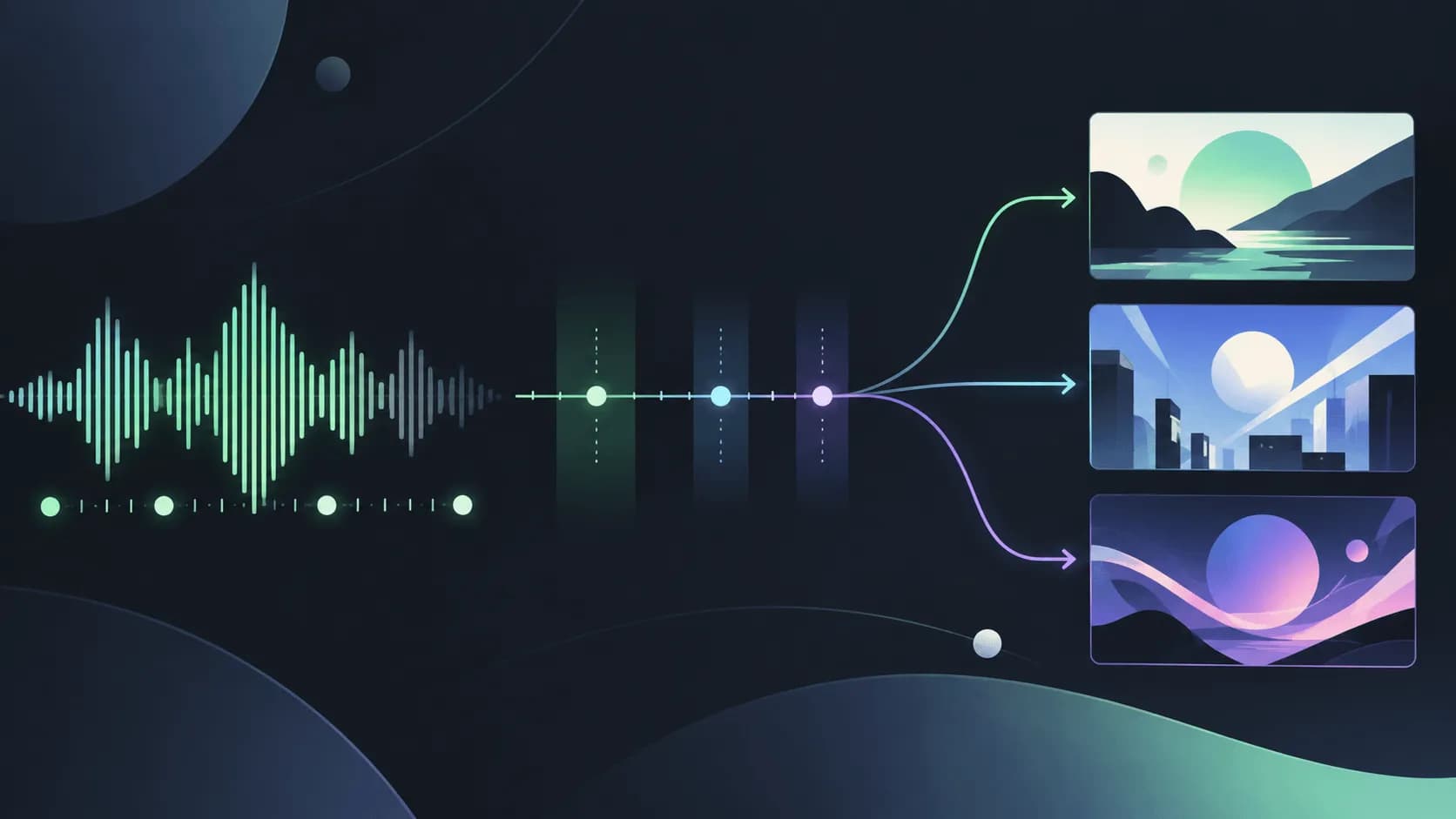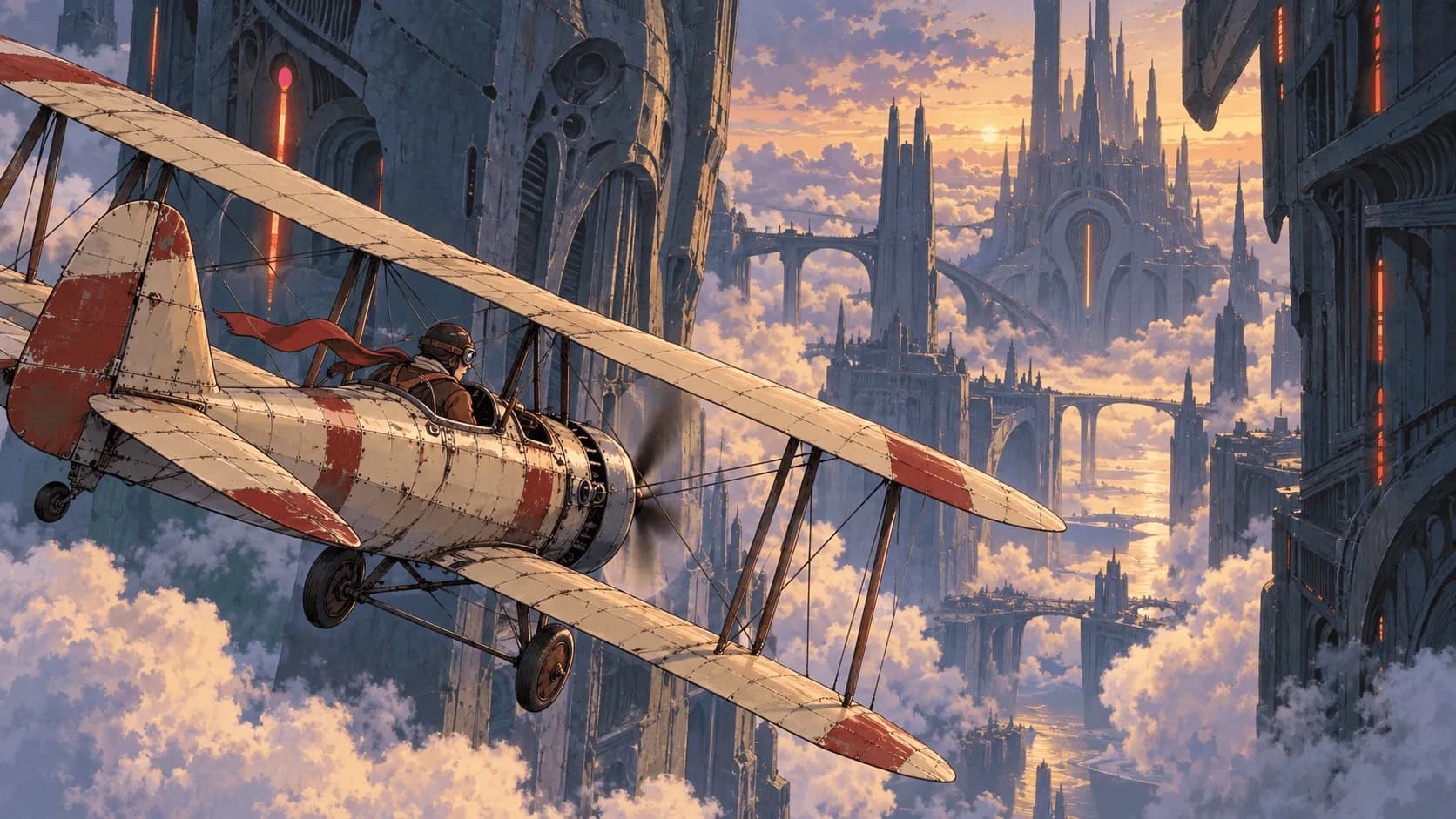
Type “anime style, youthful, cinematic” and you might get a beautiful image with a character standing still. When the chorus arrives, nothing changes. Often the missing information is simple: who does what, how the camera sees it, and what this shot contributes to the song.
This guide contains 12 adaptable anime music video prompts and a method for connecting them into a storyboard. Pick a mood close to your track, then replace the character, action, setting, and palette. These are planning and prompt examples, not completed, tested productions. Duration and movement still need to be checked against your model and its actual output.
For a first experiment, start with this single shot:
Create a 6-second, 16:9 original 2D anime music video shot. A young character with short black hair, a cream shirt, and a navy shoulder bag stands on a rooftop at sunset and slowly raises their gaze toward the sky. Use a fixed medium close-up framed from the chest upward. Side light warms the cheek while a breeze moves the hair and collar. Use clean outlines and soft cel shading. Keep the face, hairstyle, clothing, and bag consistent. End on the upward-looking pose. No captions or logos.“6 seconds” describes the intended source clip. If the tool has separate duration and aspect-ratio controls, set those too; text alone does not replace them.
Choose a starting point: 12 anime music video scenes
Start with the emotion your song needs. The suggested song sections below are starting points: changes in action, light, and editing can give the same location a different feeling.
| Scene | Suitable sound or mood | Main action | Suggested use |
|---|---|---|---|
| After-school rooftop | Youthful pop, anticipation | Look up at the sky | Intro, verse |
| Rainy station | Ballad, waiting | Tighten a grip on a ticket | Verse, instrumental |
| Late-night train | City pop, loneliness | Turn toward the window | Verse |
| Coastal road | Indie, farewell | Pause and look back | Outro |
| Floating memory | Dreamy electronic, longing | Catch a photograph | Bridge |
| Light in the ruins | Rock, hope | Push open an old door | Pre-chorus |
| Band rehearsal room | Band performance, emotional release | Hold a microphone and look up | Chorus |
| Solo city dance | Dance pop, upbeat | Step sideways and raise a hand | Dance hook |
| Running through town | Momentum, growing up | Run forward | Chorus |
| Original character entrance | Opening sequence, determination | Turn toward the camera | Opening |
| Lo-fi room loop | Calm, companionship | Subtle curtain and rain movement | Looping background |
| Vertical chorus teaser | J-pop, short promotion | Reach toward the camera | Shorts, Reels |
How to write an anime music video prompt
Separate the concept, still image, and motion instructions
The overall concept explains the song’s mood, story, and world: “A young traveler takes a night train to the coast to say goodbye to the past.” That gives the MV direction, but it does not yet define a shot.
A still-image prompt specifies appearance, location, composition, and lighting for a character reference or storyboard frame. A motion prompt adds how the subject moves, how the camera moves, and where the shot ends. Change “a character standing in the rain” to “the character grips a ticket as the camera slowly approaches the hand” to describe a visible change over time.
With image-to-video, the reference already supplies appearance and framing, so the text can focus on motion. With text-to-video, include enough information about the subject and environment. These instruction types can build on each other without being pasted into every input field.
An adaptable prompt formula
Character + setting + main action + framing and camera movement + visual style and lighting + elements to preserve.
Create a [duration], [aspect ratio] original anime music video shot for [song section or mood]. [Character with identifiable features] performs [one main action] in [setting]. Use [framing] and [one camera movement], with [linework, shading, lighting, and palette]. Keep [character and important objects] consistent. End on [final state] so the next shot can follow. No captions or logos.Start with one person, one action, and one camera approach. Add complexity after the basic result works. Requests for consistency describe your target; references and output checks are still necessary.
Turn vague adjectives into visible events
Vague version: “An emotional, youthful anime music video with a cinematic feel.”
More specific version: “In an empty classroom at sunset, a character in a navy jacket puts away a group photo, pauses, then looks out the window. Fixed side medium shot, warm orange light across the desk, ending on the character’s profile.”
The revision adds an object, an action, a pause, and framing. You can retain “melancholy” as direction, but let the emotion appear through something the viewer can see.
12 anime music video prompts to adapt
Each example focuses on one shot. Match duration, ratio, and reference settings in the interface to your instructions. Models may interpret long sentences, negative instructions, and action sequences differently.
1. An after-school rooftop in the summer breeze
Suitable for: a youthful pop intro or verse that introduces the lead character.
Create a 6-second, 16:9 original 2D anime music video verse shot. A young character with short black hair, a cream shirt, and a navy shoulder bag stands on an after-school rooftop, slowly raising their gaze from the ground toward the sky. Use a fixed side medium shot with the railing level. A breeze moves the hair tips and collar. Use clear outlines, soft cel shading, and warm orange summer light. Keep the face, clothing, bag, and railing placement consistent. End on the upward-looking profile. No other characters or on-screen text.Replace: hairstyle, shirt color, time of day, or weather. Overcast light and a cooler palette can make the scene lonelier.
Adjustment: keep the upward gaze as the main action. Adding a turn, wave, and orbiting camera together makes problems harder to identify.
2. Waiting at a rainy station
Suitable for: a ballad verse or an instrumental passage about waiting and separation.
Create a 5-second, 16:9 anime music video detail shot. On an empty station platform at night in the rain, the lead wears a navy jacket and holds a pale yellow ticket without readable text. Use a fixed close-up of the hand and jacket cuff. The fingers slowly tighten around the ticket. Only blurred platform lights and rain appear behind them. Use cool blue shadows, small warm yellow reflections, and delicate hand-drawn lines. Keep the hand, cuff, ticket shape, and light direction consistent. End with the ticket held firmly.Replace: use a letter, ribbon, or another object with meaning in the story.
Adjustment: if fingers distort, hold the hand still and move only the rain and sleeve slightly before attempting more hand movement.
3. A late-night train with neon outside
Suitable for: city pop, night journeys, and a lonely verse.
Create a 6-second, 16:9 original anime music video shot. A short black-haired character in a cream shirt sits beside the window of a night train, a navy shoulder bag on their lap, and slowly shifts their gaze from ahead to the window. Use a fixed three-quarter profile medium close-up. Cyan and pink lights slide backward outside while the carriage remains dim. Use clean linework, simple shading, and glass reflections. Keep the face, seat, bag, and window frame consistent. The reflection must not become a second sharply defined face.Replace: swap neon buildings for fields at dawn to move the journey toward hope.
Adjustment: reduce reflections if they compete with the lead; establish the silhouette and outside movement first.
4. A farewell on the coastal road
Suitable for: indie, folk, and an outro about leaving something behind.
Create a 7-second, 16:9 original anime music video closing shot. A short-haired character in a cream shirt with a navy shoulder bag stands on a coastal walkway, facing into the distance, and slowly looks back in the direction they came from. Use a fixed medium-long shot with a stable horizon. Gentle waves move behind the character and sea wind shifts the shirt. Use muted sea blue, pale golden morning light, and soft cel shading. Keep body proportions, bag, and walkway orientation consistent. End on the backward glance. No vehicles or other people.Replace: morning light with sunset, or the bag with a recurring story object.
Adjustment: let the pause close the scene without forcing in running, waving, or a dramatic pullback.
5. A memory drifting through the stars
Suitable for: dreamy electronic music, longing, and a bridge moving into memory.
Create a 6-second, 16:9 dreamlike anime music video shot. An original short-haired character wearing a navy jacket stands in a dark, star-like space. One white-bordered photograph with an indistinct image and no readable text slowly floats toward their chest. The character extends one hand to support it. Use a fixed upper-body medium shot with only a few slowly moving light points behind them. Use indigo, silver white, and soft rim light with 2D outlines and simple shading. Keep the clothing, photograph size, and hand position continuous. End with the photograph resting on the hand.Replace: use a paper crane or leaf that connects with the lyrics.
Adjustment: start with one floating object. Multiple photographs can be prepared separately and combined through editing or compositing.
6. Light returning to a ruined building
Suitable for: rock, resilience, and tension building before a chorus.
Create a 5-second, 16:9 original anime music video pre-chorus shot. An original character in a short red jacket and black trousers stands before an old door in an abandoned building and slowly pushes it open with one hand. Warm golden light from behind the door gradually spreads onto the floor. Use a fixed rear medium shot centered on the figure, door, and light. Contrast a gray-blue environment with the red jacket and warm gold, using clear outlines and cel shading. Keep the hinge direction, jacket, and body proportions consistent. End with the door half open. No explosion or transformation.Replace: sunlight, stage lighting, or the story’s destination beyond the door.
Adjustment: establish the hand and door movement before adding particles or intense light that could hide the turning point.
7. A vocalist in a rehearsal room
Suitable for: band tracks, determination, and rising chorus energy.
Create a 5-second, 16:9 original anime band music video shot. A short silver-haired vocalist in a loose black top stands in a small rehearsal room, holding a microphone fixed to its stand with both hands, and slowly lifts their eyes to look ahead. Begin in a chest-up medium close-up and push in gently. Amplifiers and a drum kit remain out of focus behind them under warm white overhead light. Use crisp outlines, a dark gray background, and restrained warm highlights. Keep the face, clothing, microphone, and stand position consistent. This shot does not require word-for-word lip sync.Replace: vocalist styling, lighting, and room colors.
Adjustment: establish expression and posture first. For lip sync, check the tool’s separate audio and mouth-animation workflow rather than treating this prompt as completed synchronization.
8. A solo dance against the city lights
Suitable for: dance pop, a short dance hook, and an upbeat chorus.
Create a 5-second, 16:9 2D anime music video dance shot. An original character in a white sports jacket and black trousers stands in the center of a city plaza at night, steps sideways once while raising the right hand, then holds a clear extended pose. Use a fixed front full-body shot with both feet fully visible and a flat ground plane. Distant city lights stay out of focus. Use cyan-blue ambient light and soft white key light. Keep the body shape, clothing, and shoes consistent. No background dancers.Replace: jacket color, location, or one clear gesture.
Adjustment: this is a movement experiment. Specific choreography, exact timing, or dance recreation may require supported motion references or separate animation work.
9. Running through town for the chorus
Suitable for: a fast track, a coming-of-age feeling, and increased chorus energy.
Create a 6-second, 16:9 original anime music video chorus shot. A short black-haired character wearing a cream shirt and a navy shoulder bag runs to the right along an empty street at dawn, maintaining the same direction. Track parallel from the side in a medium-long shot with the legs and road visible. Buildings move left behind them as morning light enters from ahead. Use bright sky blue, warm gold, and clean cel shading. Keep the face, clothing, bag, and road structure consistent. Do not change locations within this clip.Replace: the street with a riverside path, school walkway, or another simple route.
Adjustment: if the steps are unstable, frame from the waist up or try brisk walking. Establish travel direction and character continuity first.
10. An original character’s opening-sequence entrance
Suitable for: character introductions and a fictional anime opening.
Create a 5-second, 16:9 original anime opening-style music video shot. An original character with short dark brown hair, a dark green jacket, and an orange scarf stands on a raised platform, slowly turning from a side-facing pose toward the camera and ending with a determined expression. Use a fixed waist-up medium shot. Wind gently moves the scarf against a bright sky and the city skyline below. Use a readable silhouette, crisp linework, and high-contrast cel shading. Keep the hair, scarf, jacket, and platform consistent. No title, credits, or logos.Replace: scarf, jacket, expression, or a signature prop.
Adjustment: use silhouette, color, and movement to make the original character recognizable and carry those choices into later shots.
11. A quiet room for a lo-fi loop
Suitable for: lo-fi, instrumental tracks, and a long-playing visual background.
Create a 6-second, 16:9 quiet 2D anime room clip as source material for a lo-fi loop. A short-haired character reads at a desk with the body pose and hands held still. Raindrops slowly slide down the window, and the curtain makes a tiny periodic sway. Keep the camera, composition, light brightness, and desk objects fixed. Use a warm yellow desk lamp, misty blue window view, and soft hand-drawn lines. End with the curtain near its starting position. No page turns, opening doors, flashes, or new characters.Replace: rain with snow, or change the lamp temperature and room palette.
Adjustment: a request for similar opening and closing frames does not guarantee a seamless loop. Compare the actual frames, then trim or crossfade if needed.
12. A vertical chorus teaser for Shorts
Suitable for: J-pop, chorus previews, Shorts, and Reels.
Create a 5-second, 9:16 original anime music video chorus teaser. An original character with short black hair and a red jacket stands on a city footbridge at sunset, faces the camera, slowly reaches out one hand, and ends with a smile. Use a fixed waist-up medium shot with the character centered and uncluttered space above the head and below for a title added in editing. Use a warm orange sky and dark blue city silhouettes. Keep the face, hand, clothing, and bridge railing consistent. Do not generate lyrics or captions directly.Replace: gesture, expression, character palette, or time of day.
Adjustment: check the publishing platform’s interface overlays before adding text, keeping the face and gesture clear of captions and controls.
How to connect prompts into one song’s storyboard
Establish shared settings for every shot
Good individual shots do not automatically connect. Write a short shared specification and use matching character references before drafting each shot.
This hypothetical story follows a traveler leaving a familiar city on a night train bound for the coast:
Shared settings: the lead is an original young character with short black hair, a cream shirt, dark gray trousers, and a navy shoulder bag. Use clear linework and soft cel shading throughout, moving from cool night blue toward warm morning gold. Use the same reference assets for the lead, clothing, and bag. The ticket is pale yellow without readable text. No generated captions or logos anywhere in the video.These settings are a production reference, not a phrase that guarantees identical characters. Supply matching images where available and review other shots whenever an appearance changes.
A storyboard for a 30-second music excerpt
This example assumes a quiet first half leading into a chorus. Times are an editing plan, so adapt them to your track and supported clip lengths. Combine each shot instruction with the shared settings above.
| Planned time | Music and shot purpose | Image and action | Single-shot prompt |
|---|---|---|---|
| 0–6 s | Quiet opening; establish departure | Lead waits on a night platform | Use the shared settings for a 6-second fixed rear wide shot. The lead waits on the platform as distant train lights approach slowly. Keep the lead in place and the cool blue platform and silhouette readable. |
| 6–11 s | Detail; give departure meaning | Lead tightens their grip on the ticket | Use the shared settings for a 5-second fixed hand close-up. Center the pale yellow ticket as the lead slowly grips it more firmly. Keep the cream cuff visible and the platform blurred. |
| 11–17 s | Transition; begin the journey | Lead turns toward the train window | Use the shared settings for a 6-second fixed side medium close-up inside the carriage. The lead sits by the window with the bag on their lap and slowly turns to look outside as buildings slide backward. |
| 17–24 s | Chorus; open space and light | Lead walks along the coast | Use the shared settings for a 7-second side medium-long tracking shot. The lead walks briskly rightward along a coastal path at dawn. The sky shifts from cool blue toward warm gold. Keep the sea in the background without changing locations. |
| 24–30 s | Resolution; suggest a new beginning | Lead pauses to face the sea | Use the shared settings for a 6-second fixed rear medium shot. The lead stands at the coastal railing facing the horizon, collar moving slightly in the breeze, shoulders relaxed. End on a stable pose. |
Simplify a difficult action without rebuilding every shot. A musical change can also be expressed through an editing point, framing, or brightness rather than a large movement every time.
Decide what stays fixed and what can change
Keep hairstyle, clothing, proportions, and the bag consistent. Let location, framing, gaze, and action develop with the story. A transition from night to morning is intentional; a shirt unexpectedly turning into a jacket needs review.
Check direction too. If the lead walks right and suddenly runs left in the next shot, the viewer may think they have turned back. Mark travel direction, light source, and important object positions before generation. For more planning guidance, see the AI storyboard tutorial.
How to use these prompts in SoulVid
Define the whole MV during planning
Bring your song or creative direction into the SoulVid anime music video generator and explain the excerpt, mood, story, and style. For example: “Use this excerpt that moves from quiet to bright for an original anime MV about taking a night train to the coast.”
Review Summary and Details: is the story still simple, are there only the necessary characters, and do the locations connect? Establish the overall direction before attempting to paste all 12 examples into one brief.
Prepare character references and assets
In Assets, check the lead’s appearance, clothing, and recurring objects such as the bag. Match written settings to your own images; when starting from text, approve the character assets before moving on to video.
The image anchors appearance while text explains purpose and movement. If the reference has a red jacket but the prompt asks for a cream shirt, resolve the conflict before evaluating the output.
Adjust each shot in the storyboard
In Storyboard, confirm each shot’s role and order, then apply its action, framing, and camera requirements. The platform close-up handles the ticket grip; the train shot handles the turn toward the window.
Do not treat a multi-location concept as one motion instruction. Correct unwanted wardrobe changes, supporting characters, or locations before proceeding to Video.
Review the output before editing
Start with the most important section: is the character consistent, is the action readable, and does the shot fit the music’s energy? Adjust references, movement, or composition one at a time.
“Suitable for a chorus” describes mood and use, not frame-accurate beat alignment. Exact timing, captions, mouth movement, and clip lengths still need attention based on the output. For the complete process, continue with how to make an anime music video with AI.
What to change when the output misses the idea
Change one main condition at a time and preserve what works. Replacing the character, location, and action together makes it difficult to identify what helped.
| Problem | Check first | Adjustment to try |
|---|---|---|
| Attractive image, no clear action | Only mood and style words | Replace “feels hopeful” with “slowly raises their gaze toward the sky.” Keep one visible action. |
| The character changes between shots | Conflicting references or appearance descriptions | Reuse the same assets, fix hair, clothing, and key accessories, and remove contradictions. |
| Subject and camera move unpredictably | Too many actions and camera moves | Reduce “run, turn, jump, orbit” to “walk briskly rightward, side tracking shot.” |
| The chorus feels unchanged | Identical framing and energy throughout | Plan a shift from an indoor close-up to an outdoor wide shot, or open the lighting at the chorus. |
| The loop does not connect | Large changes in pose, light, or object positions | Fix the camera and character, retain only small environmental movement, and inspect possible trim points. |
| Lyrics or logos distort | Generated imagery is expected to typeset accurately | Reserve text space and add correct lettering after producing the clip. |
| Movement misses the beat | Natural language is treated as exact time control | Shorten the action, select usable material, and adjust cut points and clip length in editing. |
For appearance problems, see keeping characters consistent in AI video. For other musical directions, explore AI music video prompts by genre.
Frequently asked questions
Can I write anime music video prompts in Japanese?
Start with a language you know that the tool supports, describing the character, action, and camera clearly. If the meaning does not carry through, compare an English version of the same instructions. Keep the story and settings unchanged so the comparison is useful.
Are English prompts always better?
There is no guarantee across all models and scenes. Results depend on the tool, model, and instructions. Test one simple shot with matching character and action settings, then choose the wording that communicates your idea better.
Do I still describe appearance when I have a character image?
Keep a few identifying features, such as hair, jacket, and accessories, consistent with the image. For image-to-video, text often needs to focus more on action and camera movement than repeating every visual detail. Specify references through the tool’s own interface.
Can one prompt generate an entire song’s MV?
An overall brief can describe a whole song, but an MV still involves song structure, characters, settings, storyboards, and editing. Review individual shots even with an integrated production tool. These 12 examples primarily design short clips and do not promise a finished full-length MV in one generation.
Why does “move to the beat” fail to produce exact timing?
The phrase does not specify a measurable time and action, nor does it mean the model has access to music or supports precise synchronization. Check how the tool handles audio, simplify movement, then place cuts based on the actual result.
How do I keep the same character across shots?
Unify references and appearance settings, then review every shot. Fixed hair, clothing, proportions, and a few recognizable accessories are easier to manage than a new long description each time. Results may still drift, so correct the reference shot before expanding the sequence.
Pick one of the 12 scenes and change the character, main action, and palette. Once a readable shot establishes the character and style, arrange the next shots around the verse, chorus, and ending, then build your anime MV with SoulVid.