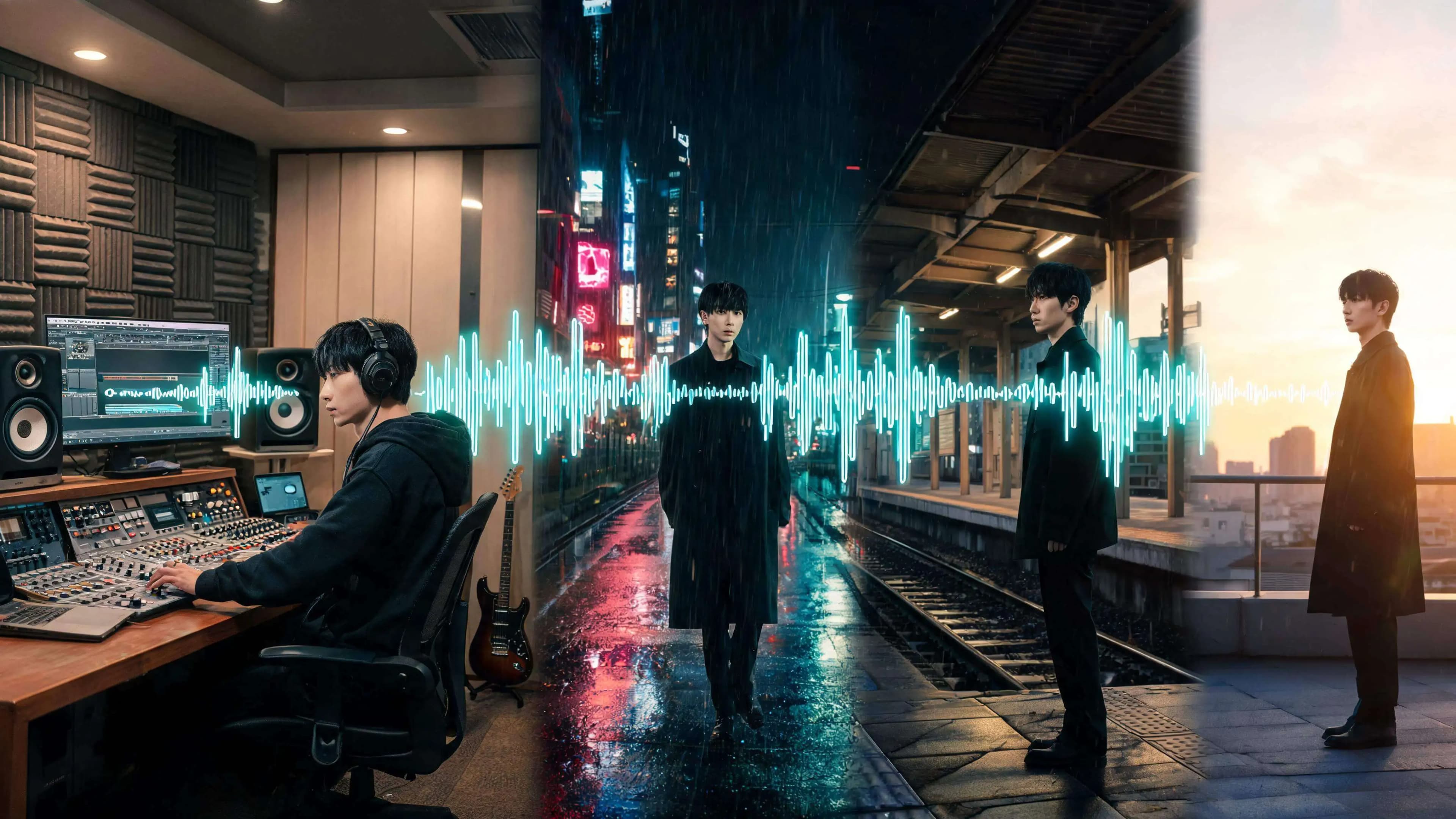
Making music with Suno is straightforward, but Suno does not automatically turn every song into a complete music video. The next challenge is deciding how to extend that track into a visual story. To make an MV from a Suno song, you still need to choose where scenes change, who the main character is, and what happens when the chorus arrives.
This guide covers the full path from preparing a Suno track and organizing its lyrics to building a storyboard and video in SoulVid. Instead of starting with a complicated editing timeline, you will define the story in the song and then translate it into images. If you do not want to move back and forth between separate AI tools, SoulVid also lets you create the music and video through one conversational workflow.
If you are still comparing tools before starting, read the best Suno video generators review first, then come back to this workflow when you are ready to build the MV.
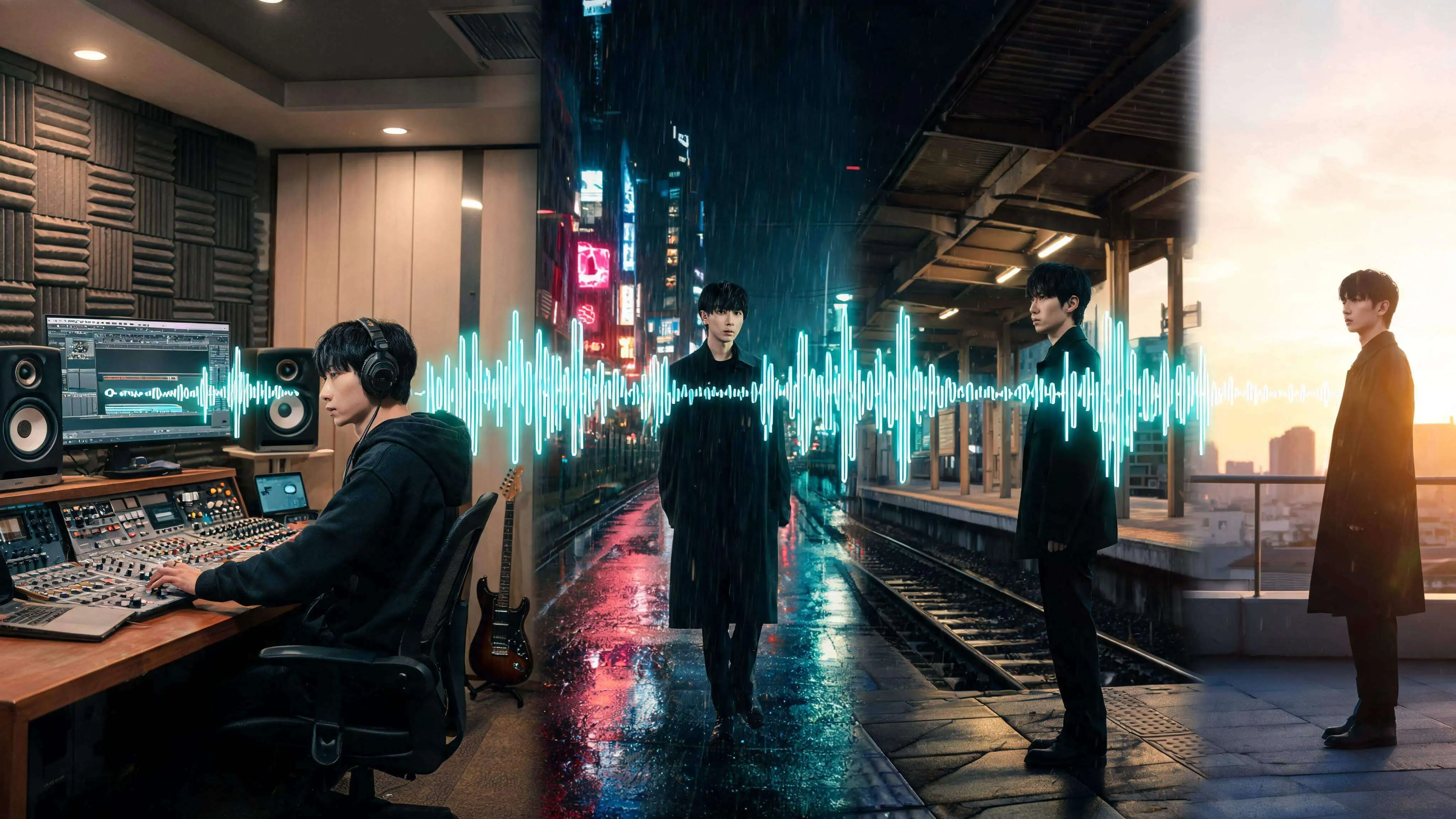
- Input
- A Suno track and its lyrics
- Plan
- Intro, verse, chorus, and bridge
- Create
- Visual direction, storyboard, and video clips
- Export
- Videos for YouTube, Shorts, TikTok, and Reels
The short answer: Making the Suno song and making the MV are separate stages
Suno is primarily a music-generation service. It does not design an entire narrative music video for every track. Once the audio is ready, the MV workflow still needs to answer four questions.
- Which part of the song belongs in the video?
- How will the lyrics and emotion become a story?
- How will the character, location, color, and camera language stay consistent?
- How should the duration and aspect ratio change for the target platform?
For a short social MV, start with 15 to 30 seconds of the strongest chorus. Even when you plan to create a full-length video, assign a clear visual purpose to each song section instead of designing the entire track at once.
Step 1: Prepare the song in Suno
This article focuses on MV production rather than the details of generating and editing music in Suno. Making a strong AI song is a substantial creative process of its own. Once you have finished the track, edited it, and confirmed the version you want to use, open the Library or Workspace in the Suno web app. Open the three-dot menu for the song and choose Download. For MV production, an audio file is usually easier to work with than a video that already contains visuals.
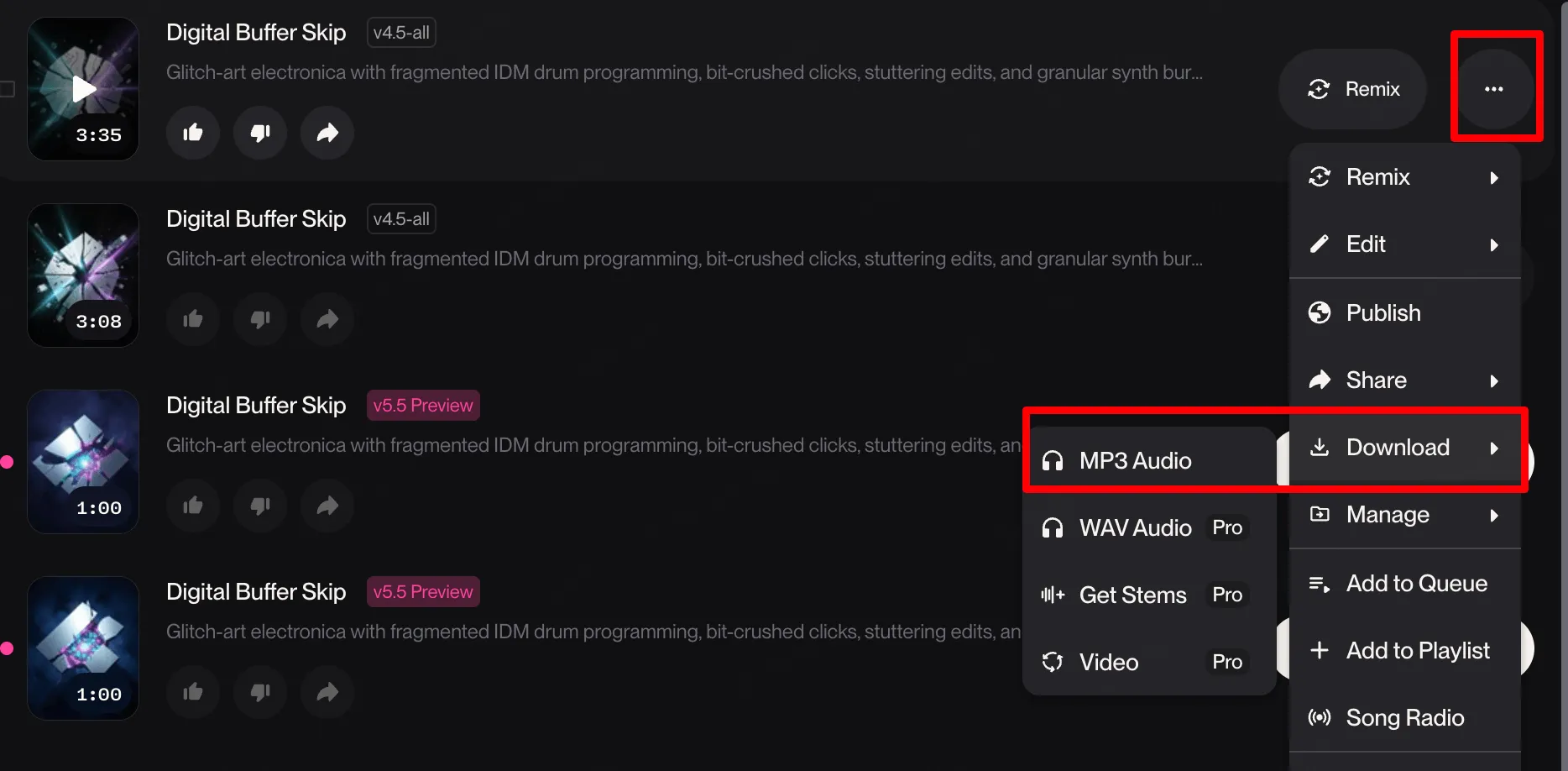
Suno's official help center explains how to download a song as an audio or video file. The interface and available formats may change, so check the options currently shown in your Download menu.
Prepare these three items before you start:
- The audio file you want to use in the MV
- The final lyrics
- A song structure note covering the intro, verse, chorus, bridge, and outro
Instrumental tracks work too. Instead of lyrics, note the emotion, intensity, main instruments, transitions, and drop points in each section.
Check Suno's usage terms before publishing
Music licensing deserves careful attention. Before downloading a track for an MV, confirm that you have the right to use it for monetization, advertising, client work, or release promotion.
According to Suno's official guidance, songs generated on the free plan are intended only for personal, non-commercial use, while songs generated during a paid subscription receive commercial use rights. Commercial use rights, however, do not automatically guarantee copyright protection in every country.
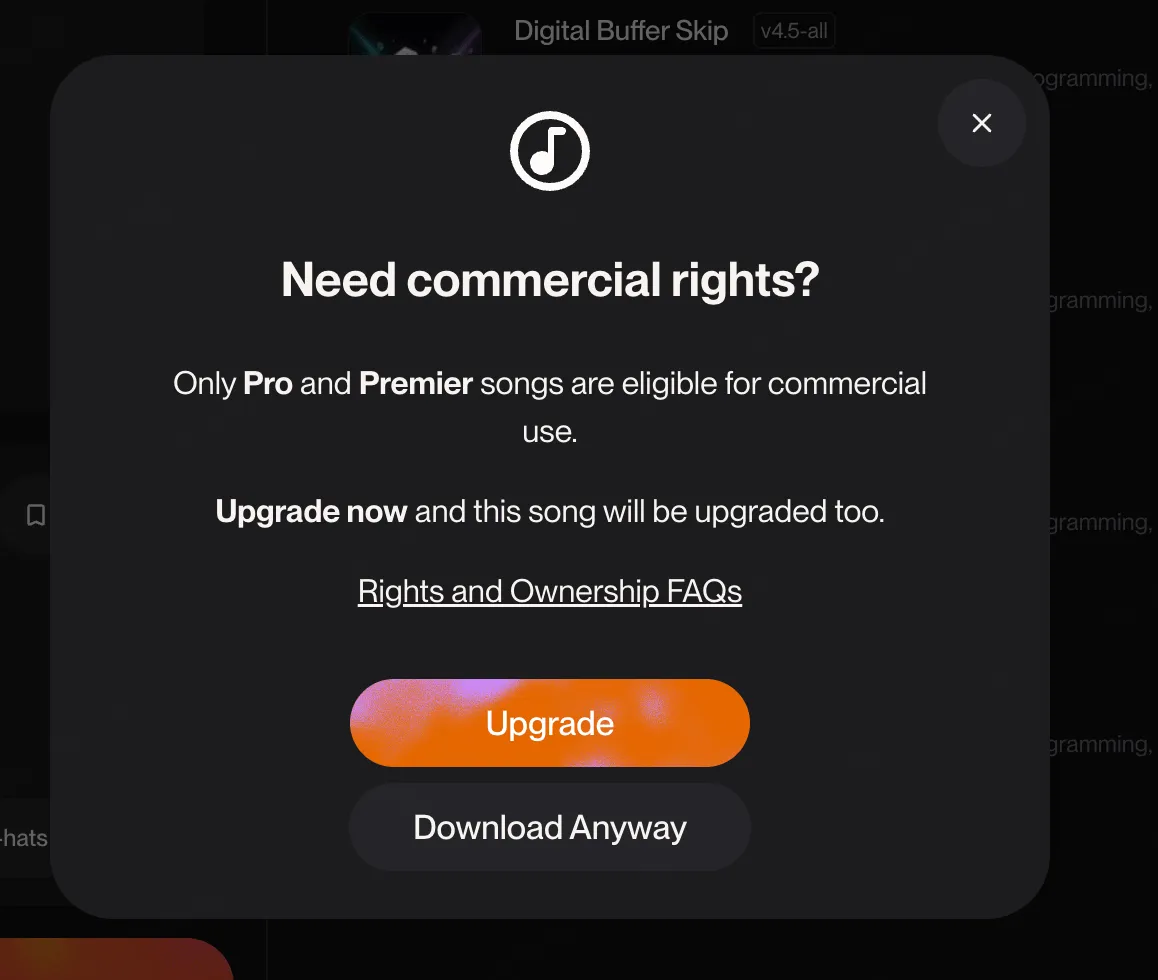
Before publishing, check the plan active when the song was created, the latest terms, and the rights to any third-party lyrics, voices, images, or other materials.
Step 2: Divide the song into visual sections
When turning a Suno song into an MV, changes in the music matter more than arbitrary time intervals. Listen through the track and mark these moments:
- Where the vocal or lead melody begins
- Where the chorus starts
- Where the beat intensifies, stops, or changes
- Where the point of view or emotion in the lyrics shifts
- Where the final image should leave an aftertaste
Give each section one visual job. The intro can establish the world, the verse can introduce the main character, the chorus can deliver the largest movement, the bridge can change the atmosphere, and the outro can leave one memorable symbol behind.
| Song section | Visual job | Example |
|---|---|---|
| Intro | Establish the world | A wide shot of a city in the rain |
| Verse | Introduce the character and situation | The character walks through a station after the last train |
| Chorus | Maximize emotion and movement | Neon lights switch on as the camera follows the character |
| Bridge | Change the atmosphere | The music softens and the scene moves into sunrise |
| Outro | End on a memorable image | Only a red umbrella remains on the rooftop |
Step 3: Add the track to SoulVid and describe the MV direction
Upload the prepared audio on the SoulVid Suno music video generator. Decide whether to use the full song or a focused section such as the chorus so the storyboard stays manageable.
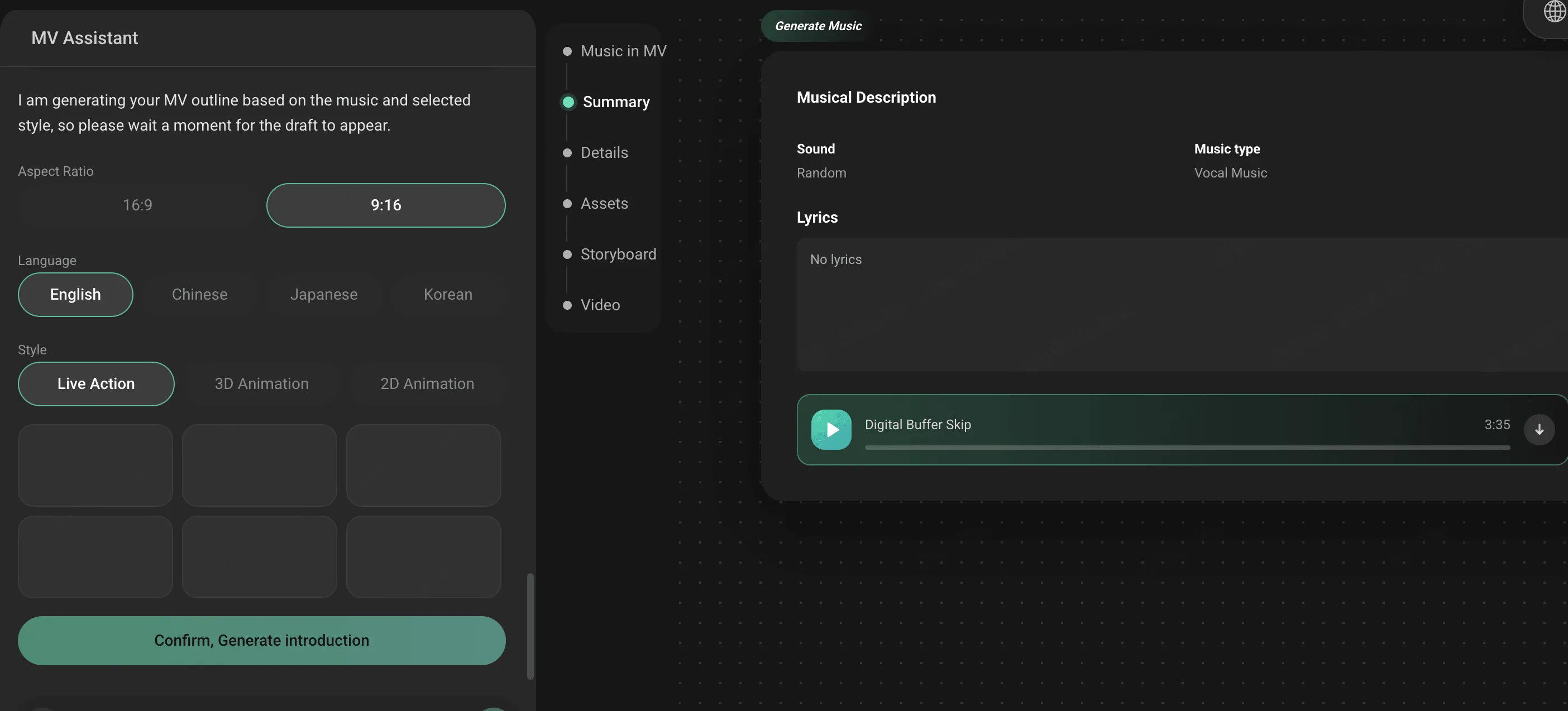
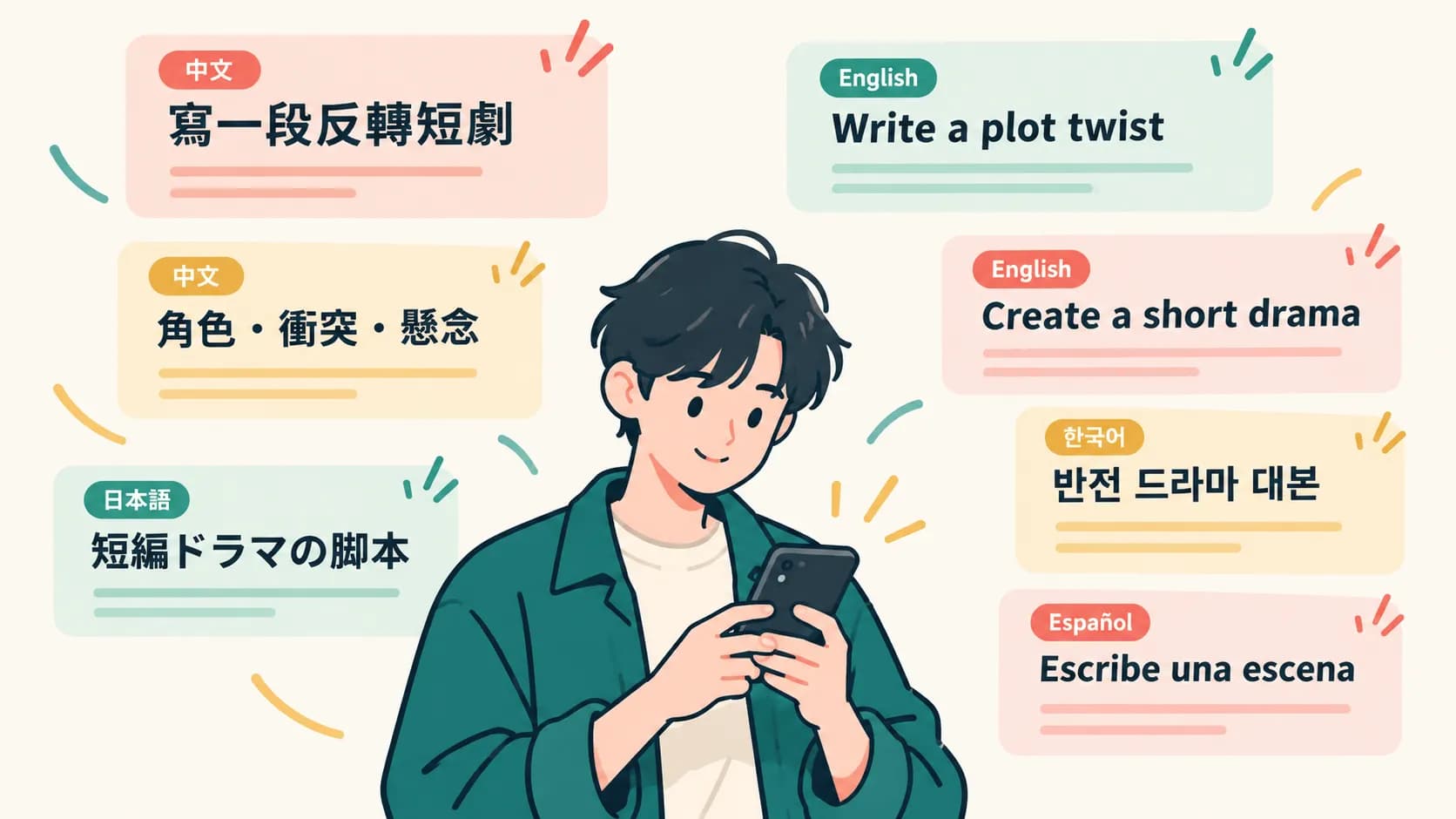
Next, describe the story, main character, location, colors, and camera mood in chat. Instructions such as "make it cinematic" or "make it cool" do not give the system enough information to make consistent scene decisions. Include at least the following:
- Who appears in the video
- Where the story begins and ends
- What happens during the chorus
- Which colors or symbols repeat
- Whether the video is vertical or horizontal
The following example uses a prompt I worked with in practice. This music video follows a Glitch Art direction, so its story, locations, and visual effects are all designed around that style. If you are unsure how to write a prompt, start with a basic concept, develop the details through a conversation with GPT, and then ask it to organize the result into a format that is easier for an AI system to read.
SoulVid does not require a rigid format from the beginning. This complete example shows the kinds of information a mature creative brief can contain. In practice, you can start with the opening idea and refine each section through conversation instead of defining everything in one attempt.
Complete Glitch Art music video prompt
I want to use this song to create a 30-second, 9:16 vertical Glitch Art music video.Song mood:
Intense, uneasy, and nostalgic, with a digital world gradually losing control. The opening is restrained, the chorus explodes, and the ending suddenly becomes quiet.
Story:
A young singer is trapped inside a collapsing "memory database."
She keeps seeing childhood recordings that are being deleted and tries to recover one important memory before the system is completely formatted.
When the chorus begins, reality, old videotape footage, and digital afterimages start to overlap.
She finds the memory at the end, but the only surviving version is a damaged video fragment.
Main character:
A 24-year-old female singer with pale skin and short black hair with one silver-white streak on the right side.
She wears a translucent black PVC jacket, a dark gray top, a metal choker, and a red data-cable bracelet on her left wrist.
Her expression is controlled and distant, becoming increasingly anxious during the chorus.
Keep the same face, hairstyle, clothing, age, and body proportions in every scene.
Main location:
An abandoned analog television studio.
The space is filled with CRT televisions, broken cables, videotapes, and flickering fluorescent lights.
It gradually transforms into an endless server corridor, then changes into a completely white memory space.
Visual style:
An experimental Glitch Art music video combining 1990s VHS, CRT displays, early digital recording, analog signal interference, and contemporary fashion imagery.
Use RGB separation, screen tearing, scan lines, pixel sorting, datamosh, frame displacement, compression artifacts, temporal afterimages, and short black frames.
The result should feel art-directed, not like a random collection of glitch filters.
Primary colors:
Black, cold cyan, and warning red.
Use magenta only for brief error signals.
Recurring symbols:
- CRT televisions showing childhood recordings
- White moths flying through corrupted frames
- A blinking red delete cursor
Intro:
A faint electrical hum plays over a black screen.
One CRT television switches on and shows a blurred childhood recording of the main character.
The camera slowly pulls back to reveal her standing alone in the center of the abandoned studio.
Use only subtle scan lines and unstable signals to establish the uneasy world.
Verse:
The main character walks between rows of old televisions.
Each screen shows her at a different age, but several recordings have no face.
Use slow lateral tracking shots and close-ups of her face.
Apply glitches mainly to the televisions, reflections, and background without damaging her facial structure.
Chorus:
Every television switches on at once, and the studio becomes an endless server corridor.
On the strongest beats, cut quickly between low-angle tracking shots, facial close-ups, and orbiting camera moves.
Use strong RGB separation, frame tearing, datamosh, and temporal afterimages.
White moths pour out of the televisions as the main character runs toward the red delete cursor at the end of the corridor.
This is the most intense section of the MV in both movement and emotion.
Bridge:
The music suddenly becomes quiet.
All glitch effects stop, and the main character enters a completely white space.
One old television in the center shows a childhood recording with her family.
Use a locked-off long take with very little visual noise to shift the mood from chaos to grief.
Outro:
The main character touches the television, and the childhood recording breaks into black pixels.
The red delete cursor appears briefly and disappears.
Only a white moth remains on the dark television screen.
Use one short horizontal tear, then cut to black.
Glitch rules:
Glitch effects must follow changes in the music and story.
Keep them subtle in the intro, localized in the verse, strongest in the chorus, absent in the bridge, and limited to one final tear in the outro.
Prioritize glitches in the environment, transitions, television screens, and character afterimages.
Do not continuously distort the main character's eyes, mouth, fingers, or facial structure.
Avoid:
Random neon cities, generic Cyberpunk streets, meaningless code text, the same glitch filter on every shot, sudden changes to the character's face or clothing, excessive flashing, an unreadable subject, watermarks, brand logos, and fake software interfaces.
Aspect ratio:
9:16. Keep the main character and CRT televisions inside the central safe area for TikTok, Instagram Reels, and YouTube Shorts.
Copy-ready Suno MV prompt template
Basic prompt for making an MV from a Suno song
I want to use this Suno song to make a [15-second / 30-second / full-length] music video.Song mood: [dreamy / intense / nostalgic / uneasy]
Story: [who acts, where they are, and what they want]
Main character: [age, hairstyle, clothing, defining features]
Location: [primary setting]
Visual style: [live action / animation / retro science fiction / fashion film]
Primary colors: [up to three colors]
Recurring symbol: [red umbrella / mirror / white flower / old television]
Intro: [event that establishes the world]
Verse: [event that introduces the main character]
Chorus: [largest change in movement or emotion]
Bridge: [event that changes the atmosphere]
Outro: [final image the viewer should remember]
Keep the same face, hairstyle, and clothing for the main character in every scene.
Use a [9:16 / 16:9 / 1:1] aspect ratio.
When lyrics mention many specific objects or locations, you do not need to visualize every line. Choose one or two symbols that best represent the song and repeat them across scenes. That usually creates a more coherent MV than illustrating each lyric literally.
Step 4: Review the storyboard against the song
Before generating video clips, review the storyboard in song order. Do not judge each frame only by how attractive it looks. Check whether the complete sequence develops clearly.
- Does the viewer understand the character and world before the chorus?
- Does the image change when the music becomes more intense?
- Do the character's face, hair, and clothing stay consistent?
- Are too many similar compositions placed next to each other?
- Is the final shot more memorable than the middle of the video?
If one shot feels wrong, describe the specific change before rebuilding the entire MV.
This instruction names both what should change and what must stay the same, making the revision easier to interpret.
Step 5: Export for the target platform
The same Suno song may need different framing for each platform. Choose the primary destination early so important characters or text are not lost during automatic cropping.
- 9:16: TikTok, Instagram Reels, and YouTube Shorts
- 16:9: Standard YouTube videos, websites, and widescreen players
- 1:1: Square social feed posts
For vertical video, keep the main character and important props near the center. Widescreen framing gives movement and camera work more room across the frame. If you need multiple formats, review the character placement in each version instead of relying only on automatic cropping.
How to fix a Suno MV that does not feel coherent
The scenes do not match the song
Do not write only "match the song." Mark the chorus, drop, quiet instrumental break, and other change points, then describe what should happen on screen at each moment.
The character becomes a different person
Lock the character's hairstyle, clothing, age, and defining accessories. Repeat them as elements that must stay unchanged in every revision. Complete a short MV with one main character before introducing a larger cast.
The images look good, but there is no story
Give each shot a job such as introduction, movement, discovery, change, or resolution. If two consecutive shots do the same job, remove one or give it a different purpose.
A full-length MV requires too much production
Start with a 15- to 30-second chorus version. Confirm that the character, colors, symbols, and camera language work, then extend the same direction into the verse and bridge.
Conclusion: Turn the Suno song into a visual blueprint
The most important part of making a Suno MV is not generating video immediately after the track is ready. Divide the lyrics and song structure into sections, give each section a purpose, and lock the main character and visual motifs before creating the storyboard.
SoulVid lets you begin with the audio and creative direction, then refine the storyboard and scenes through conversation. Choose the strongest chorus in your Suno track and plan the first short version with the Suno music video generator.