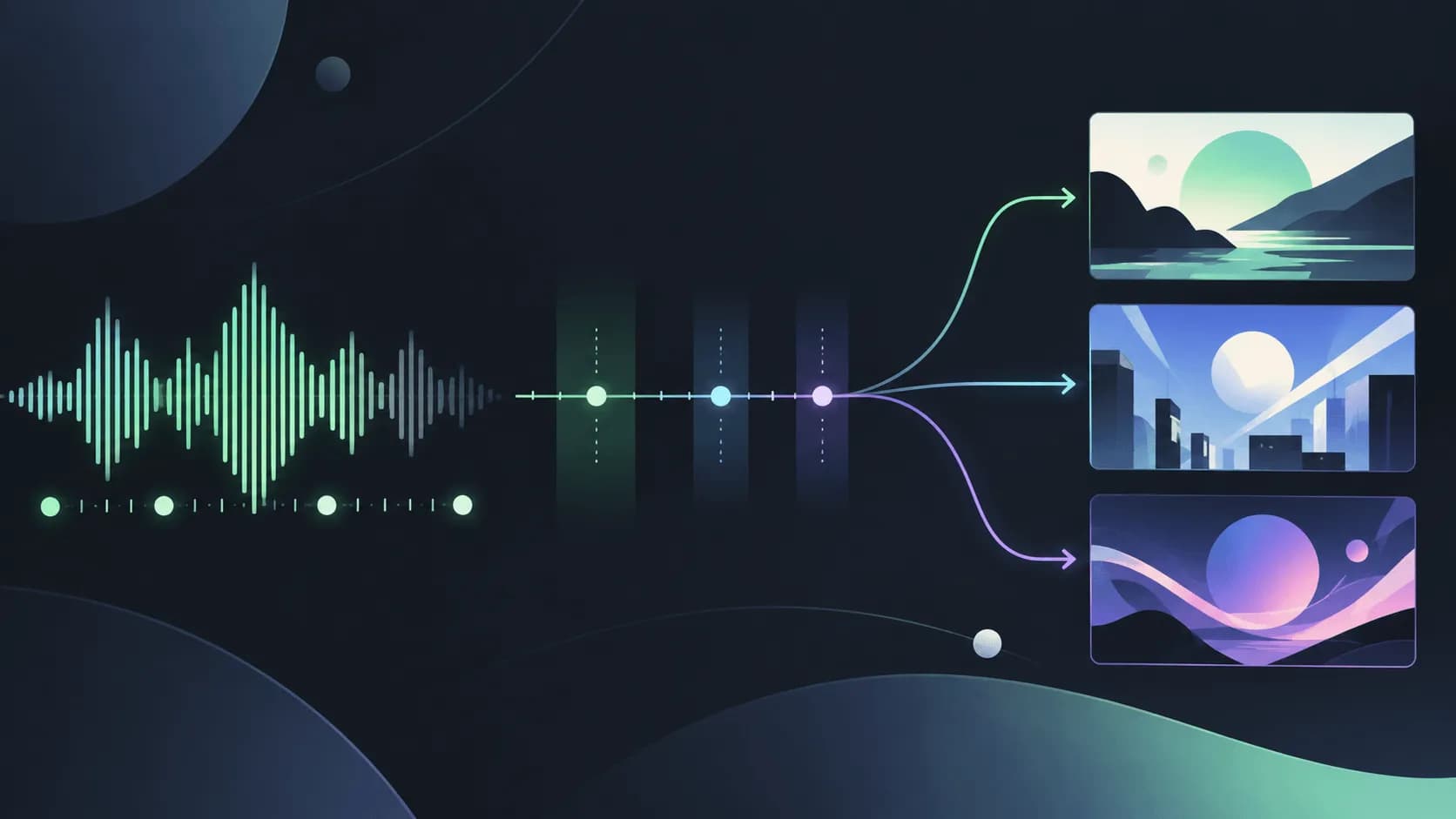
If you searched for the best ai music visualizer generator, you probably want one simple thing: upload a song and get visuals that move with it. The catch is that "music visualizer" now describes everything from a classic waveform template to an AI-generated mini film. Those are useful, but they are not the same job.
This guide is for artists, producers, and small teams who need an actual audio-led visual: a loop for YouTube, a Spotify Canvas, a live backdrop, or a short social post. We start with two classic tools that are still genuinely useful, then compare five newer AI options. At the end, there is a separate answer for the moment you realize you need characters, scenes, and a story rather than a visualizer.
Short version: start with Musicvid.org or Vizzy if you want free hands-on control. Try Neural Frames, Freebeat, TwoShot, Solmi, or WZRD when you want generated artwork or faster audio-aware styling. Use SoulVid when the release needs a full, storyboarded music video.
What Counts as a Real Music Visualizer?
A music visualizer turns properties of a track into something you can see. That can be a waveform, frequency bars, particles, geometric shapes, camera pulses, or generated imagery that responds to the energy of the song. The visual does not have to cut on every kick, but the audio should influence the motion in a noticeable and repeatable way.
There are three common formats:
| Format | What drives the picture | Typical output | Best use |
|---|---|---|---|
| Real-time visualizer | Live waveform or frequency data | Browser preview or live backdrop | DJ sets, streams, experiments |
| Rendered audio visualizer | Beat, amplitude, or spectrum analysis | A finished song-length video | YouTube uploads and releases |
| AI music visualizer | Audio analysis plus generated or stylized imagery | A loop or music-led visual sequence | Artist branding and social clips |
A full music video is different. It may use the song as its timing and mood, but its main structure is a sequence of shots: a character enters a room, an object changes, a chorus reveals a new location, or a performance moves the story forward. A lyric video is different again because its primary job is to display readable words.
That distinction saves time. If you only need motion behind an audio upload, a visualizer is usually cheaper and easier. If you need the viewer to follow an event, do not force a waveform tool to behave like a film editor.
2 Free Music Visualizers: Classic Tools Still Worth Knowing
AI is not automatically the best starting point. These two browser tools are useful because they make the audio-to-motion relationship visible and keep the workflow understandable.
| Tool | Free status | Account or watermark note | Best for | Main limitation |
|---|---|---|---|---|
| Musicvid.org | The site says no payments, watermarks, or forced sign-ups | Publicly positioned as free and immediate | Fast template-based visualizers | Less suited to a highly original visual world |
| Vizzy | Free browser editor | Confirm current export terms before a commercial release | Manual control over layers and timing | More of a learning curve than one-click AI tools |
Musicvid.org - Best Free Template-Based Option
Musicvid.org (https://musicvid.org/) is the quickest answer when you want to test an idea without creating an account first. Its homepage explicitly promises "No payments, watermarks or forced sign-ups!" That is unusually clear for a free music visualizer generator, and it makes the tool a good first stop for demos, beat tests, and personal uploads.
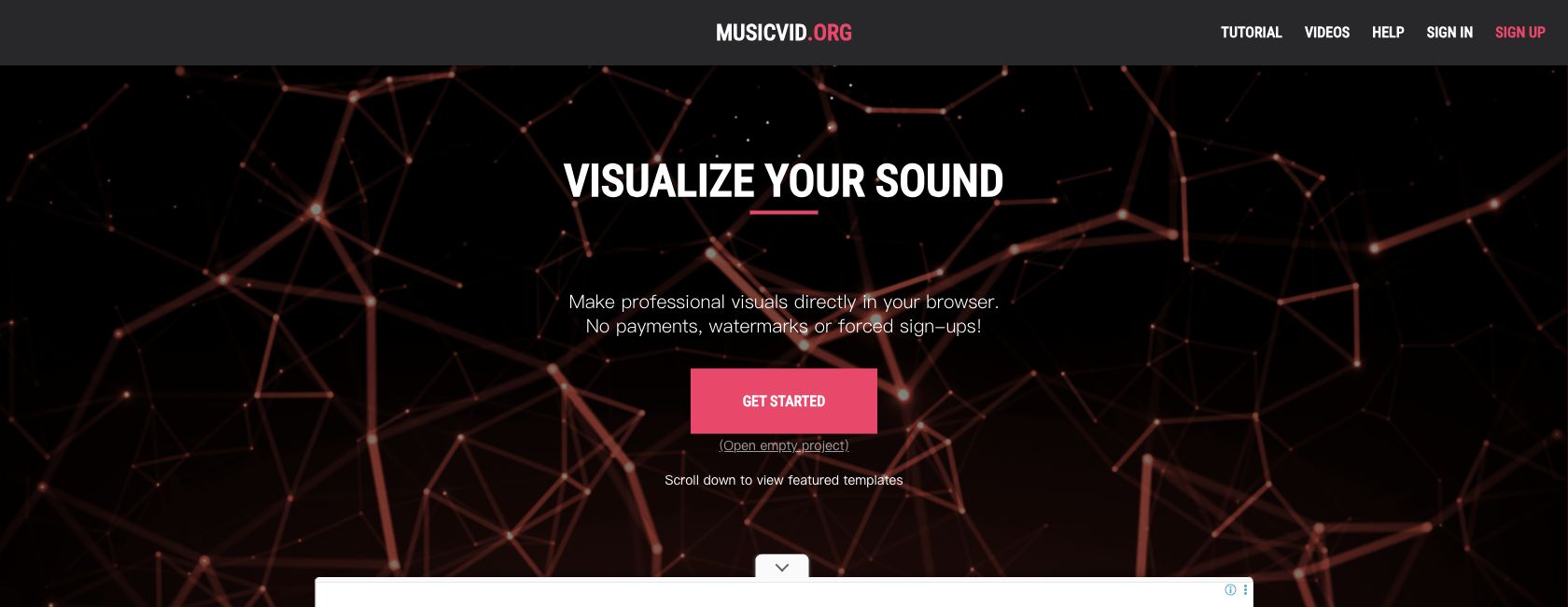
The workflow is template-led: choose a visual treatment, load the song, adjust the visible controls, and render the result. You can see the relationship between bass, volume, color, and motion without learning a full professional timeline.
Good fit: a song upload that needs a clean background, a quick YouTube visual, or a live experiment. Watch for: template limits. If the visual identity has to include a recurring character, a precise location, or a sequence of narrative events, you will outgrow it quickly.
Vizzy - Best Free Tool for Manual Control
Vizzy (https://vizzy.io/) takes the classic editor approach. It runs in the browser and gives you more direct control over layers, effects, and the way audio data drives each element. The result can be more personal than a fixed template, but the trade-off is that you need to spend time learning how the editor is organized.
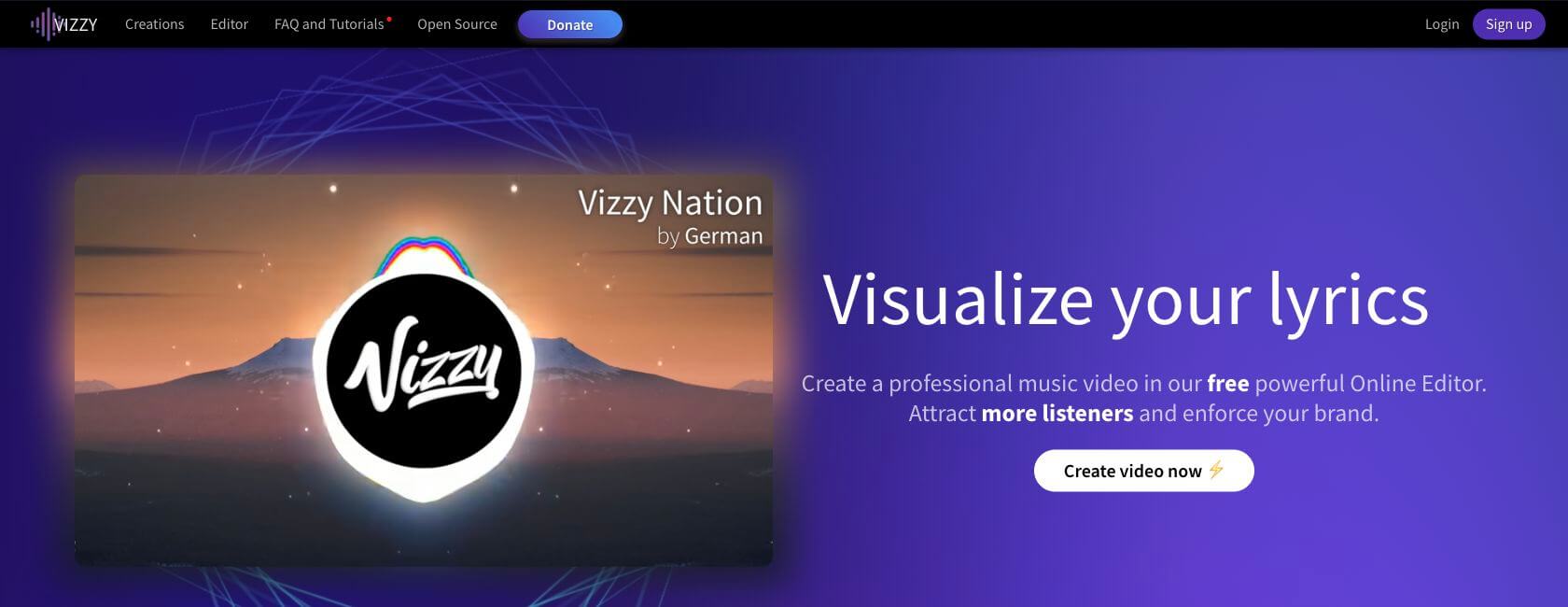
The site presents Vizzy as a free browser editor, while community tutorials often describe it as a no-watermark-friendly option. Export rules can change, so check the current project and licensing details before using it for a paid campaign.
Good fit: producers who enjoy tweaking a visualizer by hand, teaching themselves audio-reactive effects, or building a reusable template. Watch for: setup time. Vizzy gives you control, not a shortcut to an original animated world.
Free Does Not Always Mean the Same Thing
Before comparing visual quality, read what "free" means for the specific export you need. A tool can be free to open and still charge for the render, remove a watermark, or unlock commercial rights.
| Free model | What you can usually do | Question to check before publishing |
|---|---|---|
| Free and open | Test, edit, and export without payment | Is commercial use allowed? |
| Free with a watermark | Make drafts or short social tests | Can the watermark be removed, and at what plan? |
| Free trial or credits | Generate a limited number of examples | Do unused credits expire? |
| Paid export | Preview without charge, pay for the clean file | Does the paid tier include the resolution and length you need? |
| Personal-use plan | Publish non-commercial experiments | Are client work, ads, and monetized channels excluded? |
- Check whether the free tier includes a downloadable file or only a preview.
- Check the output resolution and aspect ratio, especially for vertical Canvas and Shorts exports.
- Check whether the plan adds a watermark, end card, or platform branding.
- Check the current commercial license for the generated visuals and any bundled assets.
- Check the credit cost of rerendering. A visualizer that needs ten retries may not be free in practice.
The details below reflect what the official pages emphasized when checked on September 4, 2026. Prices, credit limits, and export policies are volatile. Treat the provider's current pricing and license page as the final source before you commit a release.
If you are making a vertical loop for a streaming profile, keep the current Canvas dimensions and crop in mind. This Spotify Canvas with AI guide covers the platform checks that a visualizer preview can hide.
Best AI Music Visualizer Generators You Can Try
AI visualizer tools are most useful when you want more than bars moving to a beat. They can propose an art direction, create original imagery, or turn an audio analysis into a faster first draft. The five options below solve different versions of that problem, so the order is organized by use case rather than a universal score.
Need a story, not just a waveform?
If your song needs characters, directed scenes, and a clear visual arc, SoulVid is a separate option built for a storyboarded music-video workflow.
Explore the SoulVid Music Video WorkflowNeural Frames - Best for Deep Audio-Reactive Control
Neural Frames (https://www.neuralframes.com/audio-visualizer) is aimed at musicians who want generated imagery with detailed audio direction. Its audio visualizer page documents MP3, WAV, and FLAC input, eight-stem audio analysis, beat-reactive visuals, Spotify Canvas output, and up to 4K rendering. The "Start free" entry point makes it easy to test the visual language before choosing a paid plan.
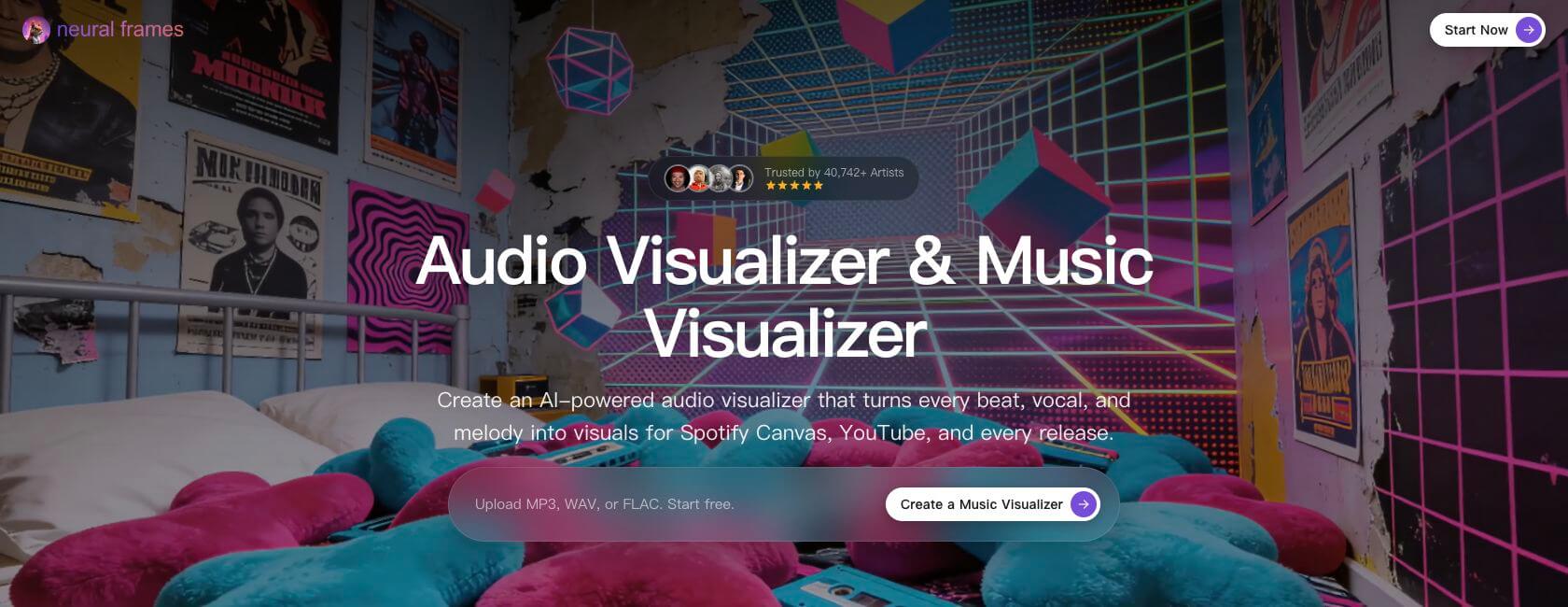
Why it stands out: the workflow can respond to more than a single volume meter, and the generated imagery can feel like part of an artist's visual identity. It is a strong match for ambient, electronic, experimental, and atmospheric releases.
Limit: flexibility means more art direction and review. If you want a predictable preset in a few minutes, a classic tool may be faster. Its paid plans and generation allowances change, so verify the current cost, watermark policy, and commercial terms before a long render.
Freebeat - Best for Fast, Social-Ready Visuals
Freebeat (https://freebeat.ai/music-visualizer) focuses on speed. Its music visualizer page highlights one-click creation, song-structure analysis, audio-responsive motion, social aspect ratios, and 1080p output. That makes it attractive when the main goal is to turn a finished track into a usable vertical or square post quickly.
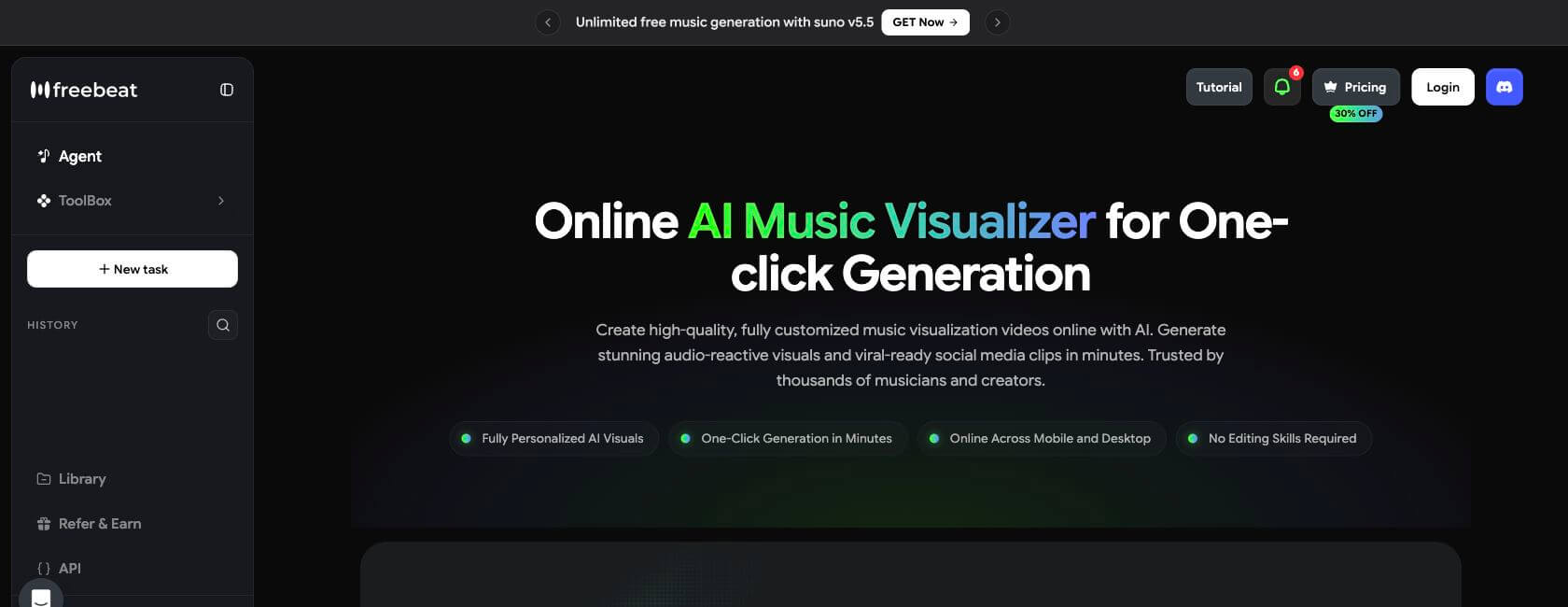
Why it stands out: it reduces the number of creative decisions between upload and first render. That is helpful for a release team that needs several short clips, a lyric moment, or a beat-led teaser rather than one carefully directed film.
Limit: automation can make a result feel familiar if you need a very specific visual system. The pricing page currently uses subscriptions and credits and mentions watermark removal, so confirm the free export length, clean-file conditions, and commercial rights for your plan.
TwoShot - Best Hybrid of Motion Graphics and AI Video
TwoShot (https://twoshot.app/ai-visualizer/) sits between a traditional visualizer and an AI video generator. Its public description combines a motion-graphics engine with AI video synthesis and exposes audio signals such as amplitude, bass, mid, treble, a 64-bin spectrum, and waveform data.
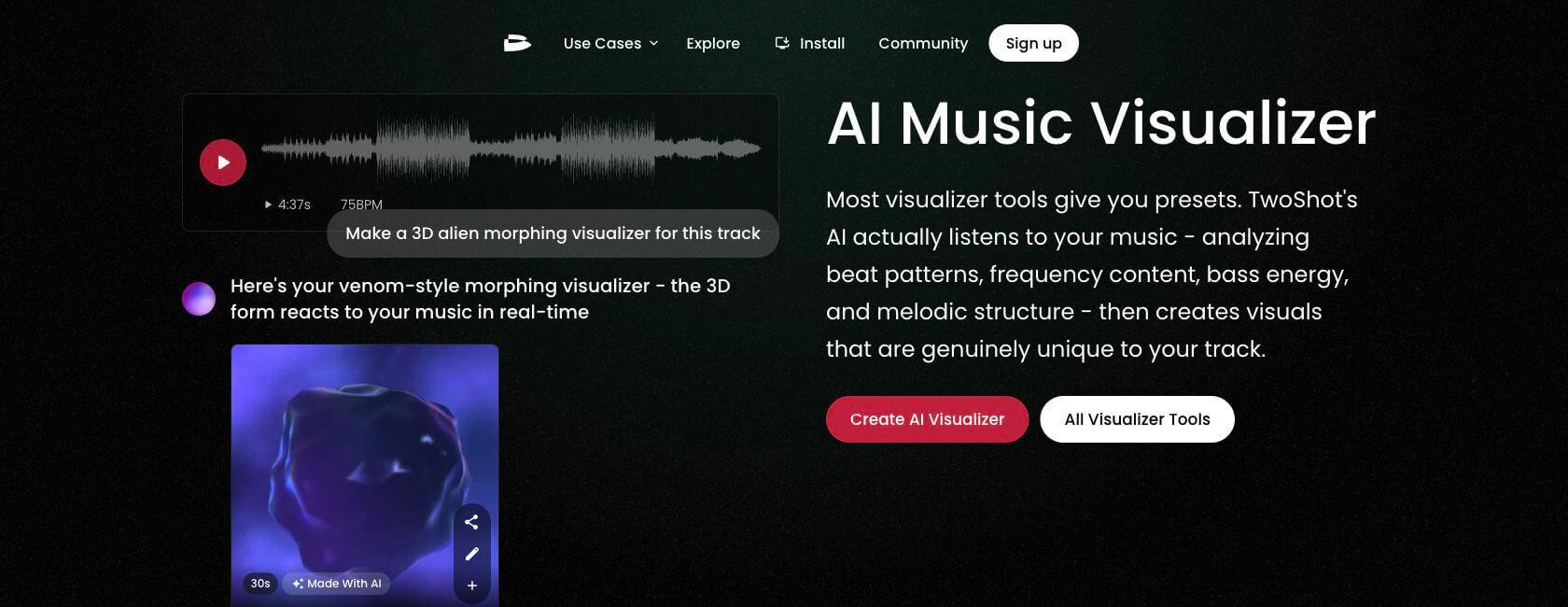
Why it stands out: you can start from a measurable music response and then push the image toward a more cinematic or generative look. It is a good bridge for creators who understand motion graphics but want AI-assisted imagery.
Limit: the hybrid workflow can drift toward a full music-video tool. That is a benefit if you want evolving shots, but it is less direct when you only need a clean, seamless loop. Confirm the current account, pricing, export, and watermark rules before treating it as a free option.
Solmi - Best for Quick No-Signup Experiments
Solmi (https://solmi.ai/audio-visualizer) has one of the clearest low-friction offers in this group: its audio visualizer page says Free - No signup, no credit card, and free 1080p output. It offers recognizable visual directions such as waveform, kaleidoscope, particles, abstract AI, and retrowave styles.
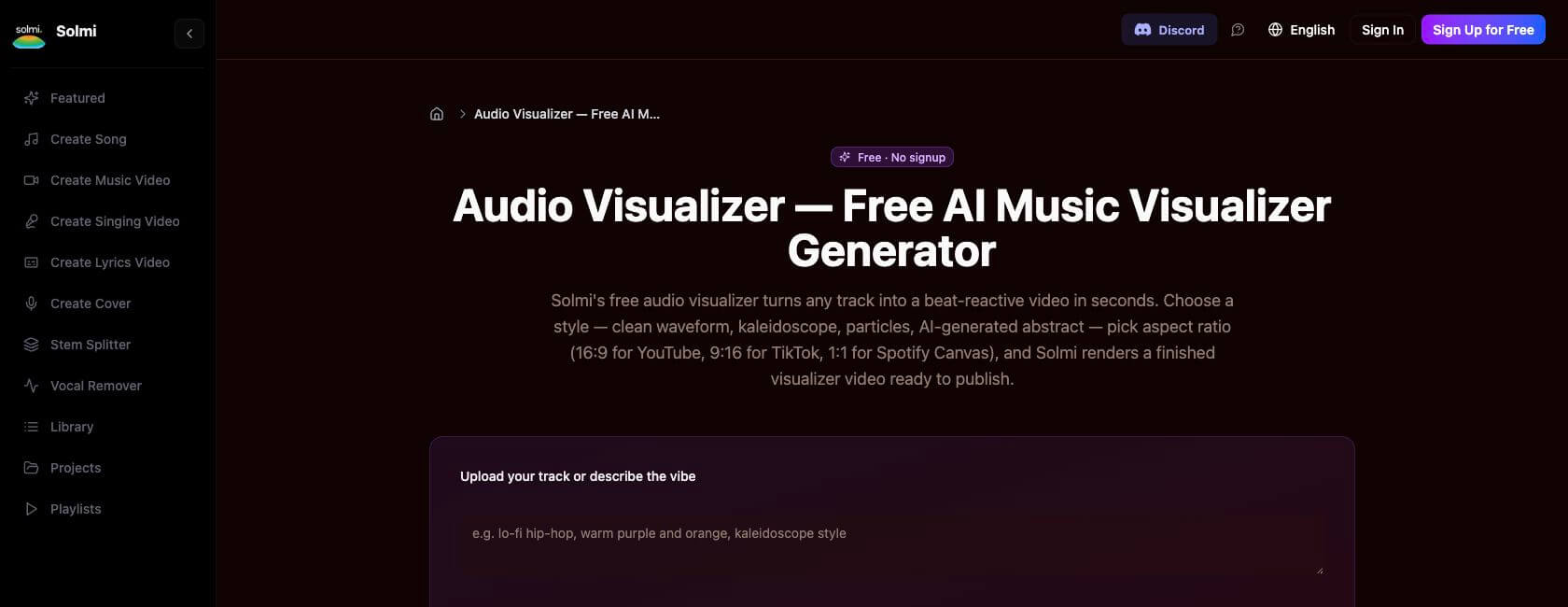
Why it stands out: the no-signup path removes the usual friction from a first test. You can compare a few visual families against the same song and decide whether a visualizer is enough before investing more time.
Limit: the free path is designed for experiments and standard output. Pro is advertised for 4K, watermark removal, and commercial licensing, so check the current plan if the video is going on a monetized channel or into a client deliverable.
WZRD - Best for Themed AI Audio Visuals
WZRD (https://wzrd.ai/) keeps the pitch simple: upload audio, let the system analyze it, choose a visual engine and theme, then render a full video. That theme-first workflow is useful for artists who want a coherent mood without manually building every layer.
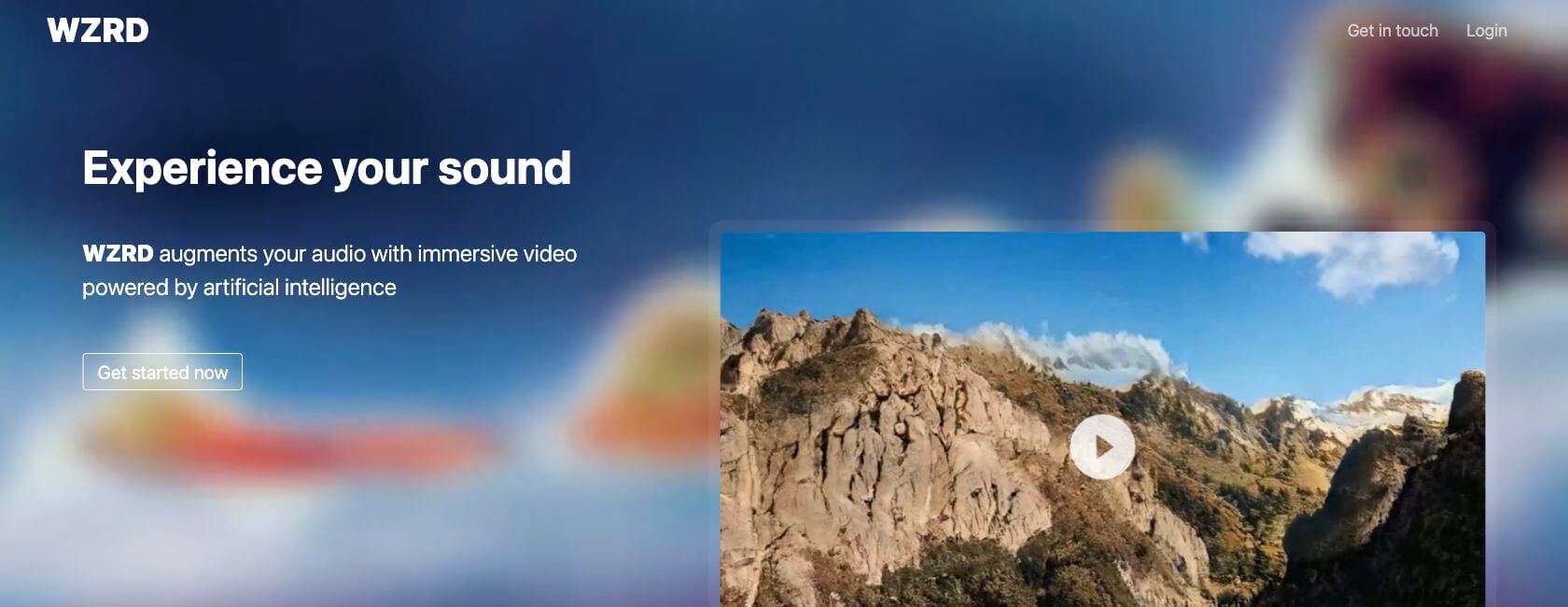
Why it stands out: it gives a release a defined visual mood rather than a random collection of effects. That can work well for album drops, DJ mixes, and background visuals where the theme matters more than a literal story.
Limit: the public page does not make a reliable free, watermark, or plan comparison easy to verify. Check whether an account is required, then confirm the current export conditions before promising a client a clean file.
How to Choose Without Overthinking It
| Your priority | Start here | Why |
|---|---|---|
| Free and immediate | Musicvid.org | Clear no-payment, no-watermark, no-forced-signup promise |
| Manual layer control | Vizzy | More room to shape effects and timing yourself |
| Deep audio-reactive generative art | Neural Frames | Strong audio analysis and art-directed output |
| Fast social drafts | Freebeat or Solmi | Quick paths to standard social formats |
| Motion graphics plus AI synthesis | TwoShot | A bridge between measurable signals and generated scenes |
| Themed audio-led videos | WZRD | Audio analysis and theme selection in one flow |
| Characters, scenes, and a narrative | SoulVid | A storyboarded music-video workflow rather than a waveform preset |
Run one short section of your song through two tools before paying for a long export. Use the same 20-30 seconds, the same aspect ratio, and the same visual reference. You will learn more from that controlled comparison than from a long feature list.
If the comparison points you toward a story-led release, this music video storyboard guide helps you plan the shot structure before generation.
Need a Full Music Video Instead?
A visualizer is the right answer when the track should remain the center of attention. It is the wrong answer when the viewer needs to remember a character, follow a location change, or understand a beginning and an ending.
SoulVid is not a traditional waveform visualizer. It is a conversation-led, storyboarded music-video workflow. You can start with an existing song or develop AI music, then describe lyrics, mood, characters, locations, and story beats. The project turns that direction into connected scene ideas that you can review, revise, and generate one stage at a time.
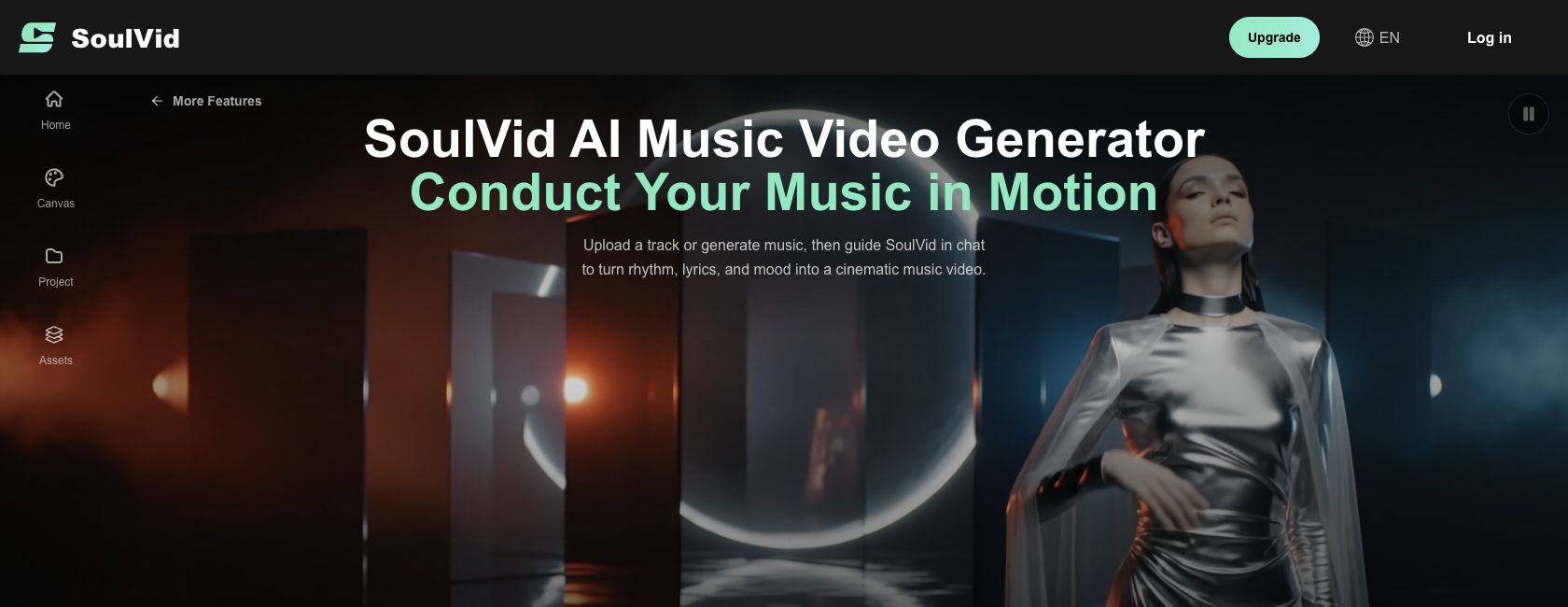
For example, a visualizer might turn a chorus into pulsing particles. A full MV workflow can turn that chorus into a character leaving a flooded station, meeting the same person in a new location, and returning to a visual symbol in the final shot. The song still guides the pace, but the story guides the image.
If you already have a Suno track, start with this Suno music video workflow. It keeps the song preparation separate from the visualizer choice, so you can decide whether the release needs a loop or a full MV.
Frequently Asked Questions
What is the best free music visualizer?
Are Musicvid.org and Vizzy really free?
What is the difference between an AI visualizer and an AI music video?
Can I create a visualizer from a Suno or Udio song?
Can these tools make Spotify Canvas videos?
When should I use a full AI music video generator?
Final Verdict
There is no single winner for every artist. Musicvid.org and Vizzy remain excellent starting points because they are understandable and inexpensive to test. Neural Frames is the deeper art-direction option, Freebeat is built for quick social output, TwoShot blends motion graphics with AI video, Solmi removes signup friction, and WZRD organizes a themed audio-led render.
Choose the tool by the shape of the deliverable. If the track needs a visual pulse, use a music visualizer generator. If it needs a world, a character, and a sequence of moments, use a full music-video workflow such as SoulVid.