Most AI video launches sound exciting for about five minutes. Then you open the tool, generate a few short clips, and remember the real problem: the shot is too short, the character changes between cuts, and the second half of the scene feels like it came from another prompt.
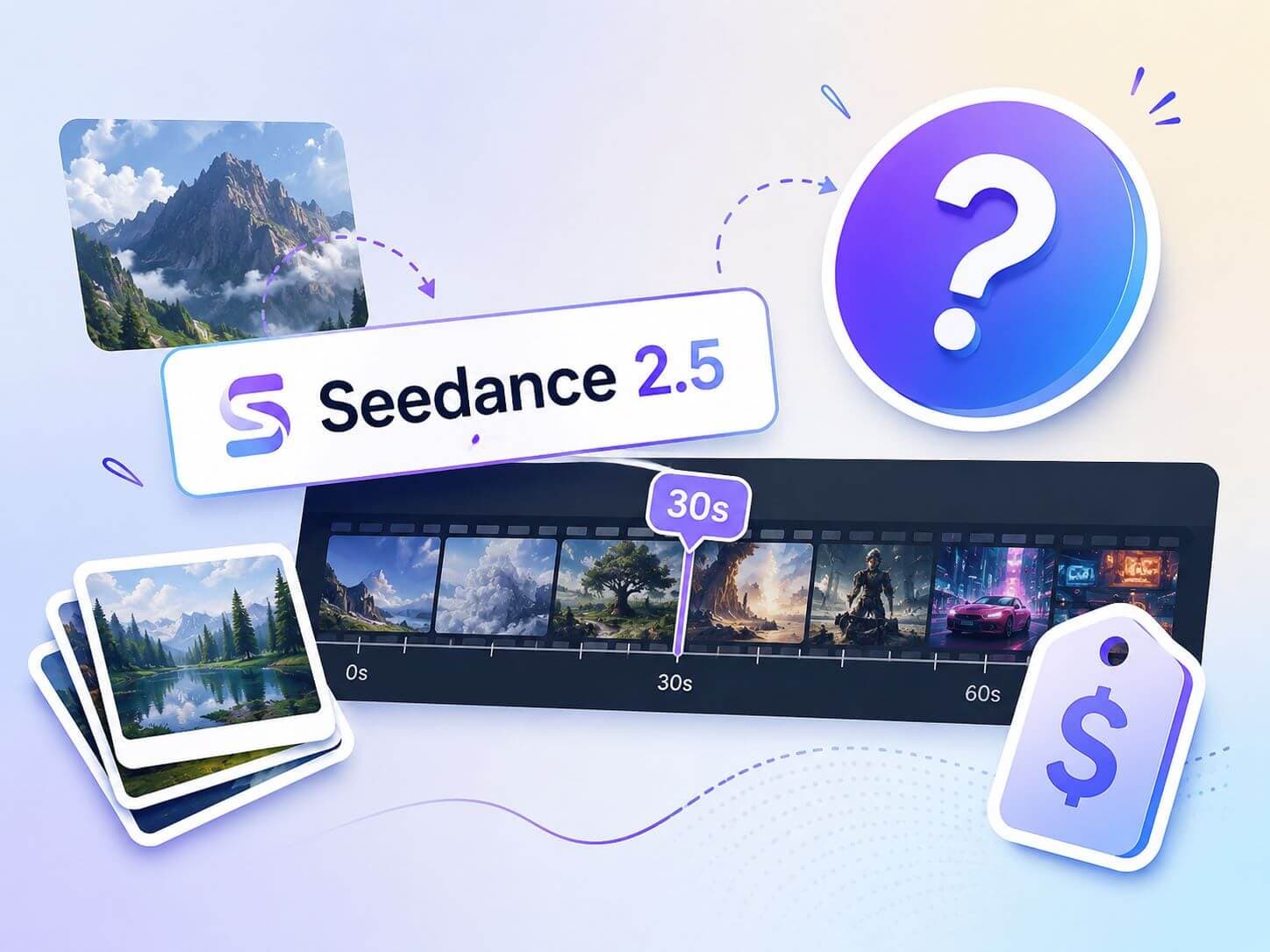
That is why Seedance 2.5 is worth watching. The promise is not just "better AI video." The interesting part is more specific: a native 30-second clip, up to 50 multimodal references, and more targeted editing control. If those pieces work in public access the way they are being described, Seedance 2.5 could be useful for creators who need one coherent scene instead of six attractive fragments.
But there is a catch. Seedance 2.5 pricing is not fully public yet, and broad creator access is still tied to the reported July 2026 rollout window. So the smart question is not "is Seedance 2.5 the best model?" It is "is this worth waiting for, or should I keep building with Veo, Kling, or Seedance 2.0 right now?"
Last checked: June 29, 2026. Seedance 2.5 pricing, API access, regional availability, output duration, reference limits, resolution, and partner-platform access may change after the reported July 2026 rollout window.
Quick Answer: Seedance 2.5 Pricing and Release Date
| Question | Practical answer |
|---|---|
| Is Seedance 2.5 available now? | It has been announced and previewed. Reports describe global enterprise beta access and an expected early July 2026 rollout, but broad creator access may depend on platform, region, and partner integration. |
| What is the Seedance 2.5 price? | Official public pricing for Seedance 2.5 is not fully published yet. Treat third-party estimates and Seedance 2.0 prices as reference points, not confirmed 2.5 pricing. |
| What is the main upgrade? | The biggest story is native 30-second video without stitching, plus up to 50 multimodal references and more controllable edits. |
| Who should care first? | Creators making product videos, ad concepts, cinematic shorts, character-led scenes, or music visual sequences where continuity matters. |
For production work, Seedance 2.5 is still something to verify before you trust it. It is not a tool to build a paid deadline around until pricing and access are clear. But it is worth preparing an evaluation checklist, because its feature set is aimed at the exact places where AI video still wastes time.
Why People Are Talking About Seedance 2.5
The discussion is not only coming from one announcement page. In late June 2026, Seedance 2.5 started showing up in YouTube breakdowns, Reddit threads, AI video newsletters, model-access pages, and partner-style explainers.
Theoretically Media's breakdown focuses on the practical creator questions behind the headline: 30-second generations, up to 50 multimodal references, native 4K, targeted editing, Seedance 2.0's current 4K option, and Kling's Omni Director-style camera control. The reaction around the video is mostly excited and curious, with viewers treating Seedance 2.5 as a major leap while still joking about the "gamechanger" label and asking whether the cost and real control will match the demo.
Other useful context comes from Reddit discussions about 30-second videos, 50 references, and editing control, plus industry coverage from The Decoder. These are useful discussion signals, but they are not a replacement for official pricing and access details.
The reason is simple: Seedance 2.5 sits at the intersection of a big capability claim and an unanswered buying question. Creators are not only asking "what can it do?" They are asking whether a longer, reference-heavy model will be affordable enough to use in real projects.
The current discussion is mostly driven by four things:
- The 30-second claim changes what creators imagine using it for. A 30-second native clip sounds less like a preview loop and more like one usable scene, which is why it gets attention even before broad creator access is settled.
- The 50-reference claim speaks to a known pain point. AI video creators already know that consistency breaks when the model forgets the character, product, outfit, room, lighting, motion, or brand style.
- The price question makes the topic urgent. A longer clip can save editing time, but only if failed generations and revisions do not become too expensive.
- The reported rollout window is close. Early July 2026 is near enough that creators and tool teams can start preparing evaluation notes instead of waiting for a finished verdict.
What Seedance 2.5 Actually Adds
For creators, the important question is what each upgrade changes once you move past a short demo clip.
1. Native 30-Second Video Without Stitching
The most important claim is not simply "30 seconds." It is 30 seconds as one native clip, instead of a longer video assembled from shorter generated segments.
That difference matters. When you stitch several AI clips together, the weak points usually show up at the seams: the face shifts, the lighting changes, the camera movement resets, the room layout drifts, or the pacing suddenly feels wrong. A native 30-second generation gives the model one longer window to maintain the shot.
For creators, this could make a difference in:
- Product videos: one clean reveal, use-case moment, and closing shot without a hard visual reset.
- Music visuals: one chorus scene with a build, movement, and ending pose.
- Short narrative scenes: one character action that has enough time to breathe.
- Ad concepts: a complete 15-30 second storyboard beat instead of a mood clip.
Coverage from TechTimes describes the announcement as 30-second native generation without post-stitching, while noting that public testing still matters.
2. Up to 50 Multimodal References
This is the feature that sounds most useful and most dangerous at the same time.
Seedance 2.5 is being described as supporting up to 50 reference inputs across assets such as images, video, audio, and other creative references. In plain creator terms, that means you may be able to give the model more of the project brief before generation:
- a character sheet
- a product photo
- a room or location reference
- a wardrobe or color palette
- a motion clip for camera movement or body action
- an audio or rhythm reference for pacing
- a style board for the final look
That is useful because many AI video failures are not prompt-writing failures. They are memory failures. The model forgets what the subject looked like, forgets the environment, or blends references into something mushy.
The catch: 50 references does not mean every prompt should use 50 references. A messy reference set can confuse the model just as easily as it can guide it. A cleaner first test would use 4-8 references: identity, setting, style, motion, and maybe one audio or mood reference.
MindStudio has a useful overview of the 50-reference consistency angle, but actual quality still needs public testing once access is broader.
3. Local Edits Instead of Full Rerolls
The other feature to watch is targeted or local editing. In a normal AI video workflow, a clip can be 80% right and still unusable because one part breaks: a hand, a logo, a face, a background object, a product edge, a lighting jump.
If Seedance 2.5 can edit part of a generated clip while keeping the rest of the shot stable, that matters more than it sounds. It changes the workflow from "reroll the whole thing and hope" to "fix the broken part."
That would be especially useful for:
- ads: keep the product shot but fix a background or movement issue
- character scenes: preserve the shot while correcting wardrobe or expression drift
- music videos: keep a strong camera move but adjust the mood, lighting, or final pose
- client concepts: make revision rounds less wasteful
Do not assume this will be perfect. Local edits in AI video often create new problems around the edited area. But even a decent version would be a meaningful workflow improvement.
4. Video Continuation and Motion References
Another important detail is continuation. If a clip is good but too short, continuation lets you carry the motion forward instead of starting over.
Motion reference is also worth watching. If the model can use an existing video to guide how a subject moves or how a camera travels, it becomes easier to move from vague words like "cinematic" to something more directed: a slow push-in, a handheld walk, a product orbit, a dance move, or a reveal.
If these controls work well in public access, Seedance 2.5 would feel less like typing into a text-to-video box and more like directing a shot: reference the look, reference the motion, then ask for the scene.
Seedance 2.5 Pricing: What Is Confirmed?
The short answer is still: official public Seedance 2.5 pricing has not been fully published.
That is not a minor detail. A native 30-second generation could be amazing, but it also means every bad generation may cost more than a short test clip. If local editing is priced separately, that could either save money or add another cost layer. If 4K or higher-quality output sits in a premium tier, the headline model may not be the price most creators actually pay.
Current references worth checking:
- Volcano Engine's model pricing page for currently published model pricing.
- Volcano Ark's Seedance 2.5 page for the current Seedance 2.5 positioning.
- ZAKER / National Business Daily coverage for the reported enterprise beta and expected early July 2026 rollout window.
How to Think About Cost
Until 2.5 pricing is public, do not ask only "how much is one generation?" Ask these instead:
| Cost question | Why it matters |
|---|---|
| Is 30 seconds priced as one clip or by duration? | A model can advertise 30 seconds while still charging in a way that makes long drafts expensive. |
| Are reference-heavy prompts priced differently? | A 50-reference workflow may involve more input processing than a simple text prompt. |
| Are local edits cheaper than full rerolls? | This decides whether editing control saves money or just adds another paid step. |
| Does 4K cost more? | Native 4K or 4K-ready output is useful only if the price fits the project. |
| What are the commercial rights? | Client work, ads, music videos, and product content need clear usage terms. |
For client work, avoid quoting a Seedance 2.5 production package until the exact platform price, retry behavior, export quality, and commercial rights are visible.
Seedance 2.5 vs Seedance 2.0, Veo, and Kling
Seedance 2.5 still needs broader public testing, and pricing is not fully visible yet. The safest comparison is to look at each model's current positioning and the specific questions you would need answered before switching.
| Model | What is known now | What to verify before switching |
|---|---|---|
| Seedance 2.5 | Reported around native 30-second generation, up to 50 multimodal references, continuation, and local editing. | Whether those features are available in your region or platform, how retries are priced, and whether reference-heavy prompts stay controllable. |
| Seedance 2.0 | ByteDance positions Seedance 2.0 around images, audio, and video as references, with control over performance, lighting, shadow, and camera movement. | Whether 2.5 materially improves your current 2.0 failure cases, especially duration, reference load, and revision control. |
| Veo | Google's Veo 3.1 API documentation describes high-fidelity 8-second videos with native audio and 720p, 1080p, or 4K output options. | Whether an 8-second generation is enough for the shot, or whether the project needs a longer native scene. |
| Kling | Kling's current official positioning highlights Kling 3.0, native storyboard capabilities, and up to 15 seconds in a single generation. | Whether Kling's current access, UI, and pricing are more practical than waiting for Seedance 2.5 access. |
Seedance 2.5 vs Seedance 2.0
Seedance 2.0 is already positioned around reference control, audio-video experience, and director-level control. ByteDance's Seedance 2.0 page describes support for images, audio, and video as references, plus control over performance, lighting, shadow, and camera movement.
Seedance 2.5 does not matter because Seedance suddenly supports references. It matters because the new claims push the workflow further: longer native duration, more references, continuation, and more targeted editing.
If you already use Seedance 2.0, 2.5 is most interesting when 2.0 breaks down because the scene is too long or the reference set is too complex.
Seedance 2.5 vs Veo
Veo is not a weak baseline. Google's Veo 3.1 API documentation describes high-fidelity 8-second video generation with native audio and multiple resolution options.
If the job is an 8-second cinematic shot with audio, Veo may already fit. Seedance 2.5 becomes more interesting when the whole point of the shot is duration: one scene with setup, movement, and payoff inside a longer native generation.
The tradeoff is access and certainty. Veo has a documented API path, while Seedance 2.5 still needs public pricing and broader access clarity.
Seedance 2.5 vs Kling
Kling is not just another short-video name to put in a comparison table. Kling's current official site says Kling VIDEO 3.0 adds native storyboard capabilities and extends single-generation length to 15 seconds.
That gives Kling a clearer middle position: longer than many short AI video clips, but still below Seedance 2.5's reported 30-second headline. If you already have a Kling workflow, the honest question is whether Seedance 2.5 gives you enough extra duration, reference control, and editing control to justify changing tools.
What to Verify Once Seedance 2.5 Access Opens
Once access opens, start by checking the claims most likely to affect cost and workflow.
| Claim to verify | What to check |
|---|---|
| 30-second native generation | Whether the clip is generated as one coherent scene, not just a stitched or extended result, and whether motion remains stable near the end. |
| 50 multimodal references | Whether the model can prioritize a clean reference set, or whether adding more assets makes identity, product shape, or style less stable. |
| Local editing | Whether a small fix preserves the rest of the shot, because that decides whether local edits actually reduce retry cost. |
| Continuation | Whether extending a good clip keeps camera direction, subject identity, lighting, and rhythm consistent. |
| Pricing and rights | Whether the platform clearly explains generation cost, retries, export quality, commercial use, and regional availability. |
Before spending credits in Seedance, Veo, Kling, or another AI video model, use SoulVid to plan the lyric moment, visual rule, reference set, and shot purpose.
Plan the scene before spending generation credits
Use SoulVid to organize lyrics, shot ideas, references, and scene structure before moving into Seedance, Veo, Kling, or another AI video model.
Try SoulVid AI Music Video Generator