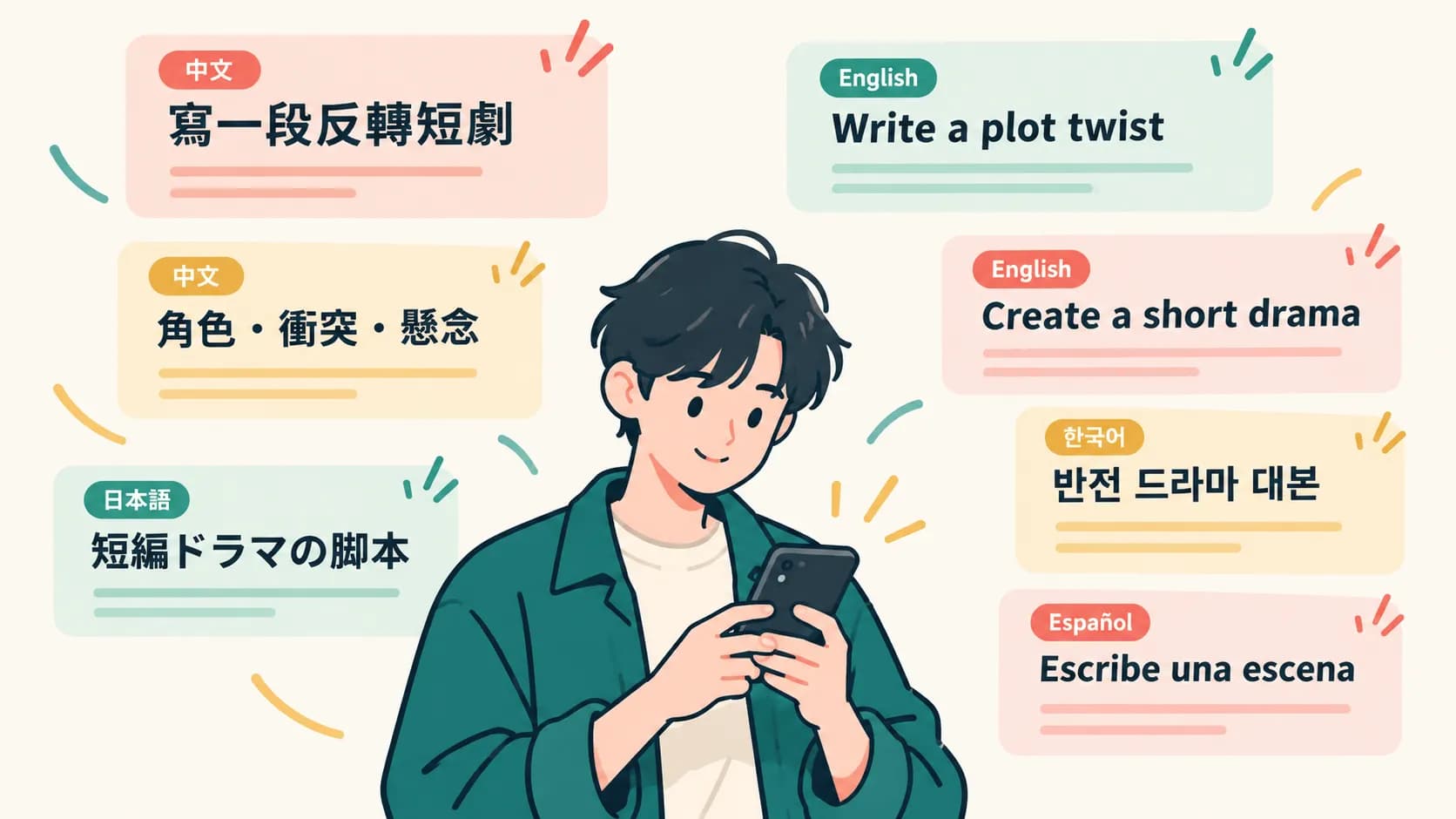
A micro drama does not need a giant cast, a studio, or a month of production meetings. It does need something more specific: a sharp idea, recognizable characters, short scenes that keep moving, and enough continuity that viewers believe each clip belongs to the same story.
This guide shows how to make a micro drama series with AI using SoulVid as a conversation-first workflow. Instead of trying to generate a complete series from one huge prompt, you will move from an idea to a clearer story summary, character panel, storyboard, scene videos, revisions, and final export.

- Start with one high-conflict idea that can be understood in a single sentence.
- Use SoulVid chat to clarify the format, style, story direction, and summary.
- Build a character panel so recurring characters stay visually consistent.
- Turn the story into scenes and storyboards before generating video.
- Generate the scene videos from the approved storyboard, then review and modify weak clips.
- Combine the finished scenes into one export-ready vertical micro drama.
How to Make a Micro Drama Series with AI
The mistake is treating a micro drama like one long video prompt. A better workflow treats it like a small production: define the hook, lock the characters, plan the scenes, generate clips separately, and only merge the clips once each one works.
Step 1: Start with a Clear Story Idea
A good micro drama idea should be easy to understand in one sentence. It needs a person, a desire, a conflict, and a reason to keep watching.
Weak idea:
A rich family drama with romance, revenge, secrets, and betrayal.
Stronger idea:
A waitress discovers that the rude CEO who fired her is secretly the man her grandmother arranged for her to marry.
The second idea is easier to produce because it already contains a relationship, a reversal, and a reason for the next scene. You can build many short episodes from that conflict: the firing, the arranged marriage reveal, the fake identity, the family dinner, the rival, and the moment both leads realize the truth.
Useful micro drama idea patterns include:
- Hidden identity: the poor employee is actually the heir, the stranger is the fiance, or the assistant owns the company.
- Forced relationship: contract marriage, arranged engagement, fake dating, or a family debt.
- Revenge turn: someone returns after being humiliated, betrayed, or underestimated.
- Secret proof: a photo, birthmark, ring, message, or old contract changes the relationship.
- Impossible choice: the lead must choose between love, family, reputation, and survival.
Before opening the generator, write one sentence that answers: who wants what, who blocks them, and what changes if the secret comes out?
Step 2: Tell SoulVid Your Idea and Refine It Through Conversation
Once you have the seed, put it into SoulVid in plain language. You do not need to begin with camera terminology or a full script. Tell the AI what kind of micro drama you want, who the lead characters are, and what emotional flavor the series should have.
Example starting prompt
Create a vertical micro drama series about a young woman who is fired by an arrogant CEO, then discovers he is the man her grandmother arranged for her to marry. The tone should be romantic, tense, and fast-paced, with emotional reversals and cliffhangers. Help me turn this into a short series plan before generating video.
SoulVid can help you confirm the video ratio, style, language, tone, and story summary through chat. This is important because many creators do not know exactly what they want at the beginning. The conversation lets you react to options:
- Should the series be 9:16 vertical or another format?
- Should the style feel modern romance, thriller, historical, anime, or cinematic live action?
- Should each episode feel emotional, comedic, suspenseful, or revenge-driven?
- Is the summary clear enough that a viewer understands the hook in the first few seconds?
If the summary feels too generic, revise it in the chat:
Make the female lead more active. She should not only react to the CEO. Give her a secret skill or goal that makes the conflict more interesting.
That kind of feedback is more useful than restarting from scratch. Treat the conversation as a development room where the story becomes clearer one response at a time.

Have an idea? Create your own video now
Use SoulVid to develop your idea through chat, create consistent characters, plan storyboards, generate scene videos, and export a finished vertical micro drama.
Create an AI micro dramaStep 3: Build Your Character Panel
Character consistency is especially important in micro dramas. Viewers are following relationships across scenes, so the CEO cannot look like three different people, and the lead cannot randomly change age, hair, outfit, or facial structure.
Before generating final video clips, create a character panel for the recurring cast. At minimum, define the main lead, love interest or rival, and one supporting character who moves the plot forward.
For each character, write:
- Name and role in the story
- Age range and visual identity
- Hair, outfit, color palette, and signature details
- Personality and emotional baseline
- Relationship to the other characters
- Reference images that should be reused in scene generation
Example:
Lena is a 26-year-old assistant with shoulder-length dark hair, clear eyes, a practical beige trench coat, and a calm but stubborn expression. She looks polite in public but becomes sharp when someone insults her family. Her visual anchors are the trench coat, simple silver necklace, and warm neutral palette.
The point is not to make every frame identical. Expressions, lighting, and camera angles can change. Identity should not. If you need a deeper process, use the AI character consistency guide before building a longer series.
Step 4: Create Scenes and Storyboards Through Chat
Now turn the story into scenes. A micro drama scene should do one clear job: reveal a secret, change a relationship, raise the stakes, or push the viewer toward the next episode.
Ask SoulVid to create a scene list or storyboard from the approved summary and characters:
Storyboard prompt
Using the approved characters and story summary, create an 8-scene vertical micro drama structure. Each scene should have one main conflict, one visual setting, one emotional turn, and a cliffhanger or hook that leads to the next scene. Keep the characters consistent and avoid adding new cast members unless necessary.
A simple eight-scene flow might look like this:
| Scene | Story beat | Visual focus |
|---|---|---|
| 1. The Firing | Adrian fires Lena over a mistake, and she leaves the office holding back tears. | Thorne Corp office, cold window light, box of belongings, public humiliation |
| 2. Grandmother's Plea | Grandma Rossi gives Lena the arranged-marriage note and insists she honor the family promise. | Rossi apartment, handwritten note, family pressure, intimate emotional close-up |
| 3. The Arrival | Lena enters Le Jardin and spots the familiar man waiting at the center table. | Upscale restaurant entrance, nervous pause, recognition shock |
| 4. The Shocking Date | Adrian realizes Lena is his arranged date and dismisses the situation as ridiculous. | Restaurant table, two-character reveal, phone, tense eye contact |
| 5. Cold Dismissal | Adrian tries to end the meeting, while Lena challenges his lack of decency. | Restaurant table, controlled anger, watch check, social power imbalance |
| 6. The Humiliation | Adrian orders Lena to refill his glass, testing whether she will accept being treated like staff again. | Waiter, water glass, public humiliation, Lena's restrained fury |
| 7. Hidden Strength | Lena pours the water with control and answers Adrian without losing composure. | Close table action, steady hands, direct eye contact, quiet defiance |
| 8. Unseen Connection | Adrian notices Lena's heirloom necklace, hinting at a deeper family connection. | Silver necklace, Adrian's reaction, protective gesture, unresolved tension |
In SoulVid, the advantage of a chat-based workflow is that you can challenge the scene list:
Scene 3 feels too slow. Make the reveal happen earlier and give Scene 4 a stronger conflict.
Do this before generating video. Fixing the storyboard is cheaper than repairing eight clips that were based on a weak structure.
Step 5: Generate All Scene Videos, Then Revise Them
Once the storyboard works, confirm it and start video generation. In SoulVid, this does not mean manually prompting every scene from scratch. The storyboard, character panel, scene settings, and generated assets become the production context, then SoulVid starts generating the scene videos for the project.
| Before generation | What SoulVid uses |
|---|---|
| Approved story summary | The overall drama hook, tone, language, and format |
| Character panel | Lena, Adrian, Grandma Rossi, and their visual references |
| Scene breakdown | The eight storyboard beats, locations, timing, and dialogue |
| Scene assets | Office, apartment, restaurant entrance, restaurant table, and character images |
When the clips finish generating, review them one by one. This is where the creator's judgment still matters. Open each generated scene, check whether it matches the storyboard, and click modify when a shot needs repair.
- Does the character still look like the reference?
- Does the scene communicate the intended story turn?
- Is the camera framing suitable for vertical viewing?
- Are the hands, face, clothing, and important props acceptable?
- Does the ending frame connect to the next scene?
If one scene fails, modify that scene instead of restarting the whole project. You might need to make the action simpler, emphasize the correct character reference, tighten the location, or ask for a clearer emotional beat. The useful rhythm is: generate all scenes from the approved storyboard, inspect each result, then repair only the clips that drift. For planning shot-by-shot continuity, the AI storyboard guide is a useful companion.
Step 6: Combine the Finished Clips and Export
Only merge the clips after each scene is approved. The final assembly should feel like one story, not a folder of unrelated AI videos.
Before exporting, check:
- The same characters are recognizable across all scenes.
- The story order is easy to follow without extra explanation.
- Each scene has a clear emotional or plot function.
- The last scene gives viewers a reason to continue.
- The final video uses the right vertical format for your target platform.
For social-first micro dramas, 9:16 vertical is usually the safest format. Keep faces readable, avoid tiny story-critical text, and make sure the first seconds show conflict instead of setup that could be skipped.
Turn a drama idea into scenes you can generate
Use SoulVid to develop your idea through chat, create consistent characters, plan storyboards, generate scene videos, and export a finished vertical micro drama.
Create an AI micro dramaWhy AI Is Changing Micro Drama Production
AI changes micro drama production because it reduces the distance between idea, revision, and output. A creator no longer has to wait until filming day to discover that the story is unclear, the character is underdefined, or a scene does not work.
The biggest shift is not simply speed. It is iteration.
| Traditional pressure | AI-assisted workflow |
|---|---|
| Lock the script before production | Explore and revise the concept through chat |
| Cast and shoot before seeing results | Test characters, scenes, and style earlier |
| Reshoot when one scene fails | Regenerate or repair a single clip |
| Need a larger team for storyboards and previews | Build a workable scene plan inside one workflow |
| High cost to test multiple story hooks | Try several premises before committing |
This is especially useful for micro dramas because the format rewards fast testing. A creator can try one romance hook, one revenge hook, and one thriller hook, then build the strongest one into a short series. Small teams can also keep more control over character references, story summaries, and scene order instead of passing the idea across disconnected tools.
AI does not remove direction. It makes direction more accessible. The stronger your idea, character panel, and storyboard are, the better the generated clips can become.
FAQ
What is a micro drama?
A micro drama is a short, mobile-first drama format built from quick episodes or compact scenes. It usually uses strong emotional conflict, fast reversals, and cliffhangers to keep viewers watching.
How long should a micro drama episode be?
Many micro drama episodes work in the 60- to 120-second range. For a first AI workflow, it is often easier to plan a short 6-scene test video before expanding into a longer episode series.
Can I make a micro drama without filming actors?
Yes. With an AI workflow, you can create characters, scenes, storyboards, and generated video clips from prompts and references. You still need to direct the story, approve the characters, and review every scene for continuity.
Why is character consistency so important?
Micro dramas depend on recurring relationships. If the lead character changes face, age, outfit, or visual identity between scenes, the viewer loses trust in the story. A character panel and repeated reference images help protect continuity.
What aspect ratio should I use for a micro drama?
Use 9:16 vertical if the main destination is mobile-first platforms. This keeps faces, reactions, and story-critical details readable on a phone screen.
Can I revise the story after SoulVid creates a summary or storyboard?
Yes. The workflow is designed for conversation. You can ask SoulVid to adjust the hook, make a character more active, change the tone, simplify the scene list, or strengthen the cliffhanger before generating final video.
Should I generate the entire series at once?
No. Generate scene by scene. This gives you more control over character consistency, pacing, camera direction, and story logic. If one clip fails, you can repair that scene instead of rebuilding the whole drama.
Conclusion
Making a micro drama with AI is not just prompt-to-video. The better workflow is idea to conversation, conversation to character panel, character panel to storyboard, storyboard to scene videos, and scene videos to a final export.
SoulVid helps because the process stays connected. You can start with a rough premise, clarify the format and story through chat, create consistent characters, plan scenes, generate clips, revise the weak moments, and combine the finished pieces into a vertical micro drama that feels intentional instead of random.