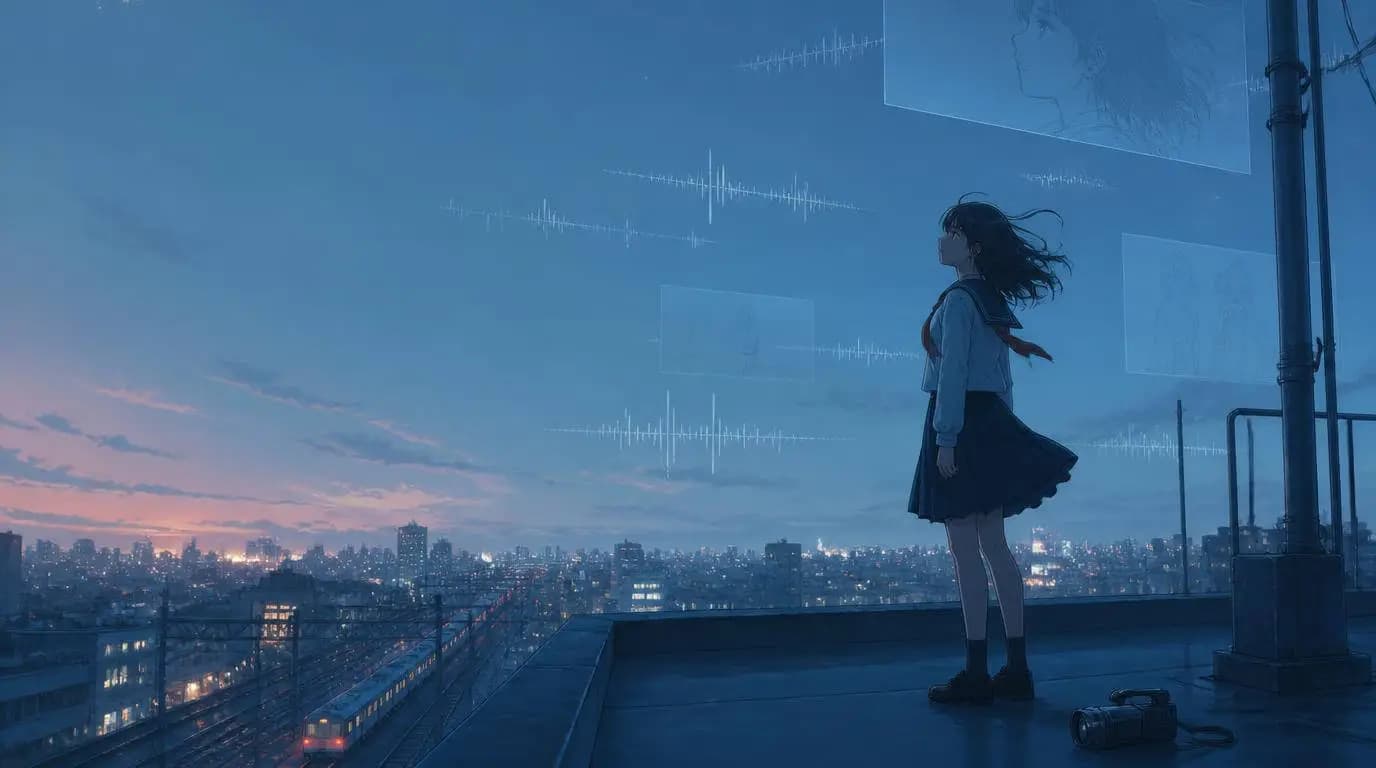
You have the song. You can already see the opening shot in your head: a lone character under a flickering station light, rain sliding down the glass, the chorus waiting to blow the whole world open. Then you open a video generator, make six beautiful clips, and discover that your hero has changed jackets, hairstyles, and possibly species.
That is the tricky part of making an anime music video with AI. Producing one cool anime shot is easy. Turning a complete song into one original world, with a recognizable character and a visual story that actually develops, takes a little direction.
The good news is that you do not need to animate every frame or become a professional editor overnight. A music-first workflow lets you use AI for concept development, character references, storyboards, and scene generation while you stay in charge of the taste. This guide shows you how to turn your own song into an original anime MV without building a pile of unrelated clips.
A traditional AMV often edits clips from existing anime to a song. In this guide, an original anime MV means new characters and scenes created for music you own or have permission to use. That distinction gives you more creative control and avoids building the project around copyrighted show footage.
Start with the Song, Not the Anime Style
It is tempting to begin with "90s anime, neon Tokyo, cinematic." That can produce a nice frame, but it does not yet give you a music video. Start by listening for what changes in the song.
Mark the sections that deserve different visual jobs:
- Intro: establish the character, place, or mystery.
- Verse: reveal details and let the story move.
- Pre-chorus: increase tension, motion, or scale.
- Chorus or drop: deliver the image people will remember.
- Bridge: interrupt the pattern or reveal something new.
- Outro: resolve the story or return to the opening image with a change.
You do not need formal music theory. Write down the timestamps and plain-language reactions: "0:42 feels like the world should open," or "2:10 becomes quiet and lonely." Those notes are more useful than asking AI to "make it epic" for three minutes straight. If everything is epic, nothing gets an entrance.
For the running example in this guide, imagine an electronic pop song about chasing a star that disappears every morning. The verse feels lonely, the pre-chorus starts moving, and the chorus is bright and weightless. That is already enough to begin directing.
Choose One Story Concept You Can Explain in a Sentence
An original anime music video does not need a screenplay with twelve kingdoms and a family tree. It needs a visual idea that can survive across several scenes.
Every night, a bicycle courier follows a fallen star through a rain-soaked city, but at sunrise she discovers that the light has been guiding her home.
That sentence gives the video a protagonist, an action, a world, and an ending. It also leaves room for the music to breathe. Before you generate anything, answer four questions:
- Who are we following?
- What do they want?
- What visual element keeps returning?
- What changes by the final shot?
If you cannot answer those yet, make the idea smaller. "A girl remembers summer" is a mood. "A girl revisits an empty seaside station and finds the red ribbon she left there" is a sequence you can shoot.
Build a Character Anchor Before Generating Scenes
Character consistency is where many AI anime MVs wobble. The solution is not repeating "same girl" in every prompt and hoping the model remembers. Give the character a compact set of visible anchors.
| Anchor | Example | Why it helps |
|---|---|---|
| Silhouette | Short rain cape and narrow bicycle helmet | Keeps the character readable in wide shots |
| Hair and face | Chin-length black hair, amber eyes, small cheek scar | Protects identity in close-ups |
| Clothing | Mustard jacket, navy shorts, red gloves | Stops random costume changes |
| Signature object | Silver courier bag with a star-shaped clasp | Connects the character to the story |
| Palette | Rain blue, sodium amber, electric cyan | Holds the visual world together |
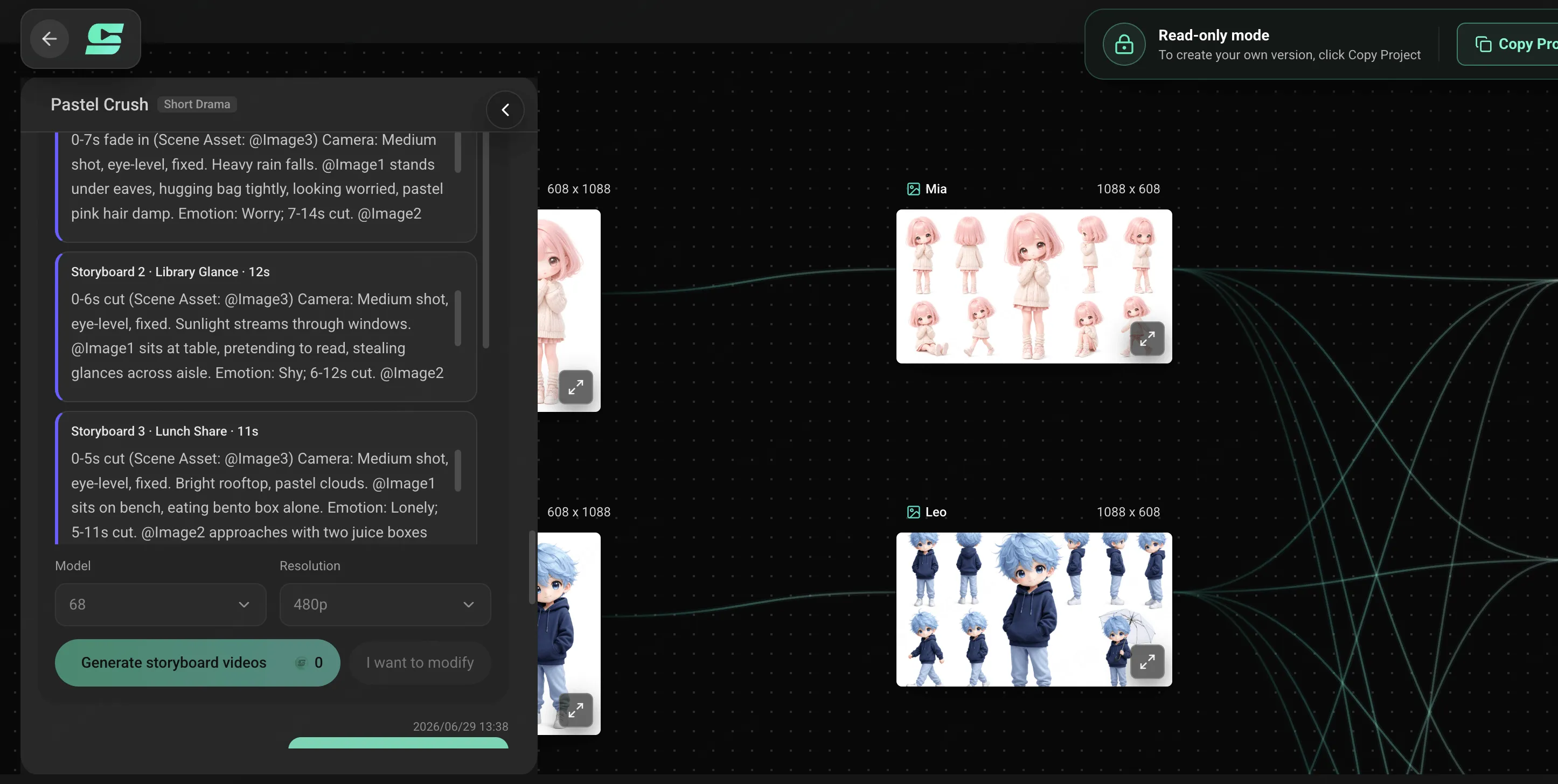
Keep the list short enough to repeat. Five strong anchors beat twenty delicate accessories that mutate whenever the camera turns. Create or upload a clean reference image before expanding into the storyboard, then use the approved reference across the project.
Turn the Song into a Storyboard
This is the step that turns an AI anime video from a demo reel into an MV. Give every song section one visual purpose, then break it into shots. You are planning emotional rhythm, not trying to illustrate every lyric literally.
Our star-courier idea might become:
| Song section | Story beat | Visual direction |
|---|---|---|
| Intro | The star falls | Quiet wide shot, empty station, one cyan streak across the clouds |
| Verse 1 | The courier begins following it | Close-ups of wheels, wet signs, map lights, restrained camera motion |
| Pre-chorus | The trail becomes harder to follow | Narrow alleys, faster tracking shots, reflections splitting into false paths |
| Chorus | She reaches the open skyline | Wide aerial reveal, bright cyan light, faster forward movement |
| Bridge | The light disappears | Nearly still frame, muted color, character alone at dawn |
| Final chorus | The star returns through the city windows | Warm light spreads from window to window as she rides home |
Notice that the chorus does not just contain more cuts. It changes the space and color. That contrast makes the song feel bigger. For a deeper breakdown of shot planning, use the AI storyboard guide before spending generation credits.
Ready to turn your song into scenes?
Bring your track, character idea, and visual direction to SoulVid, then shape them into one connected anime MV.
Start Your Anime MVWrite Prompts for Shots, Not the Whole MV
A giant prompt for an entire three-minute song usually gives the model too many jobs. Write one prompt for the shared direction, then smaller prompts for individual shots.
A practical anime MV prompt has six parts:
Here is a copy-ready chorus shot:
Create an original anime music video shot for the first chorus. A bicycle courier with chin-length black hair, amber eyes, a mustard rain jacket, red gloves, and a silver star-clasp bag races out of a narrow blue-hour street onto an elevated road above the city. A small cyan star flies just ahead of her as the skyline opens. Use hand-painted cel animation, rain-blue shadows, warm amber windows, bright cyan light, and a smooth side-tracking camera that widens into an aerial reveal. Keep her face, outfit, bicycle, courier bag, and color palette consistent with the reference image. One clear forward movement, no costume change, no extra characters, no readable signs.
The exclusions at the end are not magic words, but they help keep the shot focused. Ask for one dominant movement and one camera idea. A character running, spinning, singing, transforming, and flying while the camera orbits through three locations is less a shot and more a polite request for chaos.
Need more starting points? Browse the AI music video prompts by genre, then replace the generic subject and setting with details from your own project.
Generate the Chorus Anchor First
Do not begin at second zero just because that is where the song begins. Generate the most important shot first, usually the chorus reveal, drop, or emotional close-up. This becomes your quality bar for the rest of the MV.
Check the anchor shot for:
- A recognizable character at the intended camera distance
- The right anime treatment rather than a vaguely animated look
- A palette that can work in both bright and quiet scenes
- Motion that matches the energy of the song section
- A composition strong enough to become a thumbnail or teaser
If the anchor is wrong, fix the character reference or direction before multiplying the problem across fifteen scenes. Once it works, build outward: the shot before it should create anticipation, and the shot after it should release or redirect the energy.
Revise the Weak Shot, Not the Entire World
AI video generation is iterative. One scene may nail the rain and lose the face. Another may preserve the character but turn the bicycle into experimental sculpture. That does not mean the entire storyboard is broken.
Review each scene against three things:
- Continuity: does the character still look like the same person?
- Story job: does the shot move the idea forward?
- Musical job: does its energy fit this part of the song?
When a shot fails, change one category at a time. Tighten the action, simplify the camera, or restore a missing character anchor. Avoid rewriting the entire visual brief after every imperfect result. The goal is not identical frames; it is a sequence that feels intentionally directed.
Assemble the MV and Prepare the Release
Watch the finished sequence twice. First, watch it like a listener and notice where your attention drops. Then mute it and watch the visuals alone. If the story becomes impossible to follow without the song, one or two establishing shots may be missing.
Prepare the main version before slicing it into social clips:
- 16:9: full-song YouTube release and widescreen embeds
- 9:16: chorus hooks for TikTok, Reels, and Shorts
- 1:1: selected feed placements and cover-style loops
Do not simply crop the character out of a widescreen composition and call it vertical. Reframe the strongest shots around a central subject, readable movement, and safe space for platform controls.
Confirm that you have the rights to the song, lyrics, character references, logos, fonts, and any uploaded artwork. Avoid presenting copyrighted anime characters or a living artist's signature style as your original creation. An original character and clearly described visual direction make the project more distinctive anyway.
The Complete AI Anime MV Workflow
Mark the intro, verses, choruses, bridge, and outro. Note where energy or emotion changes.
Choose a protagonist, goal, recurring motif, and final change that can fit the song.
Define a few durable visual anchors and approve a reference before scene generation.
Give every song section a story job, visual contrast, and manageable set of shots.
Start with the chorus anchor, expand outward, and revise individual weak scenes.
Finish the main MV, then reframe selected hooks for vertical and social formats.
You can run this process inside the SoulVid AI Anime Music Video Generator, where the song, character direction, storyboard, scene generation, and revisions stay connected in one project. Bring a finished track and one visual sentence. You do not need to arrive with the whole movie living perfectly in your head.
Your song already has a world. Build it.
Start on SoulVid with your music and one clear visual idea, then develop the characters, storyboard, and scenes in a connected workflow.
Create Your MV with SoulVid